HTP-1 Installation and User Guide Release 1.8.1
Configure the Bass Manager
Quoting the Wikipedia article on bass management:
“The fundamental principle of bass management (also called LFE crossover) in surround
sound replay systems is that bass content in the incoming signal, irrespective of channel,
should be directed only to loudspeakers capable of reproducing it, whether the latter are the
main system loudspeakers or one or more special low-frequency speakers (subwoofers).
[1]
…
The bass manager directs bass frequencies from all
channels to one or more subwoofers,
not just the content of the LFE channel. However, when there is no subwoofer, the bass
manager would direct the LFE channel to the main speakers. This is the only time the LFE
channel would not
be sent to the subwoofer.
The key concept is that the LFE channel is not the "subwoofer channel".
[2]”
The frequency at which this bass “redirection” is accomplished is called the “crossover” frequency. It is
typical to use a symmetric “fourth order Linkwitz-Riley” crossover. Wikipedia gives a reasonable
description of such filters.
The bass management system acknowledges
that many speakers cannot reproduce low
frequency sound. It requires a physically
large device to produce 30 Hz audio.
Subwoofers are optimized for this use. Since
low frequency sound is non-directional, the
bass manager collects all of the low
frequency energy to be reproduced by the
subwoofer.
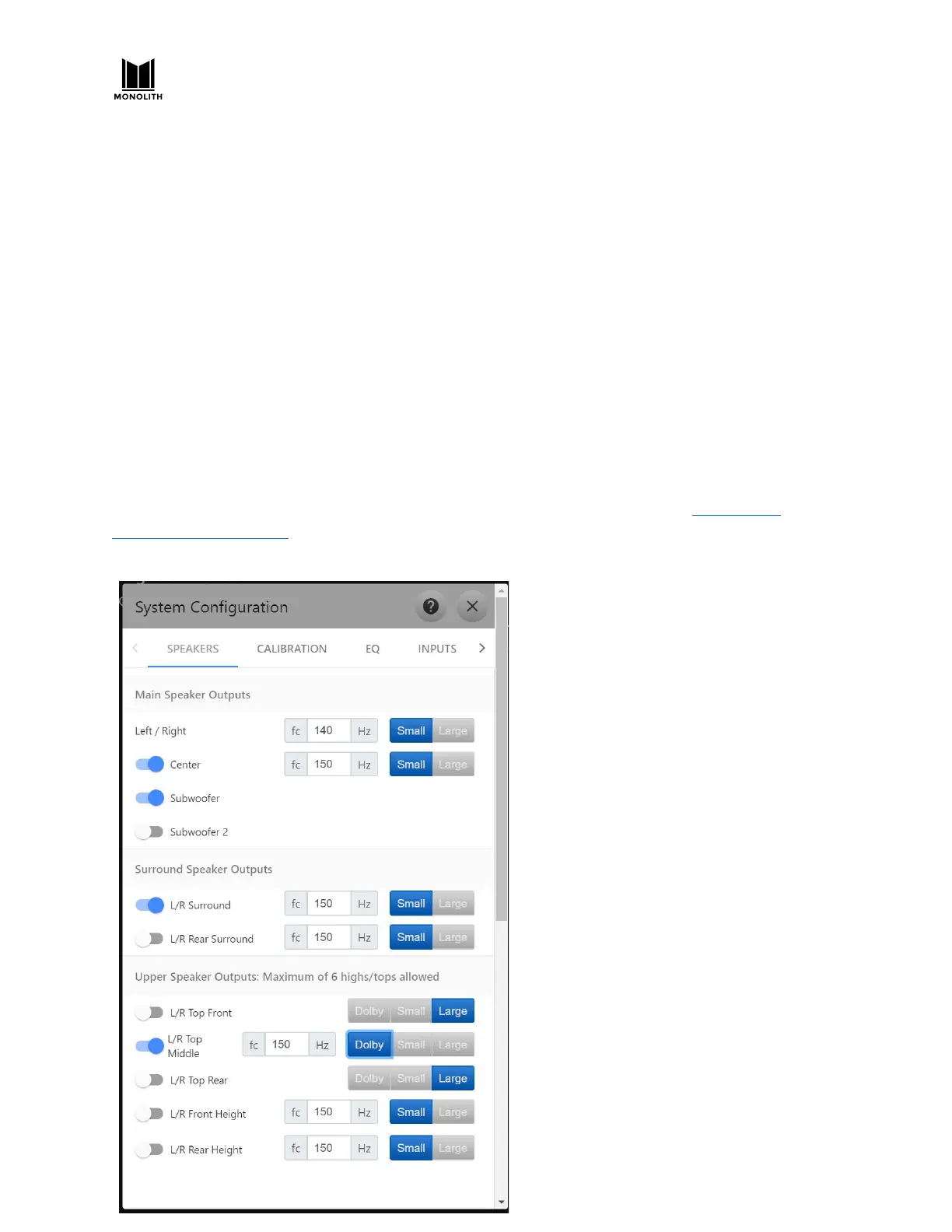
HTP-1 includes a bass manager typical of
surround sound processors. It requires the
user to describe the low frequency
capabilities of each speaker. If you don’t
have specifications for your speakers, a basic
Dirac Live® calibration run will show the
useful range of your speakers. You can use
this to adjust the bass management cutoff
frequencies. Unless you really have “large”
full-range speakers, select “small” and set the
cutoff frequency to something within the
effective range of the speaker.
HTP-1 User Manual Page 42 V1.8.1


 To Next Page