HTP-1 Installation and User Guide Release 1.8.1
● The front panel brightness can also be controlled from the remote. If you set the front panel
brightness to zero, the front panel will remain off until you change the volume. Changing the
volume causes the front panel to display for two seconds.
● If selected, video status such as the video format will be displayed on the home page.
● If selected, extended audio status including the input and output sample rates are displayed on
the info page.
● If advanced settings are selected, an additional control is enabled on the inputs page. This allows
you to adjust the input format detection engine.
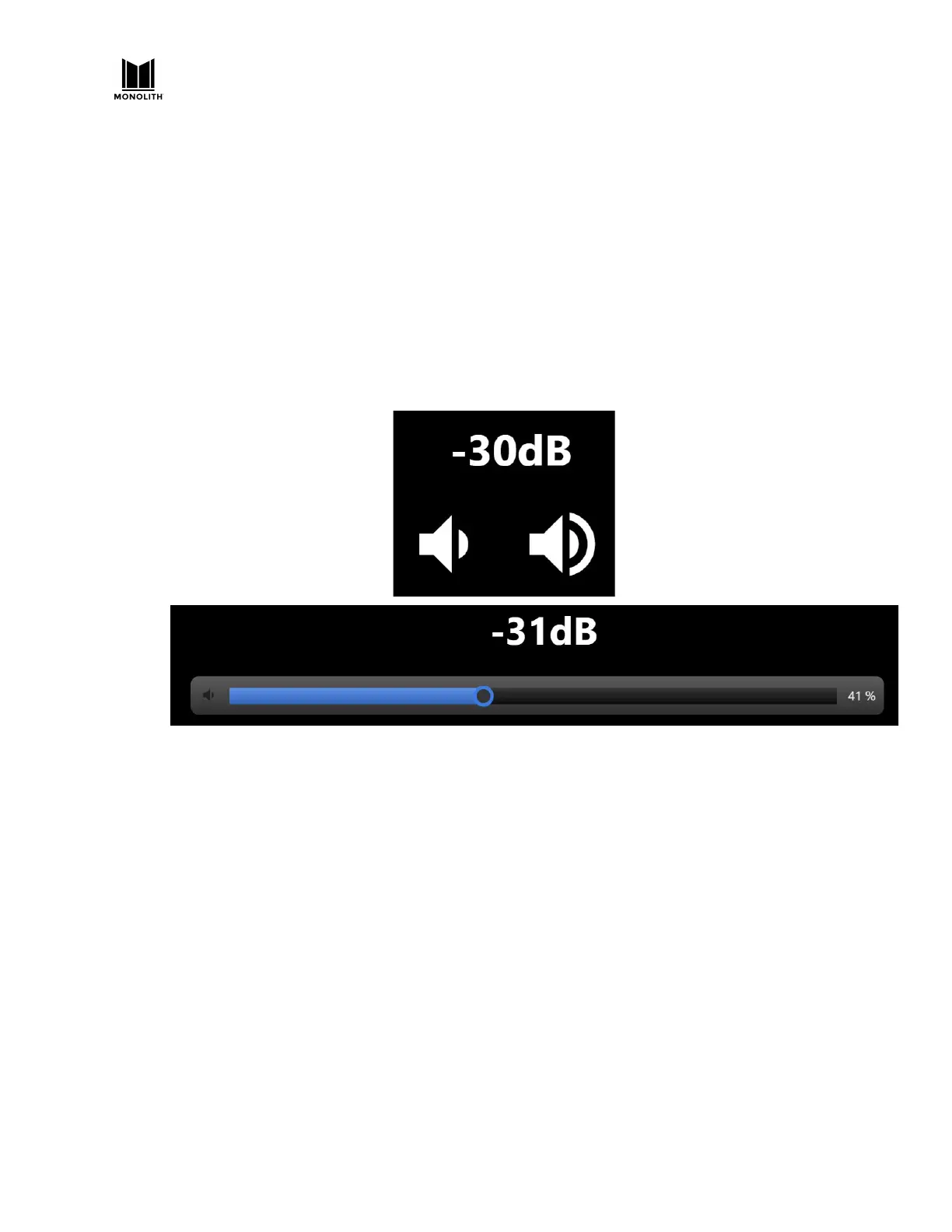
● Several options are available for the volume control. The home page volume control can either
be the default pair of buttons or a slider. The option of “both” gives you a slider with four
buttons below it. The outer buttons raise and lower the volume by several dB. The inner
buttons by one dB.
The buttons are particularly appropriate if you have problems with the slider letting volume jump
around too much.
● The Export Configuration feature allows you to save and restore your entire configuration. The
settings are stored in a JSON format file.
● The factory reset is recommended only for emergencies. It deletes input names and PEQ
settings but it does not delete Dirac filter sets.
This is the help displayed for the system page. It is typical of the kind of help provided on other
pages.
HTP-1 User Manual Page 83 V1.8.1


 To Next Page