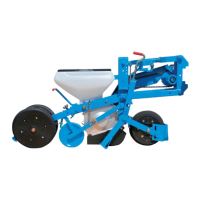
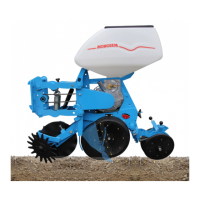
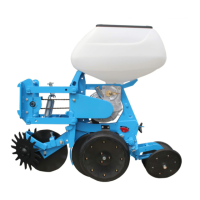
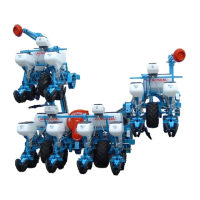
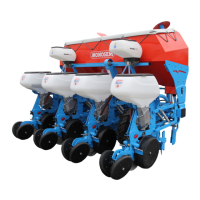
FRAME
MOUNTEDFRAMES
HS35416,000119A-19-03AUG20-1/1
UseYourTractorOperator'sManual
Alwaysrefertoyourtractoroperator'smanualforspecic
detailedinformationregardingtheoperationofyour
equipment.
Thefollowingtractor-relatedinformationusesJohn
Deere™tractorstoillustratepreparation,attachment,
andoperationalprocedures.Useyourtractoroperator's
manualfordetailedinformation,asproceduresvaryby
equipment.
TS190—UN—17JAN89
AddWeighttoTractorFrontEnd
CAUTION:Evenwithfront-endballast,stability
isreducedifthetractorisdriventoofastover
roughgroundwithmachineinraisedposition.Be
safeanddriveslowundertheseconditions.
Install the proper amount of weight on the front of the
tractor as recommended in the tractor operator's manual.
For proper front end weight, see the implement code
tables if available.
The implement code number represents the weight of the
implement and how far rearward the weight is from the
tractor.
NOTE: Dual rear wheels may be required for stability
and load capacity.
Fortractorhitchliftrequirementsandfrontballast
requirements,usetheimplementcodemethodonthe
followingpages.
A68930—UN—30SEP10
Determinethehitchliftcompatibilityrsttodetermineiflift
assistwheelsareneeded.
DeterminetheFront-EndWeightwithout
ImplementCodes
Whenimplementcodeinformationisnotavailable,see
yourtractormanual,yourdealer,orqualiedservice
provider.
20-1
062623


 To Next Page
 Loading...