OPI-PulseNGKit-en-141106
Version: 2.01
Page 23 of 31
021,725,1*62/87,216
Operating Manual
PulseNG Kit
Machine interface
Input: All 5 inputs (Bit 1 through Bit 5) can be designated as either normally
open (N.O.) or normally closed (N.C.) contact.
Output: All 5 inputs (Bit 1 through Bit 5) can be designated as either normally
open (N.O.) or normally closed (N.C.) contact.
We recommend using Bit 4 (emergency shut-off) as opening contact, to be on
the safe side in case a wire breaks�
Help
2 Help Scenario
Select
sensor
Service Default OK Cancel
Selecting “Help” provides soft keys for “Operating Manual”, “About” as well as “About
Qt”.
Back
Operating
manual
About About Qt
Figure 17: Help
Operating Manual
3 Operating Manual About About Qt Back
Opens the operating manual as PDF le.
About
3 Operating Manual About About Qt Back
PulseNG-hmi
pulseNG
OK
PulseNG-hmi Version 0.3.0 Build $Rev: 136$ R Copyright (c) 2012 - 2014 Montronix GmbH.
This software may not be reproduced in any form without prior written consent of
Montronix GmbH.
PulseNG is based in part on the work of the Qwt project (http://qwt.sf.net).
This program uses Qt version 4.8.3 and Qwt version 6.1.1.
This version needs a IBU-NG firmware 012.
The actual ini file is D:/Programme/Montronix/PulseNG-hmi.ini
Shows the currently installed version
of the PulseNG-hmi, the appropriate
rmware as well as the current INI le.
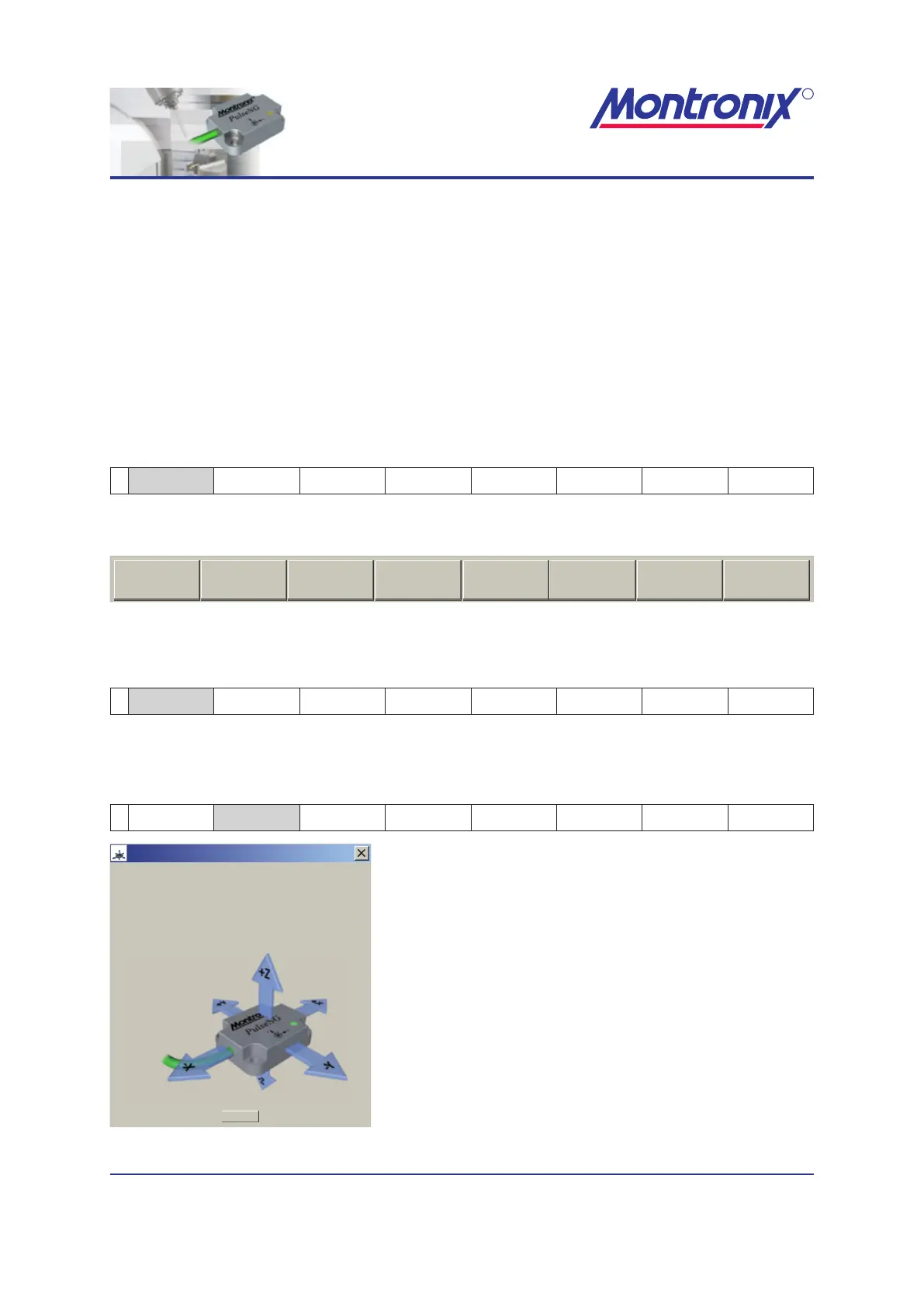
Figure 18: Information window PulseNG-hmi


 To Next Page