PAGE 33 USING THE DISPLAY LEARNING TO USE YOUR PHONE
4 LEARNING TO USE YOUR PHONE
See page 1 for a basic phone diagram.
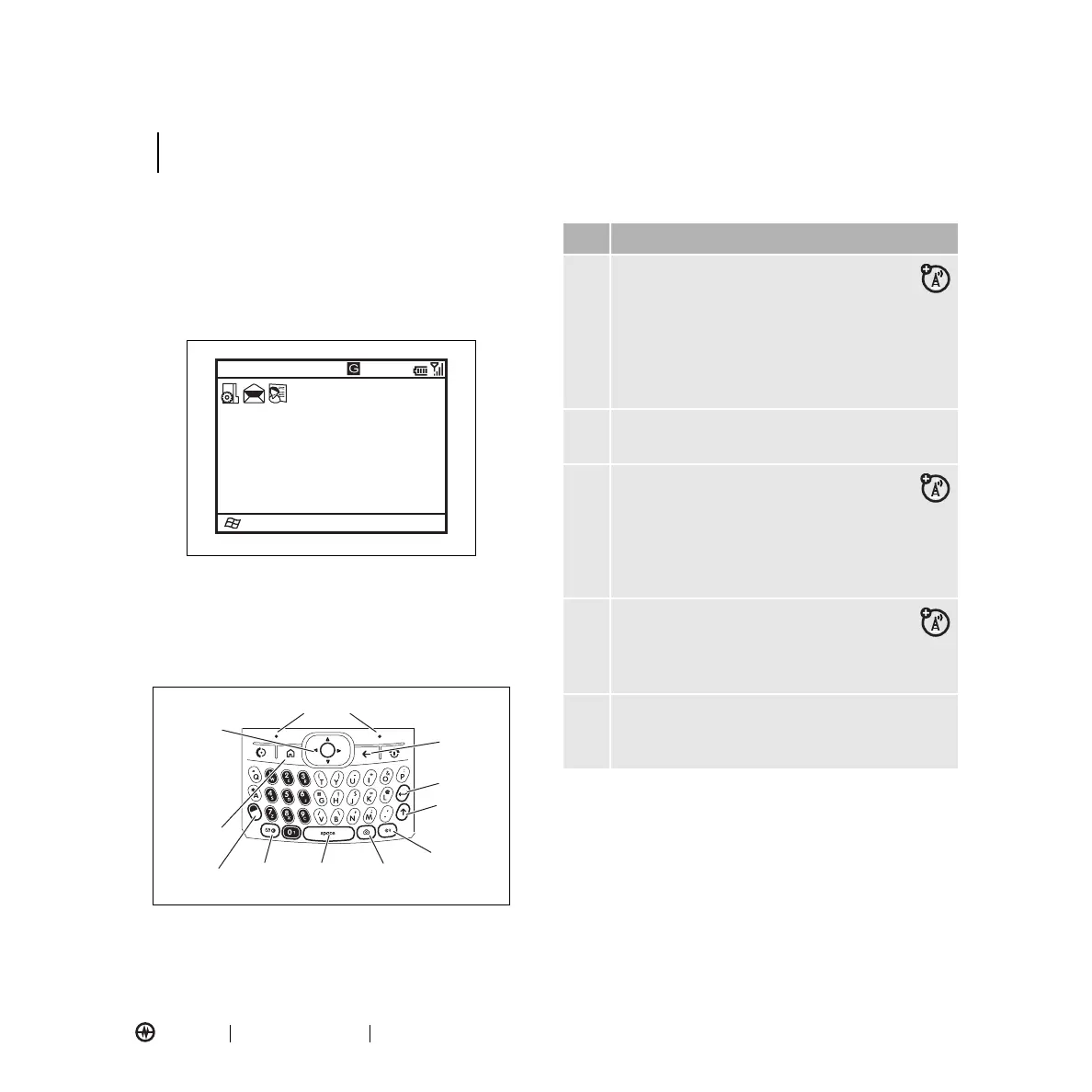
Using the Display
The
home screen
appears when you turn on the phone.
To dial a number from the home screen, press number
keys and
N
.
Note:
Your home screen might look different.
Soft Key Labels
show the current soft key functions.
Press the navigation key
S
up, down, left, or right or
use the thumb wheel to navigate basic menu items or
text in the home screen.
Press the home key (
Y
) to return to the home screen.
Status indicators appear at the top of the home screen:
Start
Home Service
Text Messages (0)
No upcoming appointments.
Profile: Normal
12:00 PM
12/31/07
Contacts
Navigation
and Center
Select Key
Left Soft Key
Right Soft Key
ALT Key
Caps Key
Enter Key
Undo/Back
Key
Home Key
Space
Key
Messages
Key
Camera
Key
Voice
Recognition
Key
Description
ã
/
+
Roam Indicator
– Shows when your
phone is seeking or using a network
outside your home network. Other
indicators can include:
•
/
EvDO network
•
+
roaming unavailable
E
Bluetooth Indicator
– Shows connection
status.
C
B
Message Indicators
– Shows when you
receive new messages. Indicators can
include:
•
C
new e-mail or text message
•
B
voicemail message
Signal Strength Indicator
– Vertical
bars show the strength of the network
connection. You can’t make or receive
calls when no vertical bars are displayed.
Battery Level Indicator
– Vertical bars show
the battery charge level. Recharge the battery
when your phone shows one or two bars.
LEARNING TO USE YOUR PHONE



 To Next Page