PAGE 7 TURNING YOUR PHONE ON & OFF GETTING STARTED
Turning Your Phone On & Off
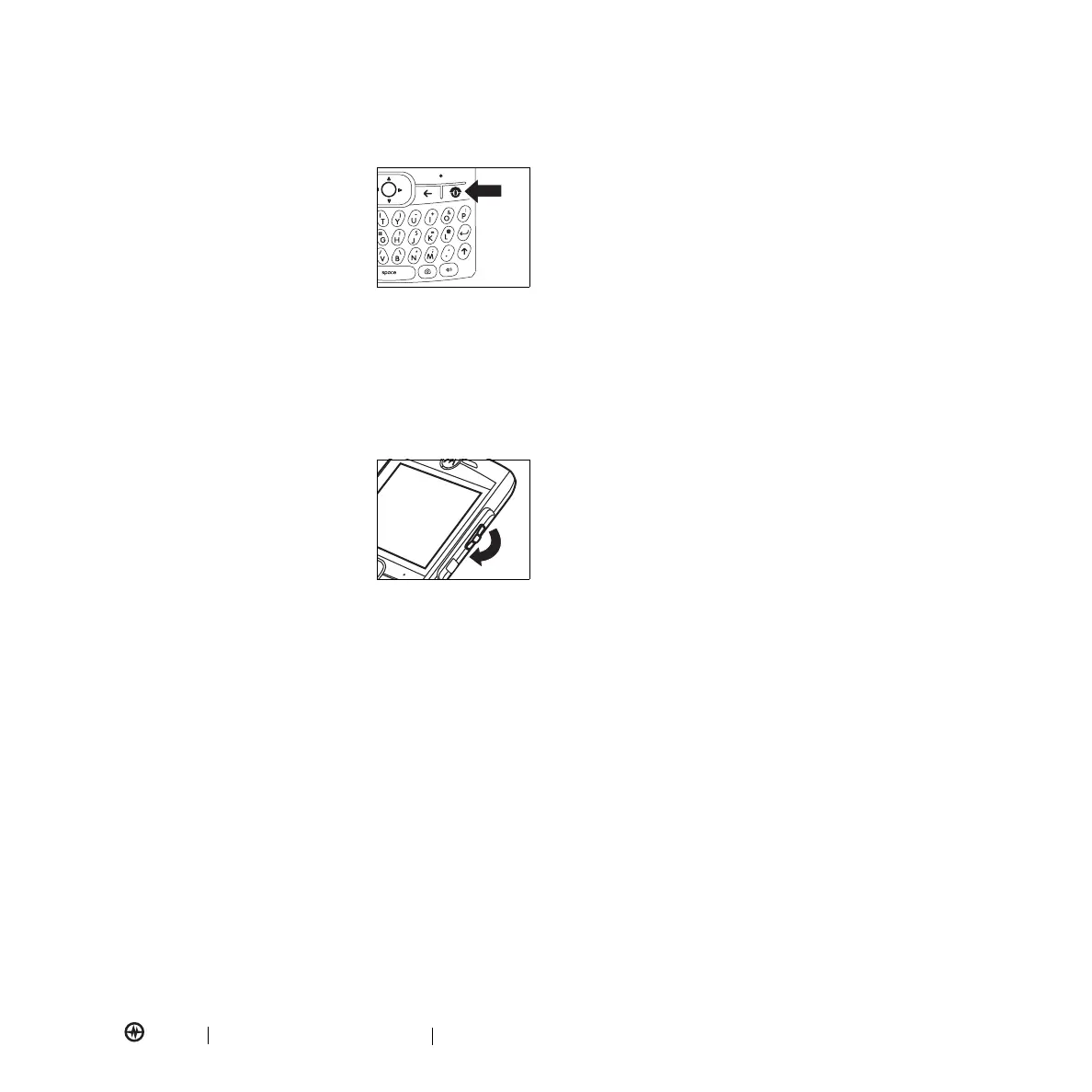
To turn on your phone, press and
hold
O
until the display
turns on.
To turn off your phone, press
and hold
O
for three seconds.
Activing Your Phone
Before you use your phone, you must activate it.
1.
Turn your phone on.
2.
Dial *22890 and press
N
.
Using the Thumb Wheel
To display a list of options
on the home screen,
use the thumb wheel
to scroll through
the menu.
Carrying Your Phone
Carry your phone in an approved holster or case so that
you do not damage it by placing it in your pocket, purse,
or bag.
Viewing Your Phone Number
To view your phone number, press
Start
>
Settings
>
More...
>
More...
>
More...
>
Phone Settings
>
My Telephone Number
.
Making a Call
From the home screen, enter a phone number and press
N
to make a call.
To learn how to use voice dialing, see page 38.
Answering a Call
When your phone rings and/or vibrates, press
N
or
Accept
(left soft key) to answer. To “hang up,”
press
O
.
•
If you are busy when a call comes in, press
Ignore
to
send the call directly to voicemail.
•
If you are on a call and receive another call, you can
choose to
Answer
the second call or
Wait
. If you
answer the second call, the first call is put on hold and
the second is active. If you choose
Wait
, the second
call is sent to voicemail.
•
To switch between the two active calls, press
N
.
Setting Up Voicemail
To set up your new voicemail, press and hold the 7 key
or dial *86. If you hear your recorded greeting, press #.
Use the voice prompts to set up your account.
To access your voicemail box, press and hold the 7 key
or dial *86. If you are calling from another phone, dial
your cell phone number. When you hear your recorded
greeting, press the # key.



 To Next Page