Accessories 5 - 3
Single-slot USB Cradle
This section describes how to use a Single-slot USB cradle with the MC55. For USB communication setup
procedures refer to the MC55 Integrator Guide.
The Single-slot USB Cradle:
•
Provides 5.4 VDC power for operating the MC55.
•
Synchronizes information between the MC55 and a host computer. Refer to the MC55 Integrator Guide
for information on setting up a partnership between the MC55 and a host computer.
•
Charges the MC55’s battery.
•
Charges a spare battery.
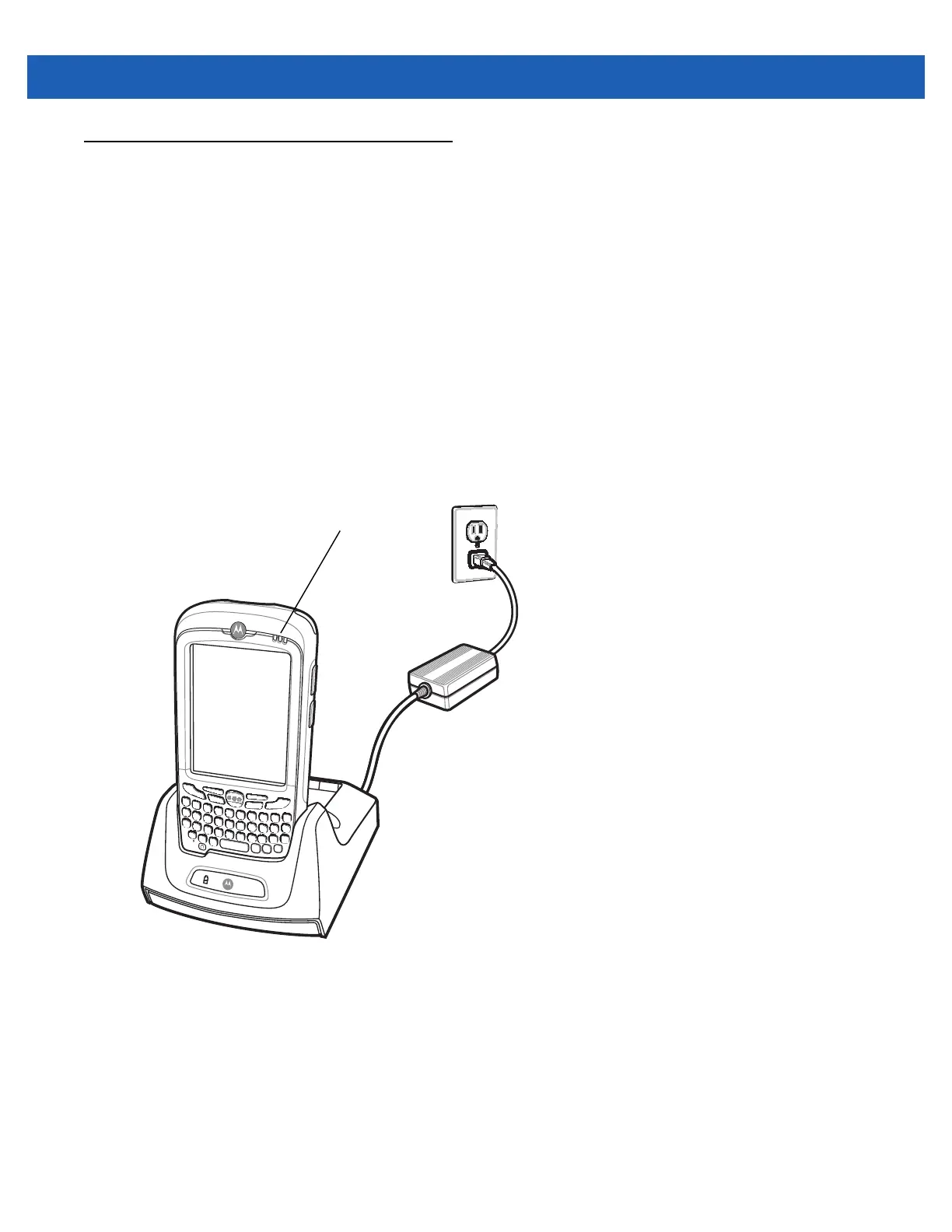
Charging the MC55 Battery
Connect the cradle to power. Insert the MC55 into the slot to begin charging.
Figure 5-1
MC55 Battery Charging
Charging/Battery Status LED


 To Next Page
 Loading...