Repair Section
59
8.4 Initialize Fan Motor
• Initialize the motor to correct the motor speed when any of the following components are
replaced: evaporator fan motor, relay board.
(1) Operation method
1) With the power supply OFF, turn DIP switch 2-1 ON.
2) Turn the power supply ON.
3) Turn DIP switch 3-1 ON.
The evaporator fan motor will stop after operating for approximately one minute.
The LEDs on the relay board will illuminate in order while the fan motors are operating.
After the settings are complete, the fan motors will automatically stop, and all the LEDs on the
relay board will illuminate.
(2) Quit
4) Turn DIP switch 2-1 OFF.
5) Turn DIP switch 3-1 OFF.
6) The system will switch to standby mode.
The WMC (or MWT) will be rendered inoperable.
• The initial settings are automatically determined to be satisfactory (OK) or unsatisfactory (NG).
When unsatisfactory, perform initialization again. If the settings are unsatisfactory after
initializing a second time, check the fan motor or relay board.
CAUTION
Perform initial settings after removing the evaporator inlet and outlet ducts (unit-external static
pressure = 0 Pa.)
Performing the initial settings with the ducts in place may result in an unsatisfactory (NG)
determination.
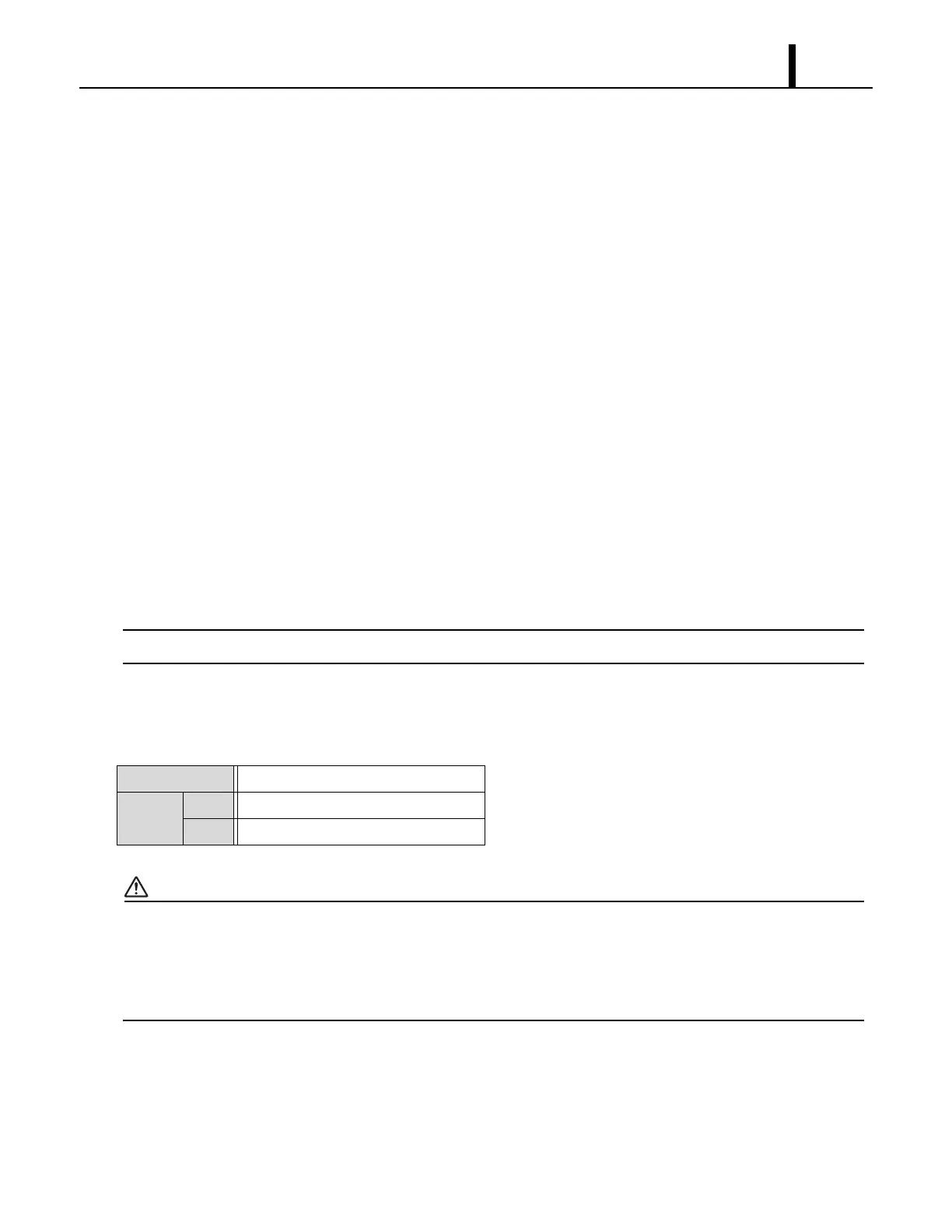
Judgment Value Target speed ± 50 rpm
Display OK All relay board LEDs are illuminated.
NG All relay board LEDs flash.









 To Next Page