I
I. Firmware Update Guidelines
To prevent system failure, take the following steps when updating the firmware.
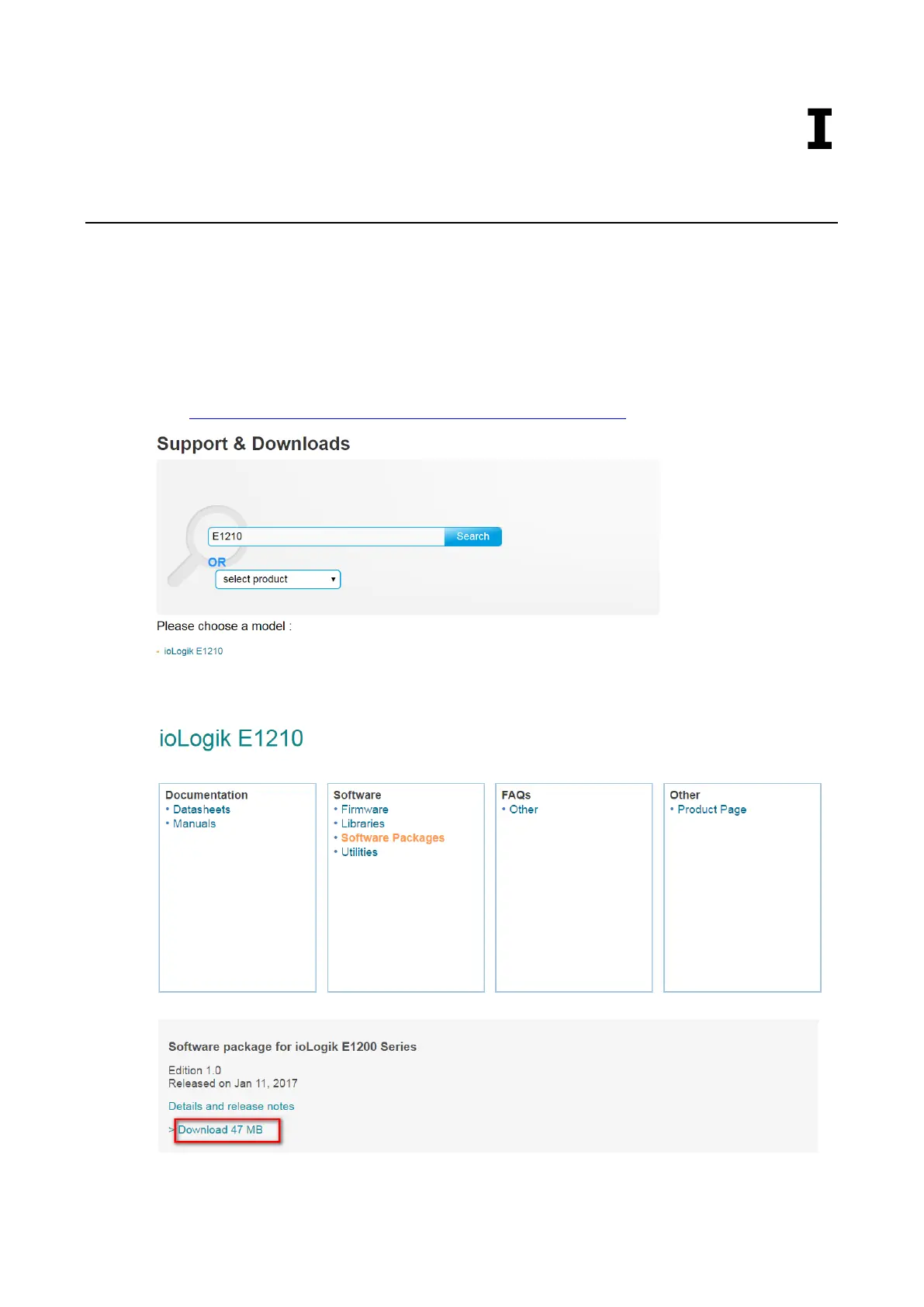
Step 1: Click on the following link to open the Support & Downloads page on Moxa’s website. Type the name
of the model, click Search, and then click the hyperlink of the specific model whose firmware you would like to
update.
Link: http://www.moxa.com/support/support_home.aspx?isSearchShow=1
Step 2: Click on Software Packages hyperlink in the Software box, and then download the latest software
package.







 To Next Page