MGate 5105-MB-EIP Series User Manual
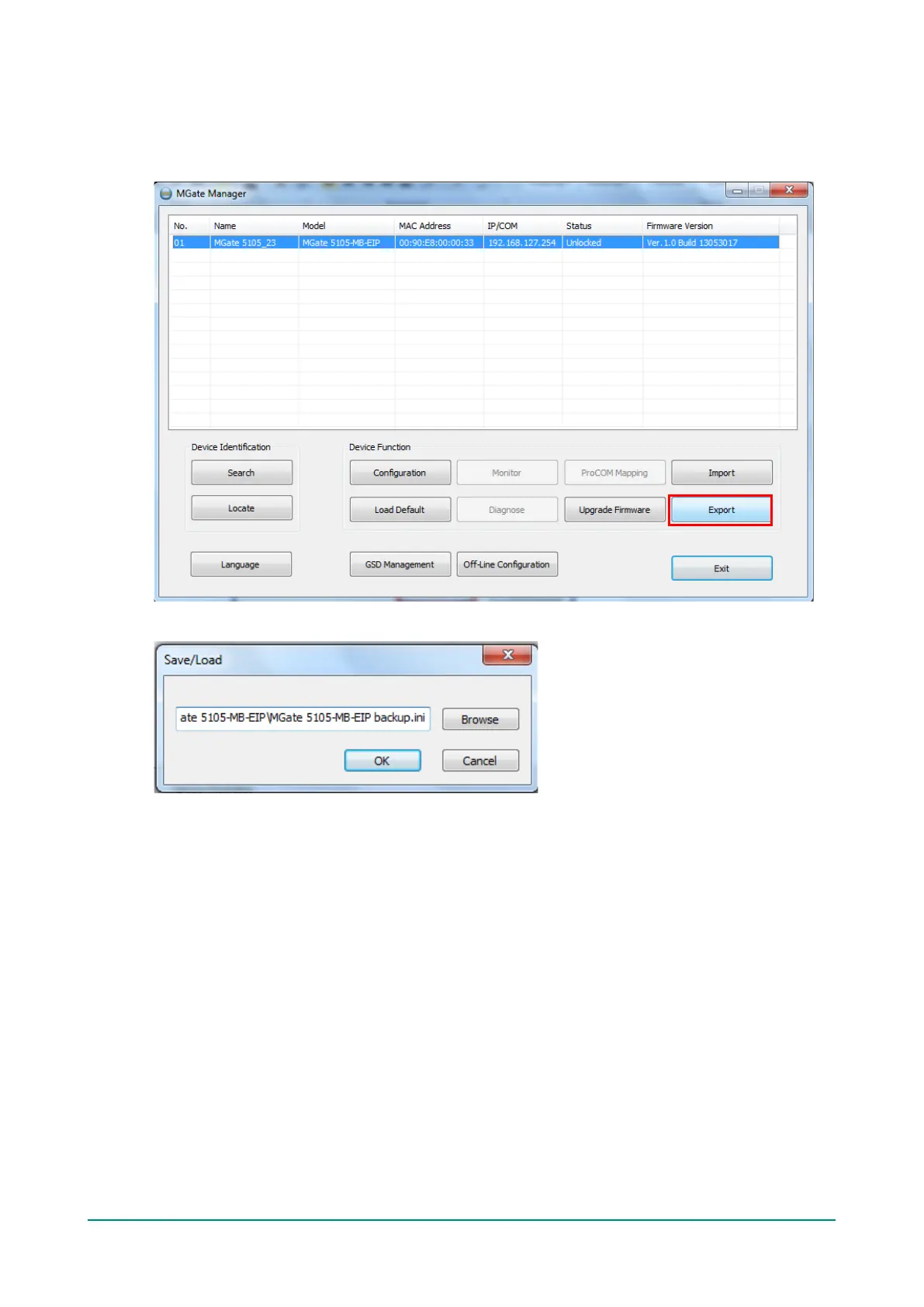
Export Function
The export function saves all the configuration settings and parameters of the MGate 5105-MB-EIP in a *.ini
file. To begin, click the Export button.
Enter a file name and use the Browse button to save the file to a specific path. Then, click the OK button.
If you export the configuration file successfully, a confirmation message will pop up and the configuration
file will be saved as a *.ini file.














 To Next Page