OperationMSA
ALTAIR 4X
GB
33
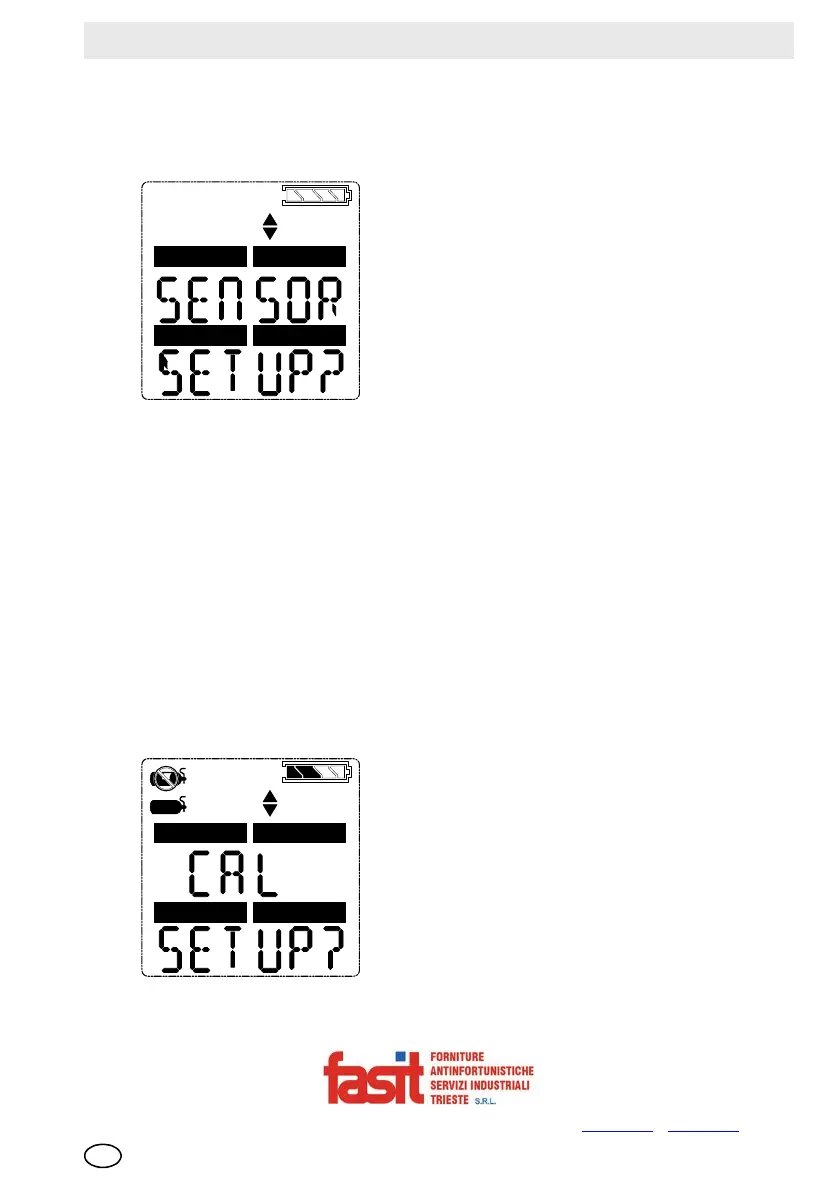
Sensor Setup
Each sensor can be turned on or off.
For more information, see the flow charts in [ chapter 8.5].
Fig. 4 Sensor Setup
(1) To bypass this setup, press the or button; otherwise, continue as follows.
(2) Press the ON/OFF button to enter the submenu.
(3) Use the or button to change the option and confirm with the
ON/OFF button.
(4) Repeat this procedure for all other sensors.
(5) After setting the last sensor, continue to Calibration Setup.
Calibration Setup
The user can change and set the calibration values for each sensor.
It is also possible to select whether the Cal Due screen is displayed and set the
number of days until the next calibration is due.
For more information, see the flow charts in [ chapter 8.5].
Fig. 5 Calibration Setup
COMB/EX
O2
H2S
CO
COMB/EX
O2
H2S
CO
FASIT Srl - Via Orsera 13/b - 34145 TRIESTE - ITALY - Tel +39 040 825604 - www.fasit.it
- info@fasit.it



 To Next Page