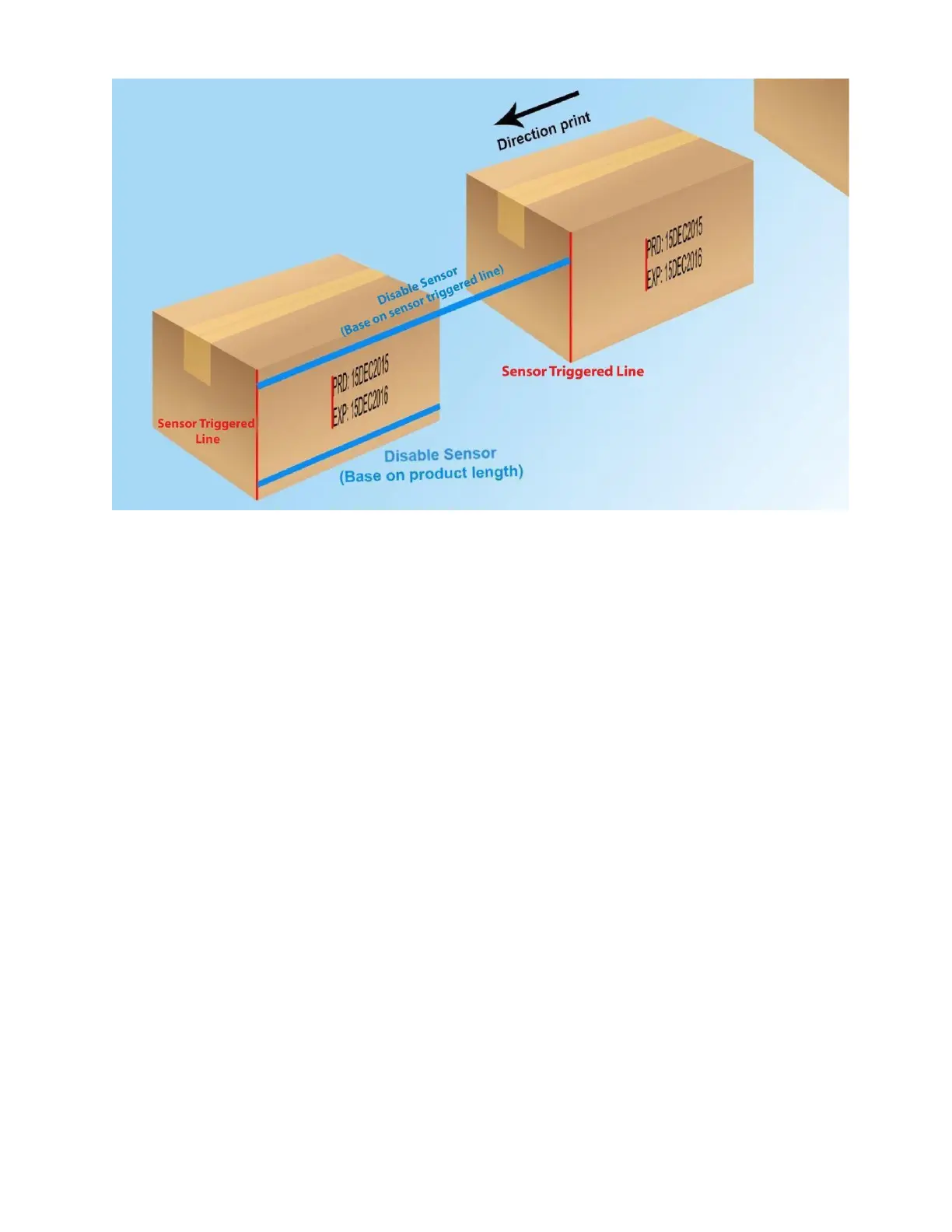
• For box application
Fixed length - On both Print mode: Sensor & Continuous
Set the distance between 2 repeat prints.
This setting is used if the “Repeat Times” setting is different from 0 with “Sensor mode”. Adjust
Setup Delay for 2nd print (auto change direction) same setup Delay before. For use this function please
go to System settings to ENABLE Bi-directional function first.
Calibrate
Some special case we need calibrate Voltage/Pulse width for increasing the quality of print on special
operating conditions.



 To Next Page