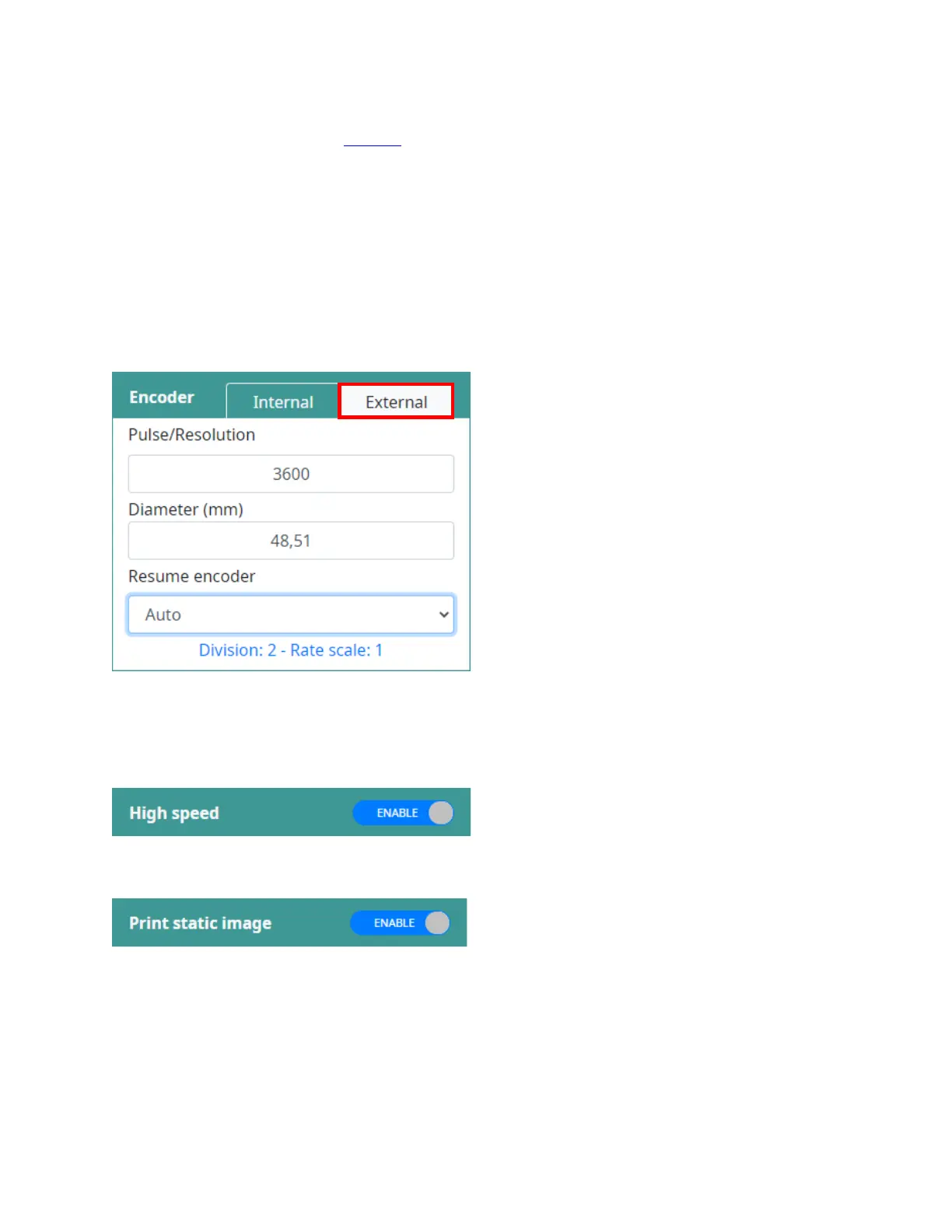
External Encoder
ENABLE this option to measure the speed using a rotary encoder. To use this option, an encoder must be
connected to the controller. If the encoder parameters are inconsistent, it will affect the print quality, so
please follow encoder formula (Page 15).
Default settings:
• Pulse/Resolution: 3600
• Diameter (mm): 48.51
• Division: 2
• Rate scale: 1.0
• Resume encoder:
o Auto.
o Clockwise.
o Counter clockwise.
High speed
ENABLE this button for selecting High speed Resolution to print, so the speed will be double compare
with normal Resolution.
NOTE: Only support for Smart-Jet
®
DUO PRO and Smart-Jet
®
DUO REACH heads.
Print static image
Improve printing performance by printing the template as a static image.



 To Next Page