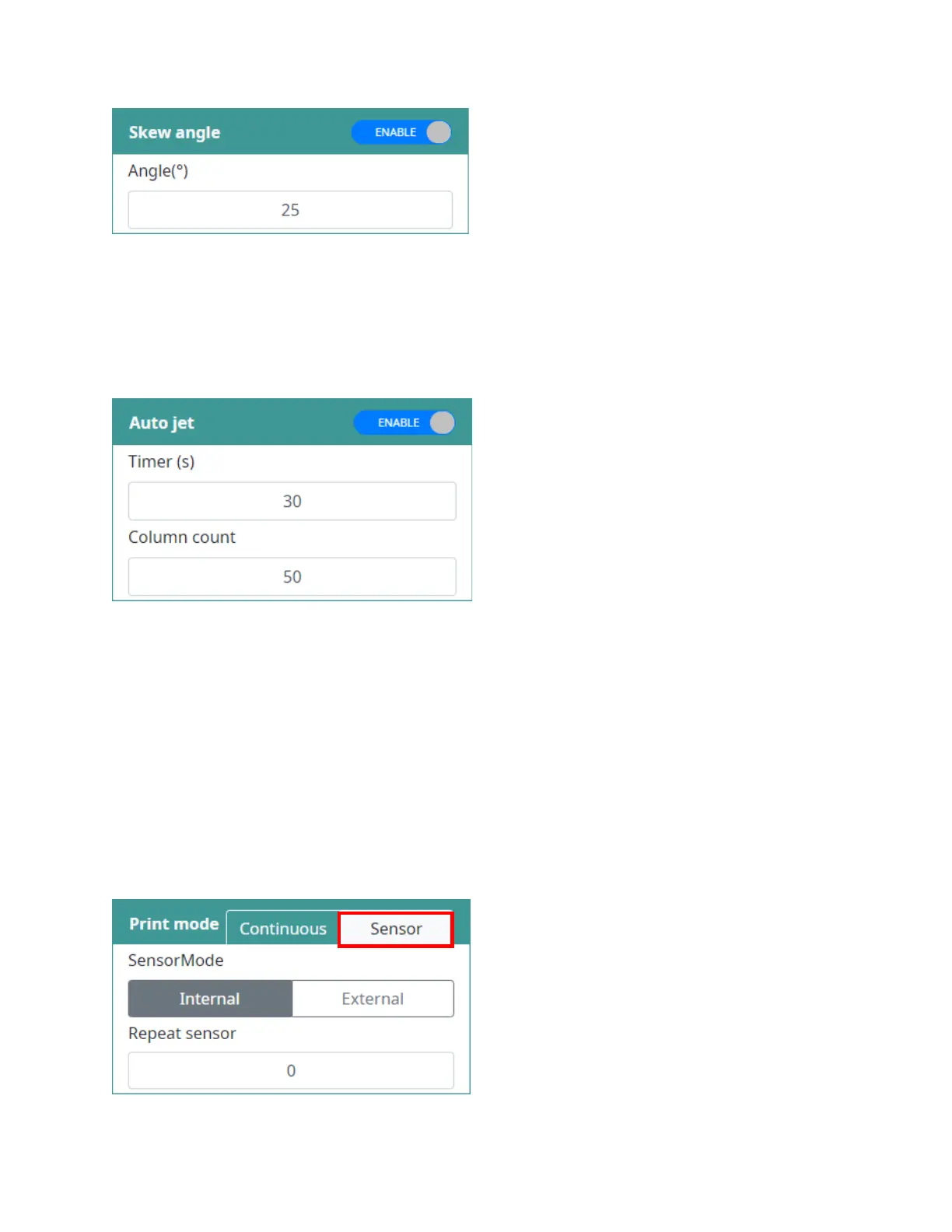
Skew angle
Rotate the print to a specific angle. Minimum value is -25 and maximum value is 25.
Auto Jet
Periodically, pushing out the ink to clean the printhead. This function will prevent the ink dried on nozzle
of cartridge, it is useful tool to keep the print quality always good.
Click on ENABLE / DISABLE button to change option for this function.
Timer: Input the time for jetting (second (s)).
Column count: Input number of columns for jetting.
NOTES:
• We recommend that you should always be ENABLE this function to keep the print quality
always is the best. The timer should be around 15-20 seconds.
• The Auto Jet function will be able to run while machine in both Stop and Printing.
• The Auto Jet function is different from Purge function.
Print mode
Allow user control which mode the printer should be used to print?
Sensor mode: Internal or External. Machine
is triggered by sensor and print. Repeat
sensor (times)
Set the number of times that a print will be repeated after each sensor trigger. Range: 0-
254.



 To Next Page