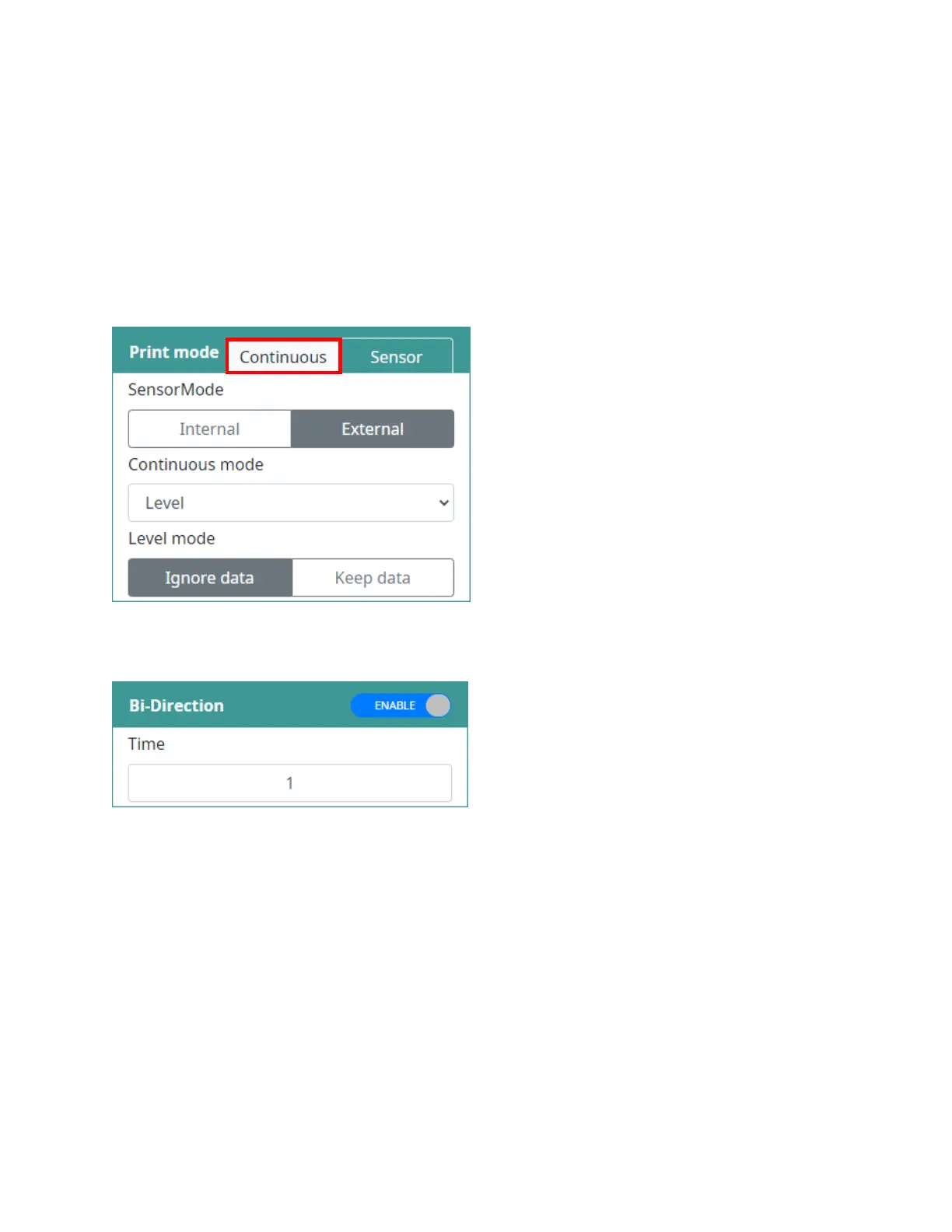
For example, if set to 0, one print will be made. If set to 1, one print will be made and then the print will
be repeated once.
Continuous mode
This mode allows the printer to operate without a sensor.
It also allows a sensor to trigger the first print of a production line run.
It is often used in web, pipe or roll printing applications (without a sensor mark).
Immediately: Print continuously without a sensor signal.
Level: Print continuously with a sensor signal:
•
Ignore data: Print data from the first print when the sensor is on.
•
Keep data: Print data when the sensor is on.
First trigger: Use a sensor to trigger the first print, then print continuously.
Bi-directional
Bi-directional printing, sometimes referred to as "boustrophedon printing," involves printing a line from
left-to-right, and then from right-to-left rather than returning to the left to start the next line.
NOTES:
• Recommend set up printhead to position receive sensor trigger (Distance to head = 0)
• So we just need to set up Delay before for direction left to right and Adjust for direction right to left.
• If you cannot set up printhead to position receive sensor trigger, you will need to add distance to
printhead to both direction left to right and right to left.



 To Next Page