Show WYSIWYG
WYSIWYG (What You See Is What You Get). Show a preview image of the print on the main screen.
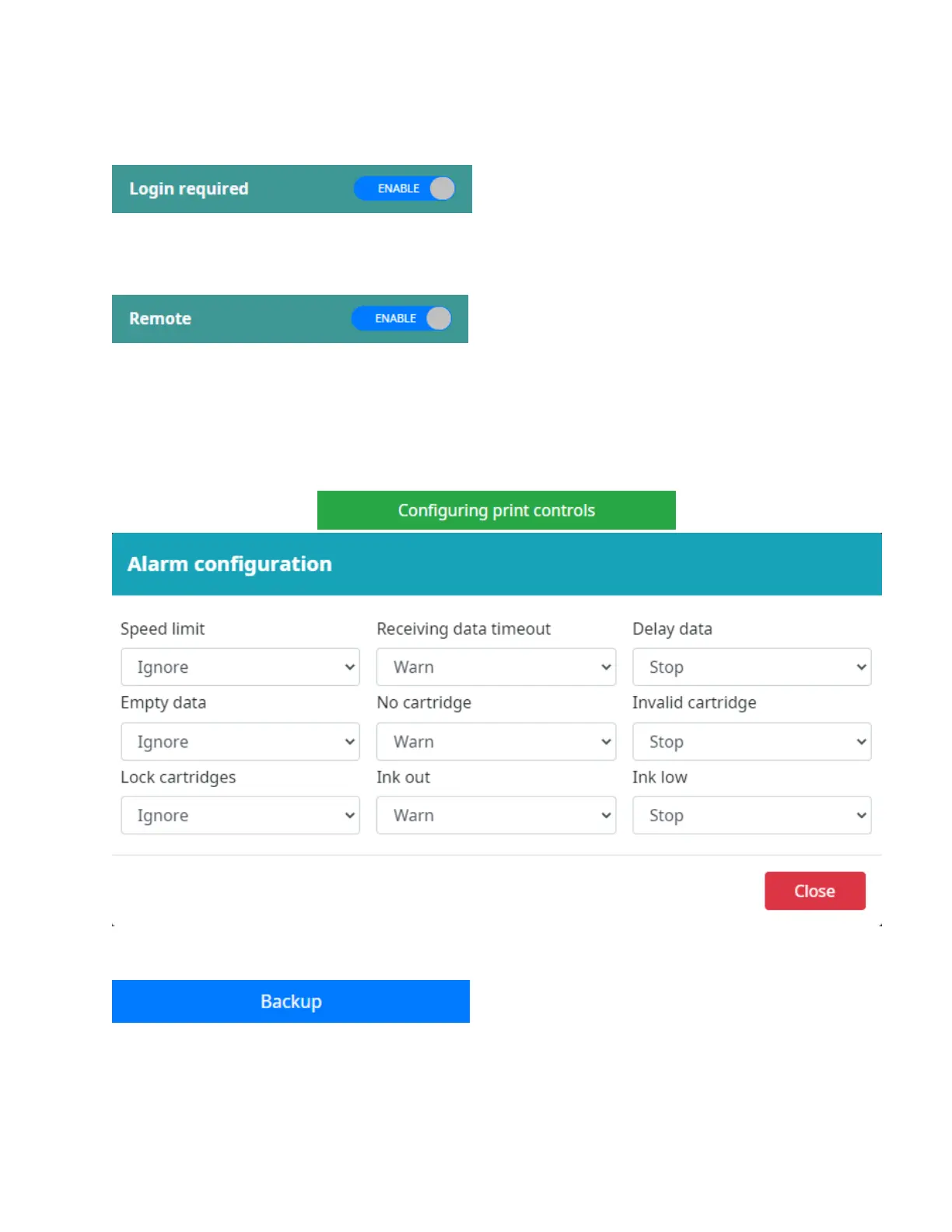
Login required
ENABLE this button to manage users who log in to use the printer.
Remote
Allow user to be able to remote into Smart-Jet
®
One controller by web browser from their devices
(PC/Laptop/Tablet).
To get an IP address of controller please go to Settings => Network settings.
Configuring print controls
This function provide 3 options:
Ignore: When the error occurred, the printer will ignore and continue to print.
Warn: When the error occurred, the printer will show warning on the screen, printing will continue.
Stop: When the error occurred, the printer will display a message and stop printing.
Backup
Backup settings to a USB flash.



 To Next Page