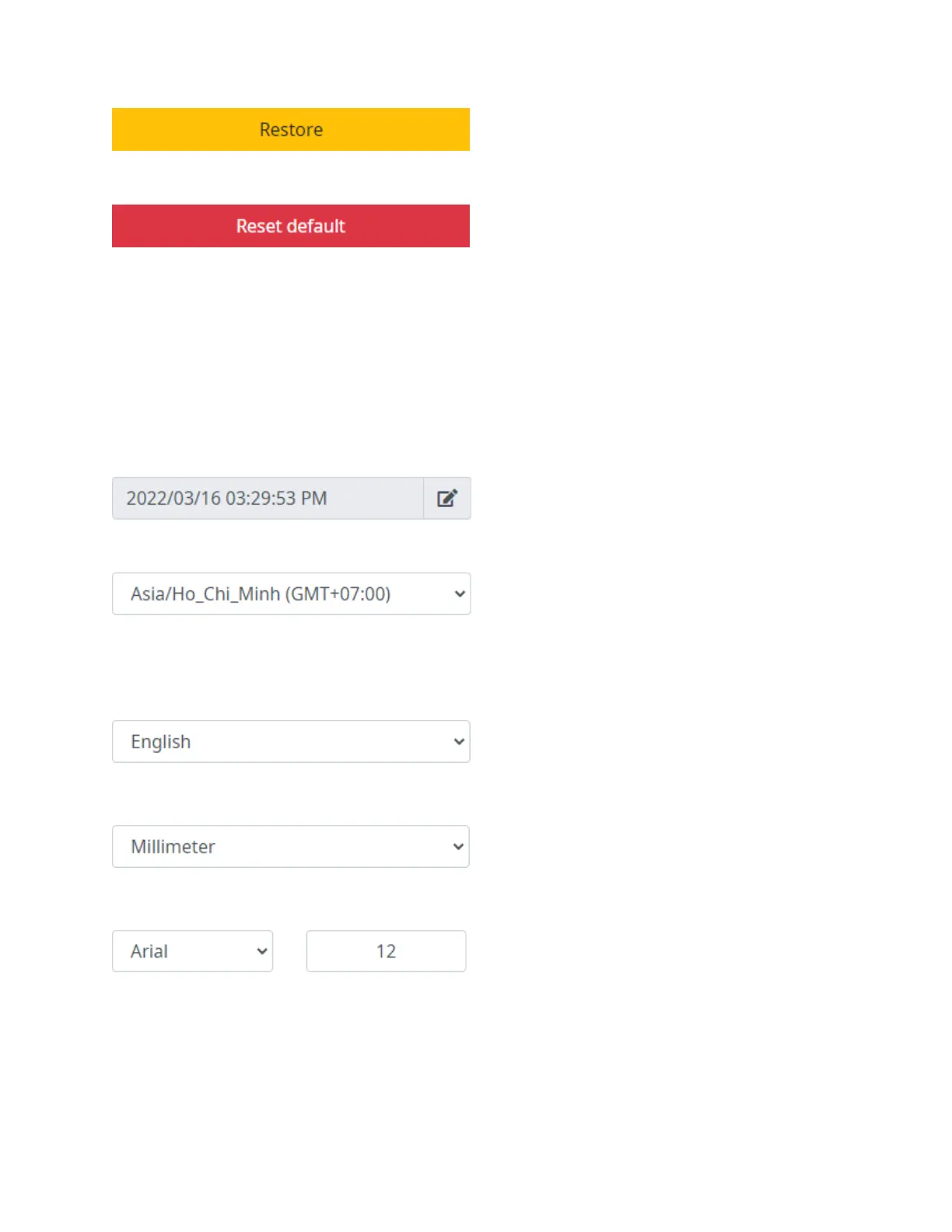
Restore
Restore settings from a USB flash.
Reset default
Reset the printer to factory default settings.
Roll over
Add or remove hours from Datetime objects in the template.
For example, if the printed date needs to change 3 hours earlier than the system date, set
the “Time (24 hour)” value to 3 and select “Next day”.
If the printed date needs to change 3 hours later than the system date, set the “Time (24 hour)” value to 3 and
select “Back day”.
Common
Date
Set the system time.
Time zone
Select the time zone corresponding to the local area.
Language
Select the User interface language: English (default), German, Vietnamese, Korean, Russian, Simplified
Chinese, Turkish, Portuguese, Spanish, Polish, Greek, Italian, Hebrew, Thai, Traditional Chinese ROC and
French.
Unit
Set the default measurement unit for the system: Millimeter, Centimeter and Inch.
Font name and Font size
Set default font name and font size for template objects.



 To Next Page