28
On-TV messages
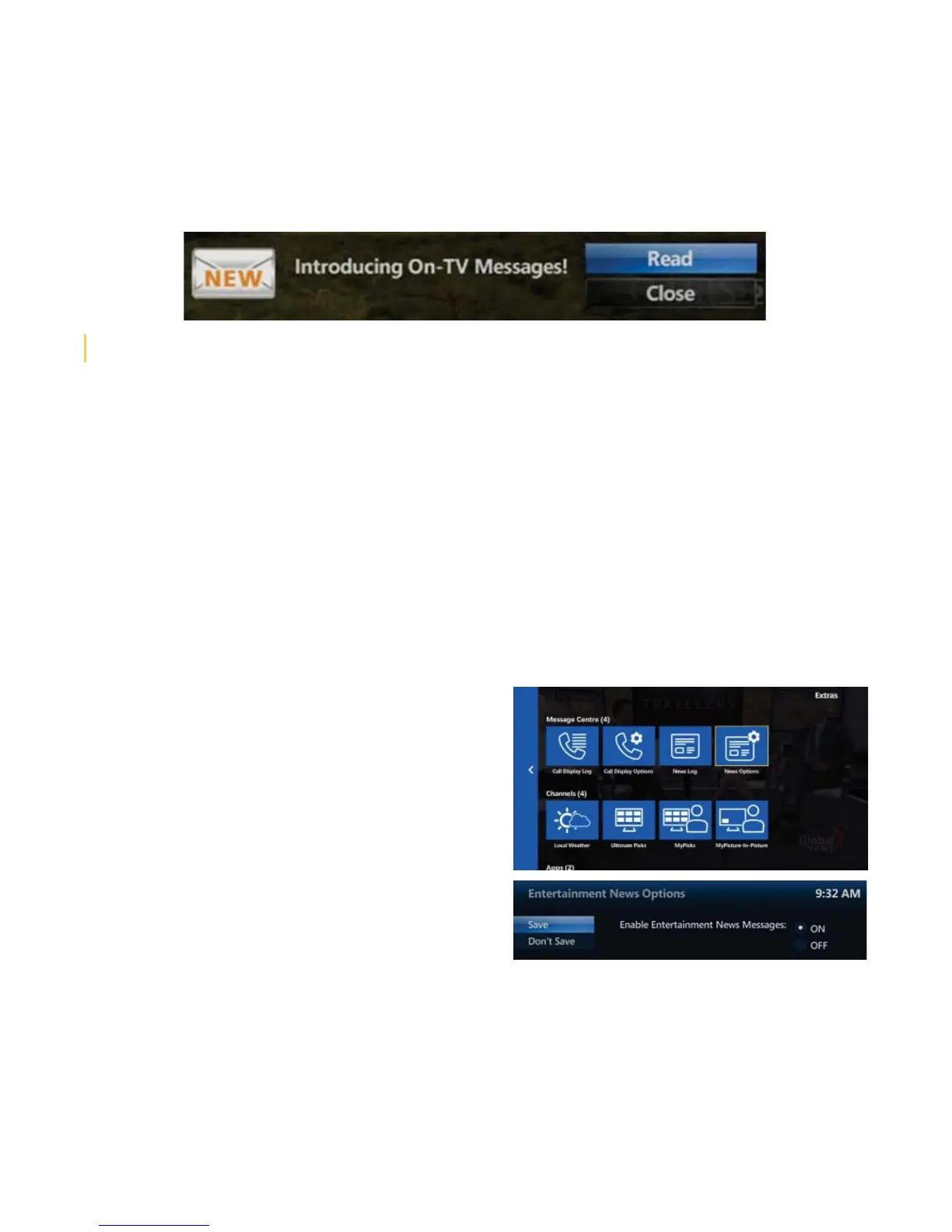
MTS Ultimate TV ‘Entertainment News’ and ‘TV Service’ message notifi cations will show up on your TV. A small
window will pop-up in the lower right corner of your TV screen, indicating you have been sent a message.
• To immediately view the message, select READ and press OK.
How do I access messages in the Service and News log?
• Press MENU on your MTS TV remote control
• Press the DOWN ARROW to navigate to EXTRAS, and press OK
• Press the RIGHT ARROW to navigate to NEWS LOG, and press OK
• The SERVICE AND NEWS log will be displayed. The last message received will be at the top of the list
• To view a message, use the ARROW keys to select a message and press OK. If there is more than one page to
view, use the ARROWS on your remote to select NEXT PAGE or PREVIOUS PAGE and press OK
• To exit the log, press OK
How do I disable entertainment news pop-up notifi cations on my TV?
NOTE: Disabling “entertainment news” does not disable “TV service” notifi cations from appearing on your TV. Pop-up entertainment
news notifi cations will be initially turned on (enabled) for all set-top boxes.
To turn the notifi cations off (disable), follow these
steps:
• Press the MENU button on your MTS TV remote control
• Press the DOWN ARROW button to navigate to MESSAGE
CENTRE, and press OK
• Press the RIGHT ARROW button to navigate to NEWS
OPTIONS, and press OK
• Use the arrow buttons to navigate to OFF.
• Use the arrow buttons to navigate to SAVE and press OK
• This will disable pop-up notifi cations for entertainment
news on every TV (set-top box) in the house.
How do I delete messages in the Service and News log?
You don’t need to delete messages because they will expire automatically after a pre-set amount of time.
User Tip: If you CLOSE the notifi cation pop-up, you can read the message later in the News Log



 To Next Page