29
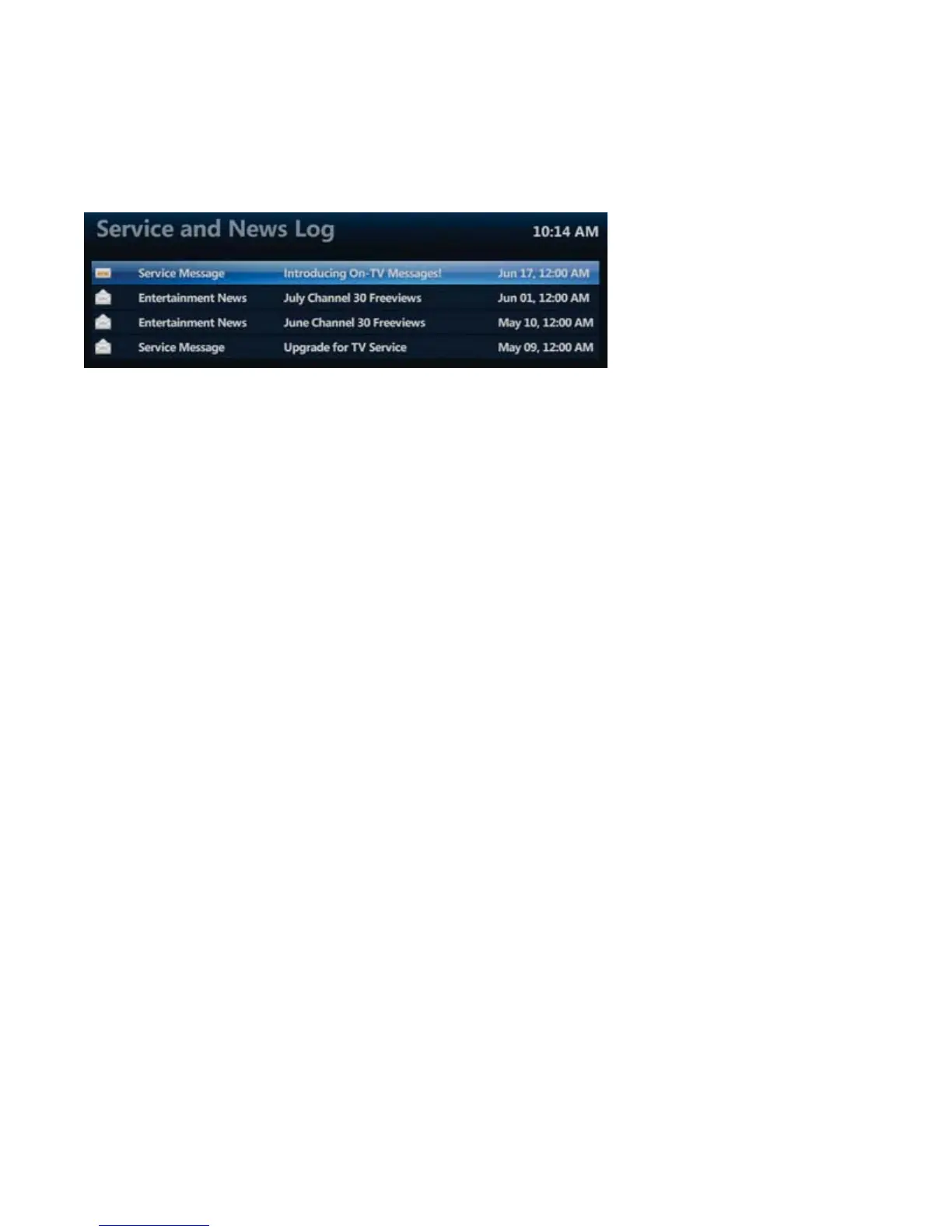
How do I know which messages in the log have been viewed?
The read / unread status of the messages are easy to see:
• Messages that have been read will have an “open” envelope icon
• Messages that have not yet been read will have a “new” envelope icon
Purchasing Add-Ons
MTS TV will let you know when there is an opportunity to purchase ‘add-ons’, such as specialty channels, through
your TV. A ‘Buy Now’ option will appear whenever you select such a channel. To complete the purchase, enter your
4-digit pin. This is the same PIN used to order MTS Video On Demand.



 To Next Page