34
Power control for multiple devices
By default, the POWER key only powers ON or places your set-top box in Standby mode. If you program the TV mode
key then the TV and Set Top Box can both be powered ON/OFF simultaneously.
You also have the option to turn ON/OFF TV, DVD, or AUX mode devices individually by pressing the applicable
mode key then the POWER key.
Learning (Black remotes only)
If the search method doesn’t fi nd the code for your device, you can use the existing remote from your device to
“teach” your MTS Ultimate TV remote how to control that device.
Learning commands
Black MXv3 (RF) Remote:
Learning cannot be performed for any mode until after that mode is setup with
a valid code. So, to learn the keys, fi rst setup the mode with a valid code (see
section A, “select any code for the appropriate mode, from the code list”), then
follow these steps:
1. Press and hold the mode key (TV, DVD, or AUX) on the MTS TV Black remote
and while holding it pressed, press the LEARN key for one second then release
both keys
2. All of the mode keys will fl ash and then the selected mode key light remains on
3. On your MTS TV black remote, press and release the key that you want to
teach.
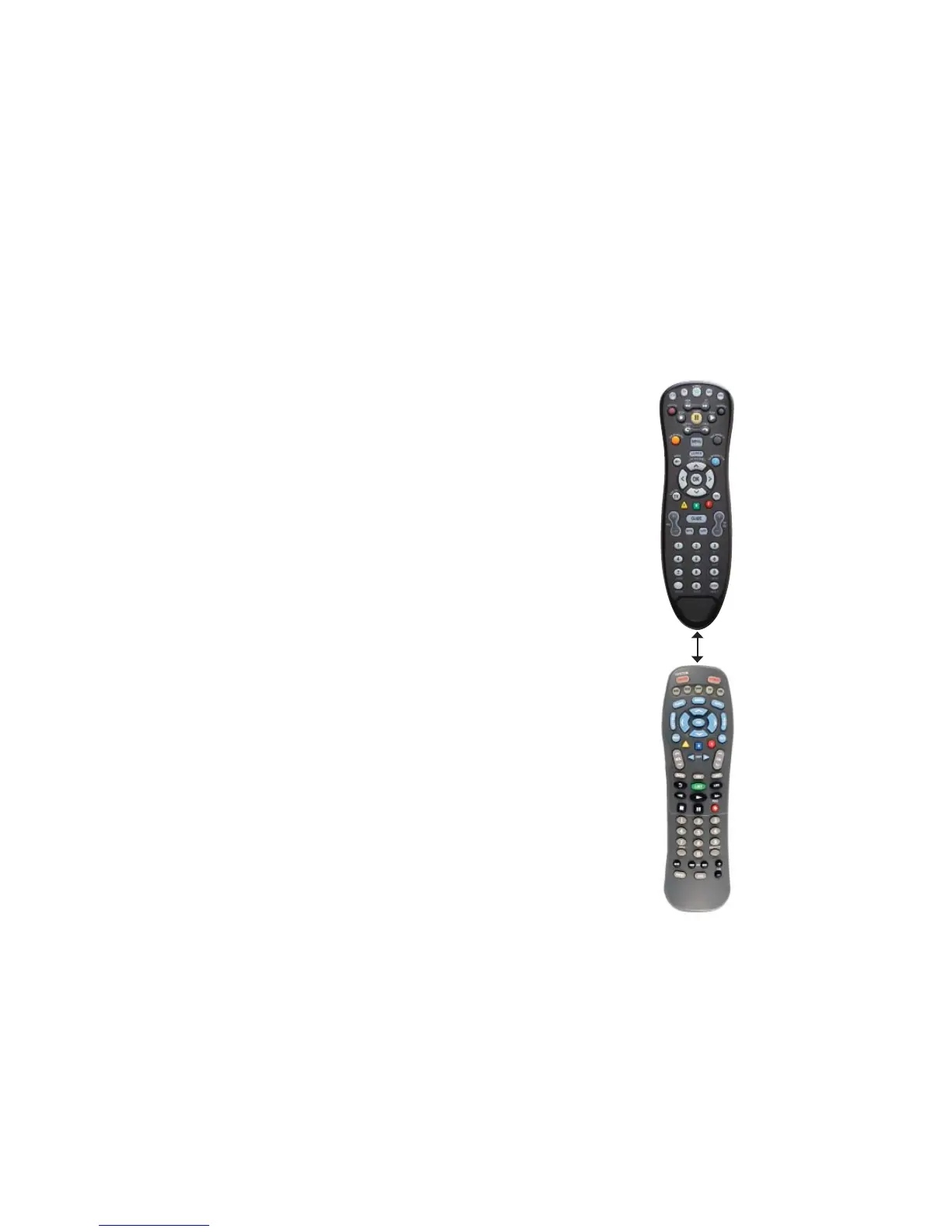
4. While pointing your original remote at the bottom of your MTS TV Black
remote, approximately 1 inch apart, press and hold the original remote key until
the mode key light blinks once and stays on (If there is a learning problem, the
mode key light blinks for three seconds and stays on. If this happens, repeat
steps 3 and 4 above)
5. Repeat steps 3 and 4 for each key you want your MTS TV black remote control
to learn
6. Press and release the LEARN key when all desired remote commands have
been learned. If you have encountered diffi culties with the LEARN key setup,
please refer to “Troubleshooting Learning”
NOTE: It is not necessary to have your MTS TV black remote control learn every key from your
original remote since most keys won’t be used under normal daily use. The best practice is to
teach only the keys that help you navigate for the best experience, like your volume up and
down, channel up and down, and PVR functions.
Motorola (MTS)
Remote
Your original remote
1 inch apart



 To Next Page