32
Program the TV, DVD, or AUX mode keys for ten popular brands of equipment
Black MXv4 (RF) remote only:
1. Power on the device you want to program. Locate the 4-digit set up code for the device you want to program
from the Manufacturer Code List
2. Press and hold SETUP until the mode keys blink twice
3. Press the mode key (TV, DVD, or AUX) for the device you wish to set up. The selected mode key should stay lit
4. Find your device and brand from the charts below and note which number key is assigned to your brand. If your
brand is not listed in the following chart, then try the Direct Code Entry or the SETUP key
5. Press and hold the number key assigned to the brand of device you are trying to program
6. Release the key when your device turns off . Setup for that device is complete
• 2 Blinks of the TV, DVD, or AUX mode key = Success
• 1 Long Blink of the TV, DVD, or AUX mode key = Failure
Remote Control
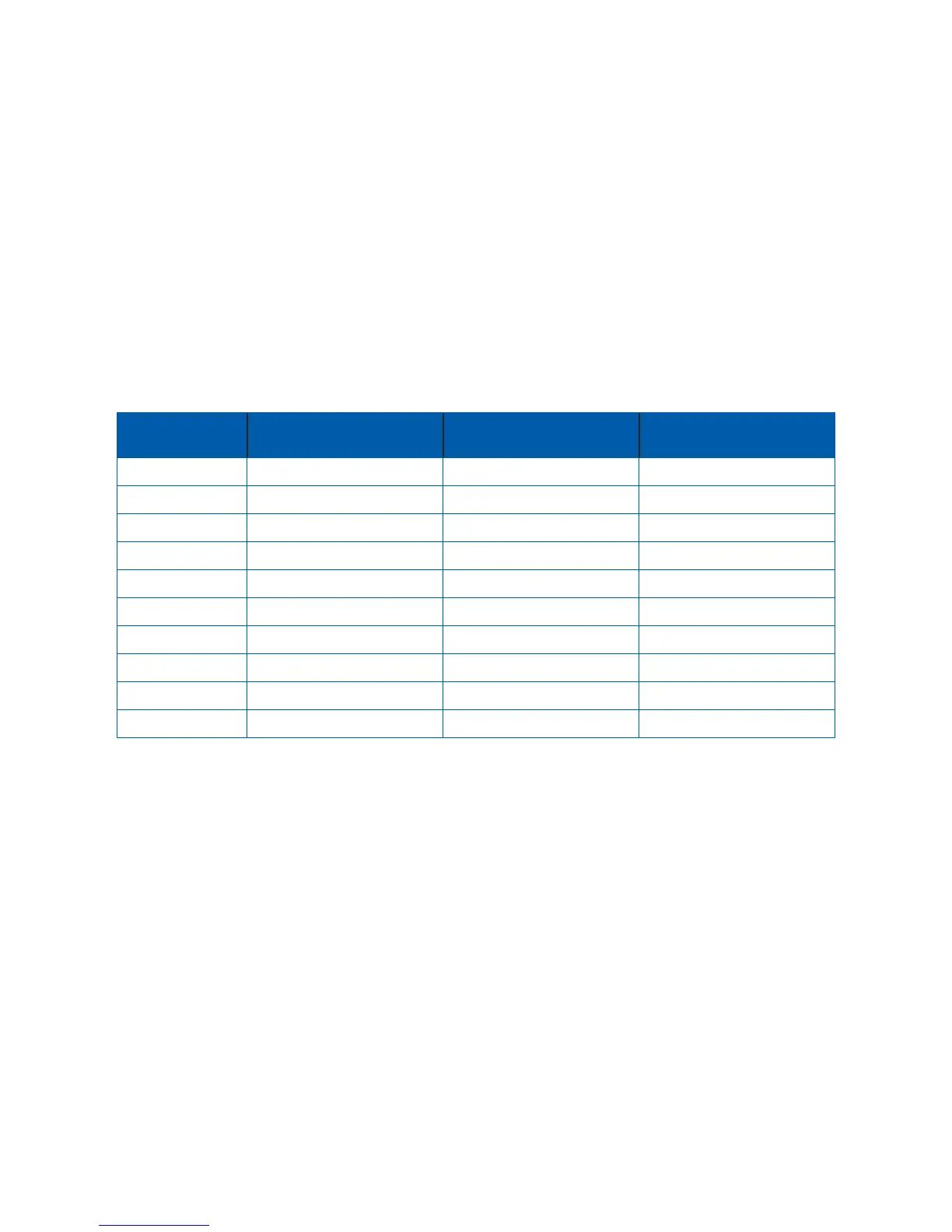
Number Key
TV Brands DVD/VCR Brands Audio Brands
1 Insignia/Dynex LG Bose
2 LG Memorex Denon
3 Mitsubishi Panasonic LG
4 Panasonic Philips/Magnavox Onkyo
5 Philips/Magnavox RCA Panasonic
6 Samsung Samsung Philips
7 Sharp Sharp Pioneer
8 Sony Sony Samsung
9 Toshiba Sylvania Sony
0 Vizio Toshiba Yamaha
Program the TV, DVD, or AUX mode keys ssing the Code Search
If you can’t fi nd a 4-digit code for your device, try using the search function.
Searching on the black MXv3 remotes cannot be performed for any mode key until after that mode key is set-up with a
valid code. So, select any code for the appropriate mode from the code list, program the key using section A, and then
follow the steps below. For example if you’re trying to program a DVD player to the DVD key, but you don’t have the
code, program any DVD code from the list to the DVD key using the steps in section A, then you can follow the steps
below.
Black MXv4 (RF) remote:
1. Turn on the device you want to control and point the remote at that device
2. Press and hold SETUP until the mode key blinks twice
3. Press the mode key for the device you wish to setup. The mode key stays lit
4. Press and hold the OK key
5. Release the OK when your device turns off



 To Next Page