Chapter 2 – Installation
Multi-Tech Systems, Inc. MultiConnect Serial-to-Serial Adapter User Guide (S000354A) 13
Connecting the Power
The adapters are powered in one of two ways:
• Through the DSR Pin of the RS-232 Cable
Adapters powered this way are shipped with an RS-232 cable that has a power pin instead of a
DSR pin.
• Through an External Power Supply
Adapters powered this way are shipped with a universal power supply and its accompanying power
cord and an RS-232 cable that has a DSR pin instead of a power pin.
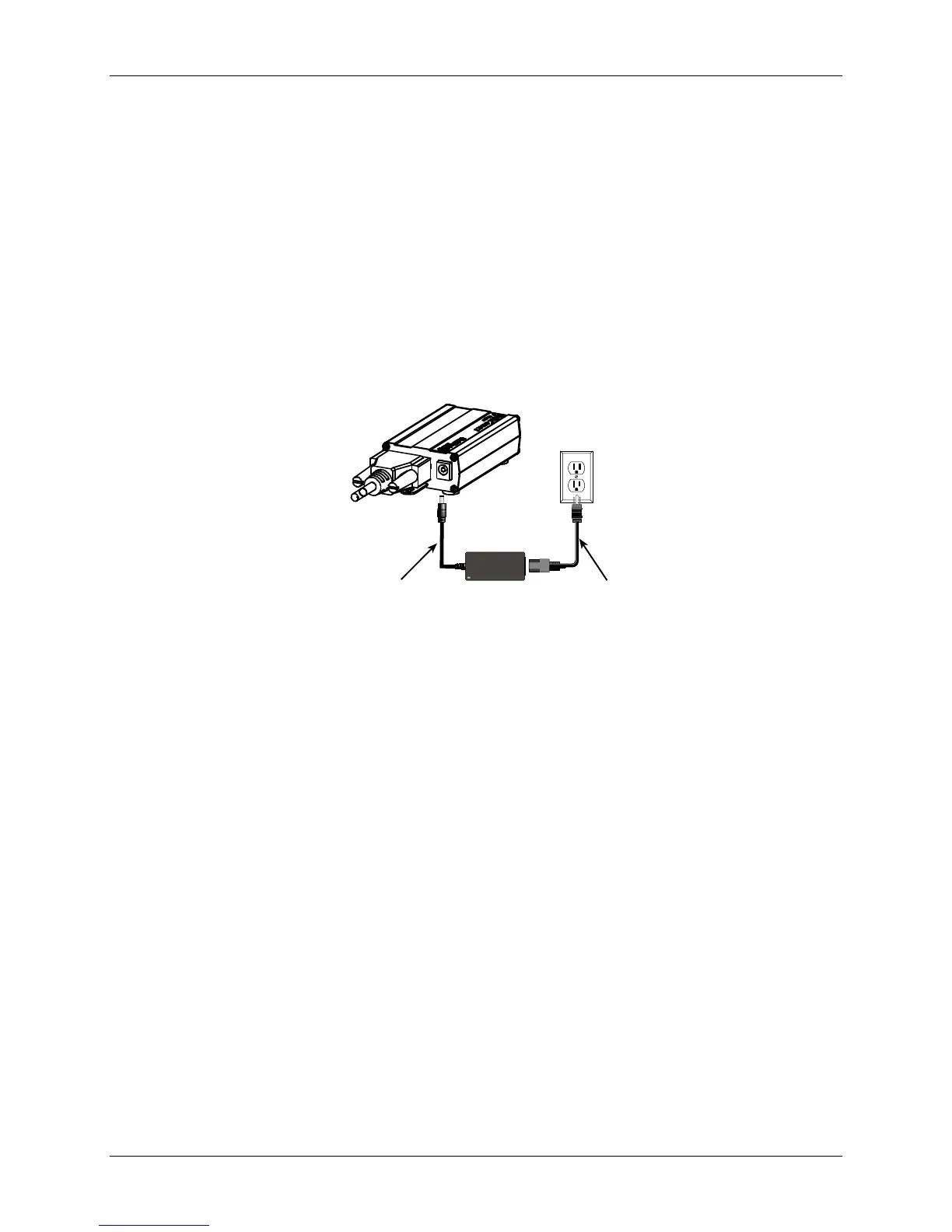
Connecting the External Power
1. Plug the power supply cable with attached transformer block into the power connector on the
back of the MultiConnect adapter.
2. Plug the AC cord receptacle into the transformer block. Plug the other end into a power outlet.
Plug Power Supply Cable with
Transformer into the Back of
the Adapter
Plug AC Cord into
Transformer Block
and Outlet
One end of
RS-232
Shown
Here















 To Next Page