Chapter 7 – Telnet Dialout
Multi-Tech Systems, Inc. MultiConnect Serial-to-Serial Adapter User Guide (S000354A) 67
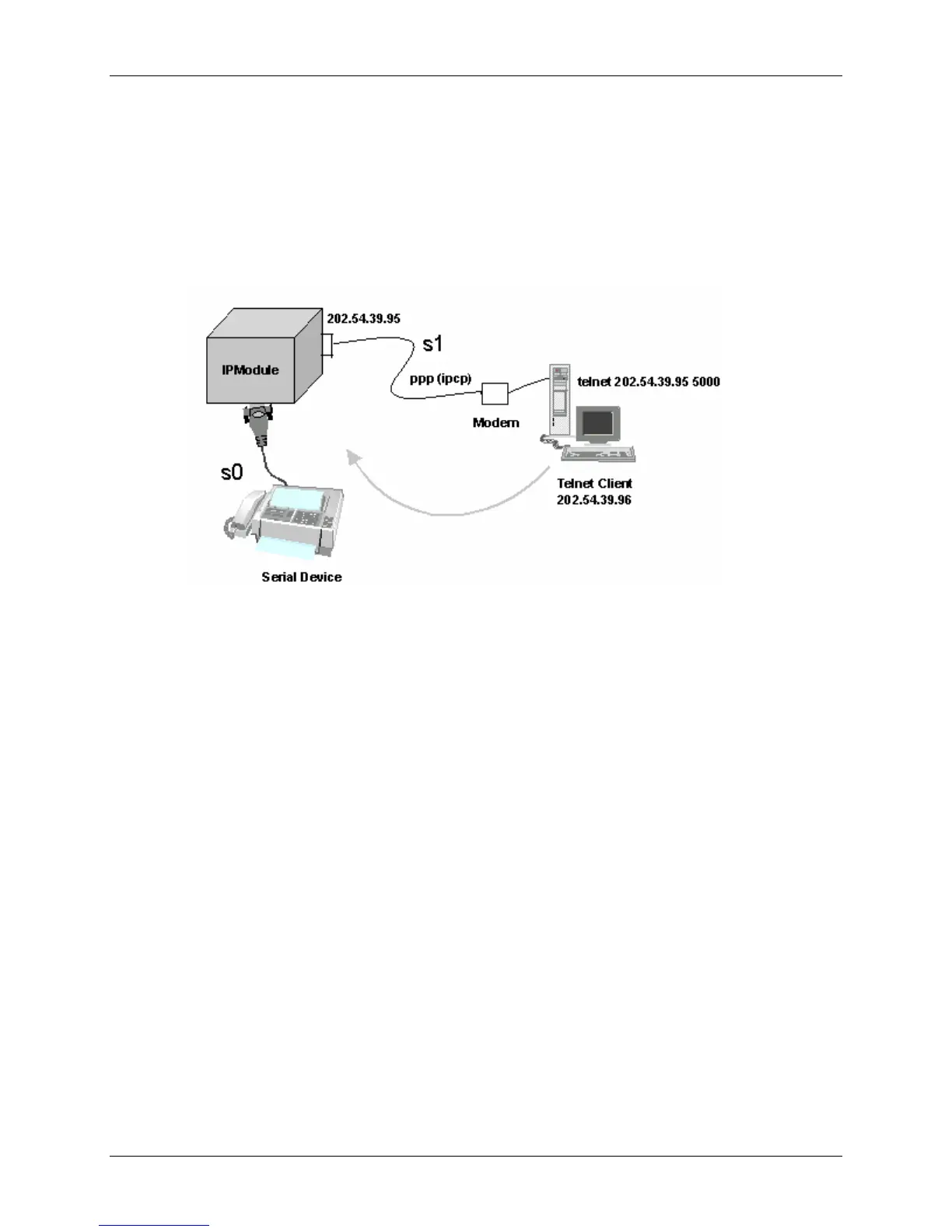
Scenario 1 – Manual Dialout
Connect to the MultiConnect IP using a Telnet Client on port 23 (configuration port).
At the command prompt, invoke # dialout serial s0. Once the session is opened successfully, there can
be two-way traffic between the Telnet client and the serial device.
• You can switch from Command Prompt to Dialout session using the restore session command.
• You can switch from Dialout session to Command Prompt using <escape-monitor-string>.
Manual Dialout Feature Through the Command Shell















 To Next Page