Chapter 14 – POP3 Client
Multi-Tech Systems, Inc. MultiConnect Serial-to-Serial Adapter User Guide (S000354A) 157
Scenario 5 – Retrieving First
t
Lines
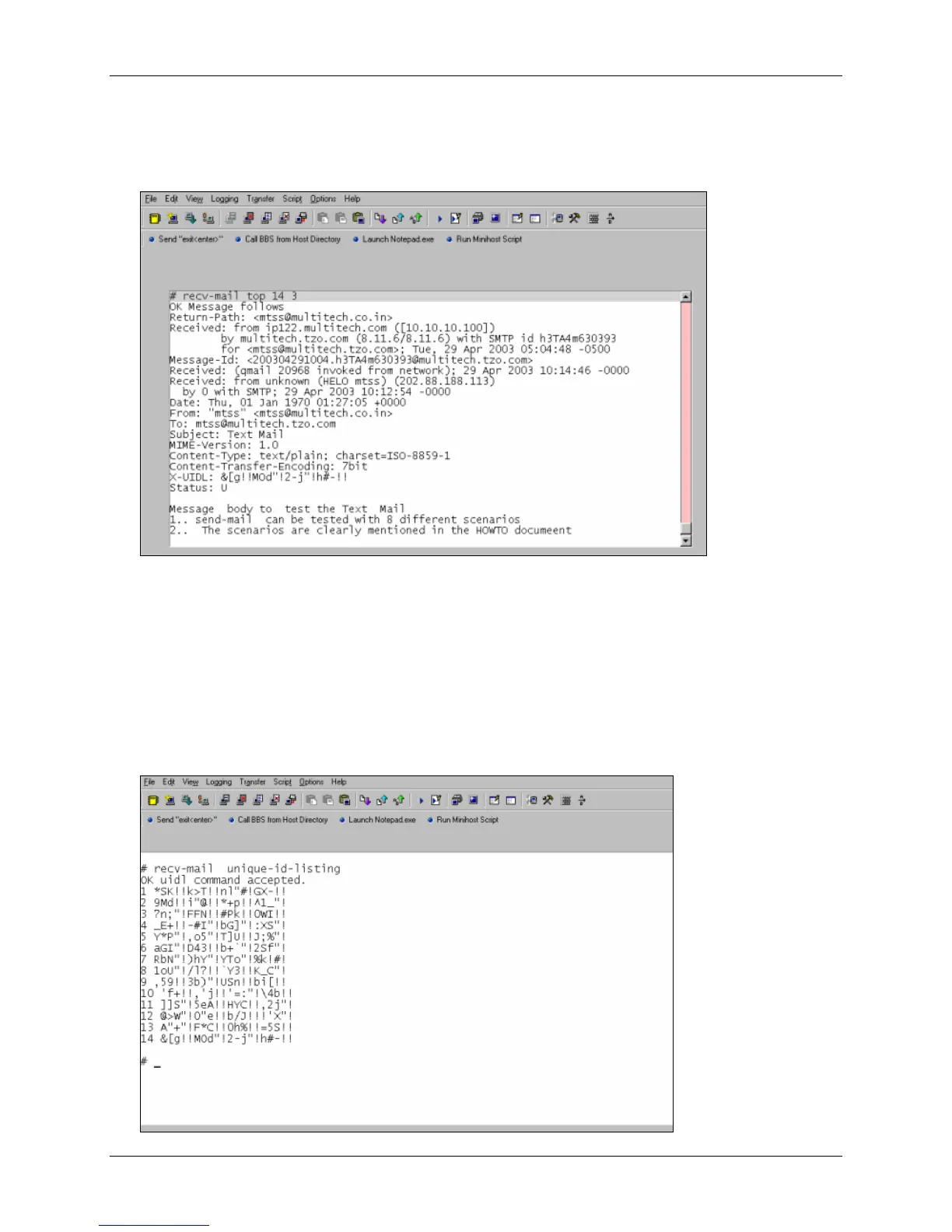
To retrieve the first few lines of an email, use the command recv-mail top <n> <t>, where n is the
message number and t is the number of lines to be retrieved. This command shows the message
headers and the first t number of lines. The output is multi-lined.
Scenario 6 – Deleting an Email on the Server
Use the command recv-mail delete <n>, where n is the message number of the email that should be
deleted from the server.
# recv-mail delete 1
OK
Scenario 7 – Retrieving the Unique Email ID
Use this command to retrieve the unique email ID of a message. The unique message ID is used to
identify the message with a unique string.















 To Next Page