Appendix A – Flash Upgrade
Multi-Tech Systems, Inc. MultiConnect Serial-to-Serial Adapter User Guide (S000354A) 172
Prerequisite 2 – Serial Port Configuration
The default serial port parameters should be:
Data length – 8 bits
Parity – None
Stop bits – 1
Baud-rate of the serial port to which the MultiConnect Adapter is connected should be set
to 115200 bps for proper operation.
Prerequisite 3 – Enabling TFTP Server
Enable TFTP server on MultiConnect Adapter by issuing the following command:
# set ip tftp enable
OK
Serial Flash Upgrade Scenario
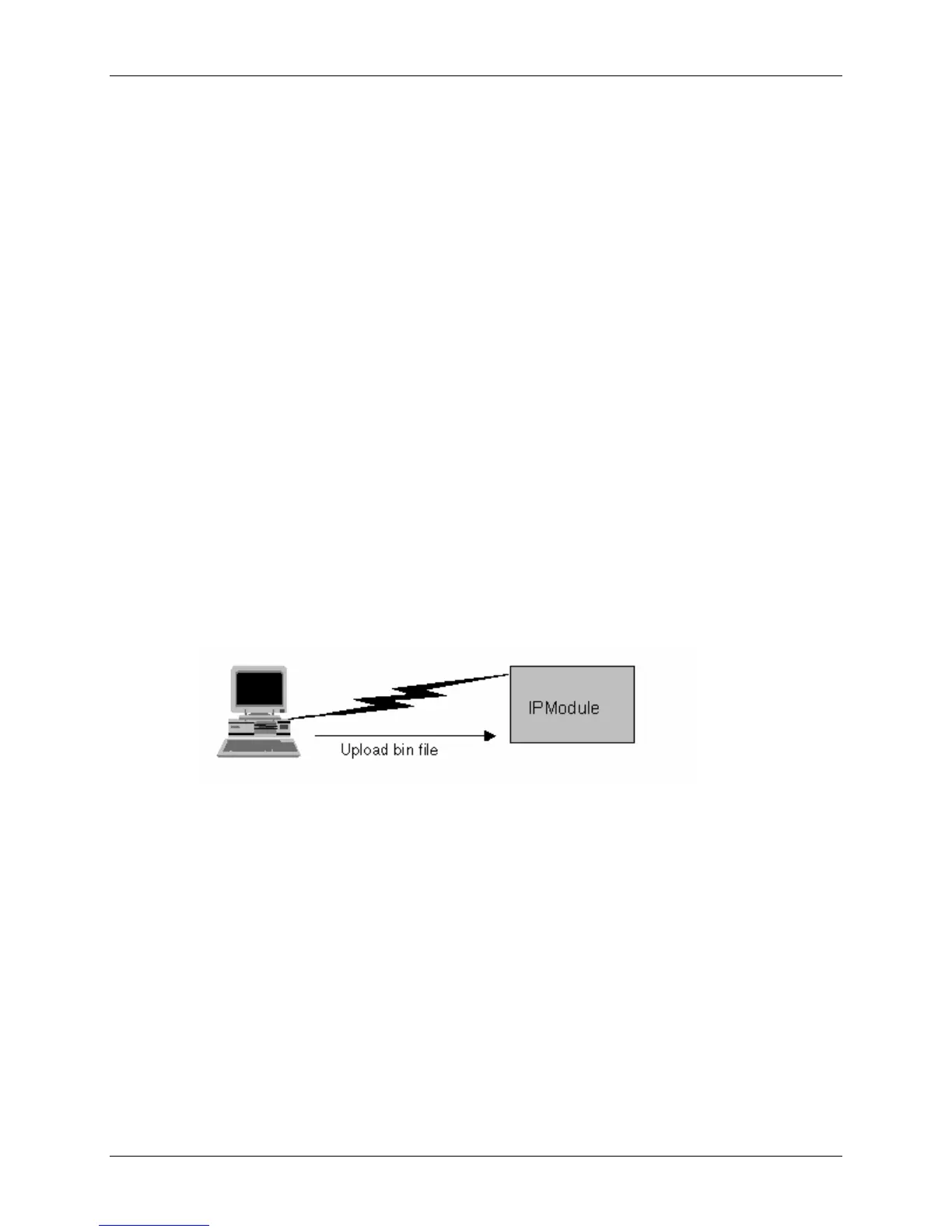
Following steps explain the procedure to upgrade a flash using the serial COM port (serial flash upgrade).
Connect the MultiConnect Adapter to a PC COM Port.
• Open an application through which we can access the serial device(e.g., Meterm, zoc,
hyperterm).
• Reboot the MultiConnect Adapter.
• Wait for the boot message and prompt “press d to download” to appear.
• Press d when prompted.
• Select the XMODEM Protocol from the Terminal application.
• Choose a file (MTXCSEM-TFTP-…) file to be uploaded.
• Perform a file upload.
The MultiConnect Adapter reboots and will be up after a few seconds (10-15 secs).
The MultiConnect Adapter reboots after it has been successfully upgraded.















 To Next Page