Description
Display
03.06.2014 25
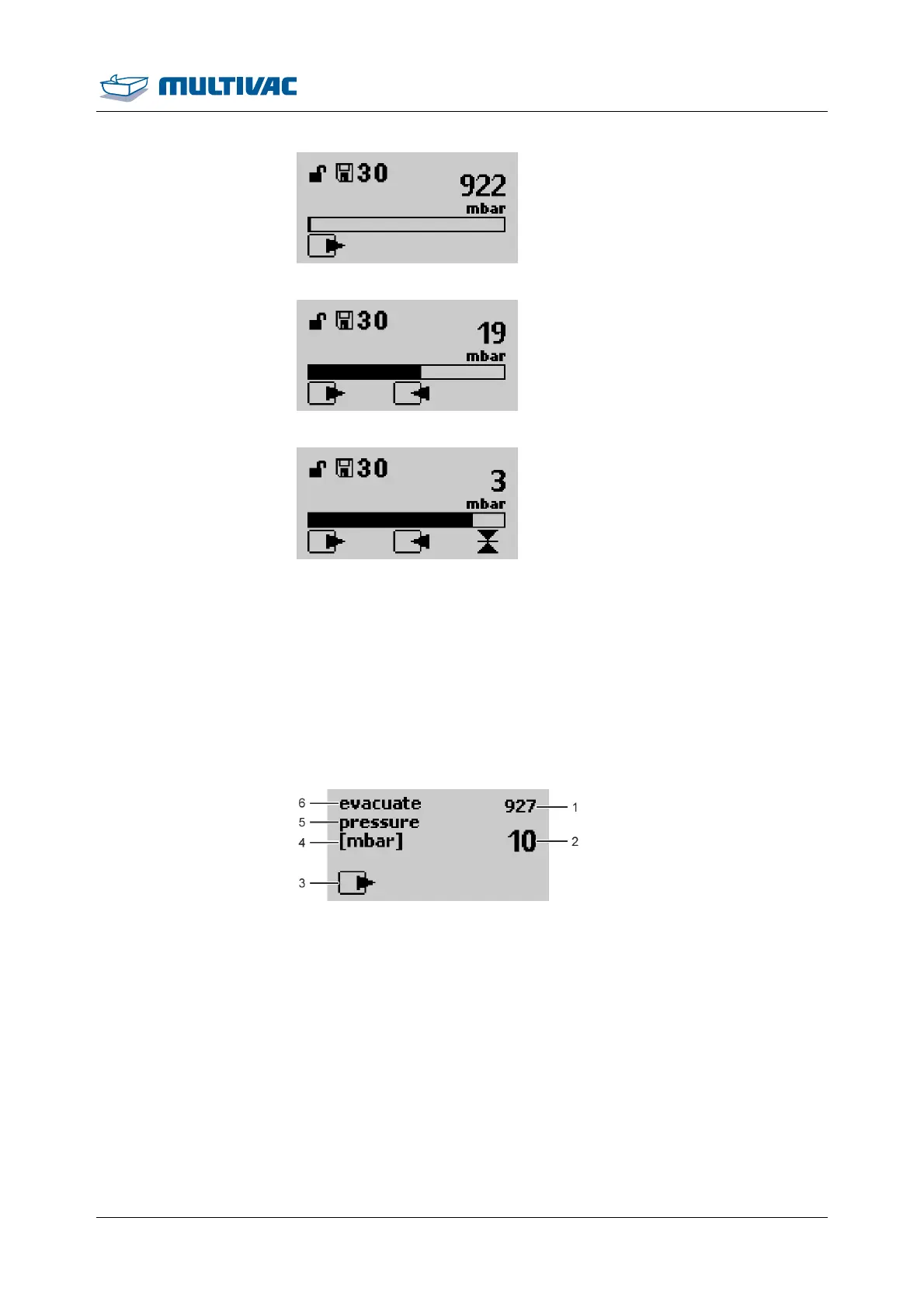
Fig. 11: Evacuation status display (047)
Fig. 12: Gas flushing status display (049)
Fig. 13: Sealing status display (050)
2.3.3 Function display
Depending on the access rights, the function display will offer the
following options:
• View values.
• Enter values.
• Switch functions on and off.
Example of a function display with values:
Fig. 14: Function display with value (052)
1
Actual value
2
Setting
3
Symbol of function (e.g. evacuation)
4
Measurement
5
Selected parameter
6
Selected function
Example of a function display for switching a function on and off:



 To Next Page