Operation
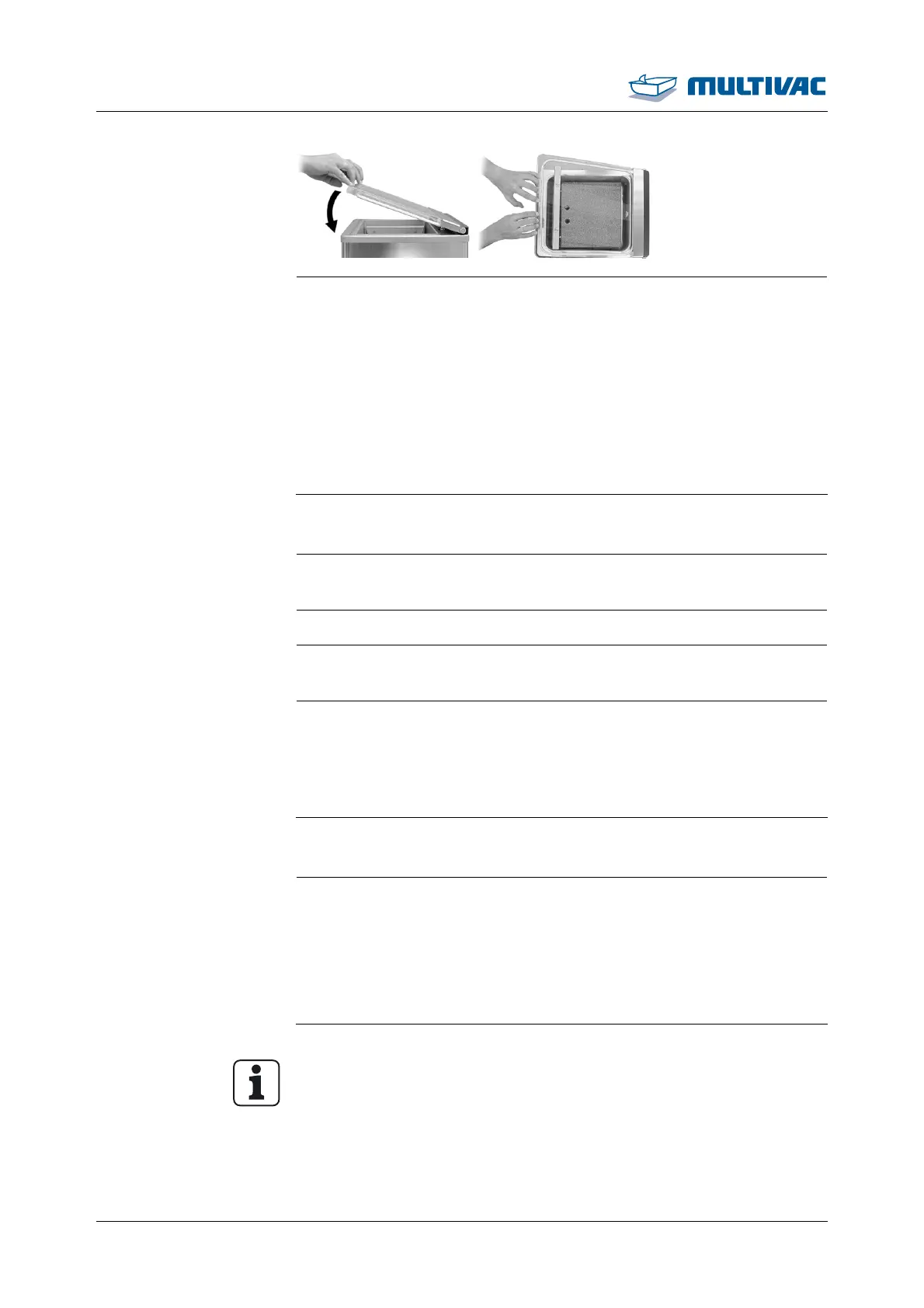
Opening and closing the chamber lid
42 03.06.2014
¾ To start the machine after it has been switched on, firmly press
the opened chamber lid shut against the resistance by pressing
the middle of its front edge.
– The chamber is closed when the chamber lid is completely
shut.
– The vacuum pump runs.
– If the chamber lid is properly pressed shut, the pressure display
shows a pressure difference.
– The chamber lid opens automatically after the packaging pro-
cedure.
4.2 Switching on the machine
¾ Before switching on the machine for the first time fill the vacuum
pump with oil, see Section 7 "MAINTENANCE".
¾ If present, open the stop-cock for the gas supply.
¾ Connect the machine to the mains electricity in a place which is
always easily accessible.
¾ Press the <Machine control On/Off> key.
– The machine control performs a self-test.
– The software version of the machine control briefly appears in
the display.
– The machine is ready for operation.
4.3 Switching off the machine
¾ Press the <Machine control On/Off> key.
– The "pump protection" icon flashes in the display.
¾ If necessary, perform the pump protection function, see Section
4.9 "PERFORM PUMP PROTECTION FUNCTION".
¾ To switch off the display immediately, press the <Machine con-
trol on/off> key again.
Info
The display goes out automatically after 10 s without input or with-
out closing the chamber lid.
¾ Close the chamber lid. So that the chamber lid remains closed,
first open it as far as the limit stop and then close it.



 To Next Page