Adjustment work and setup
48 03.06.2014
5 Adjustment work and setup
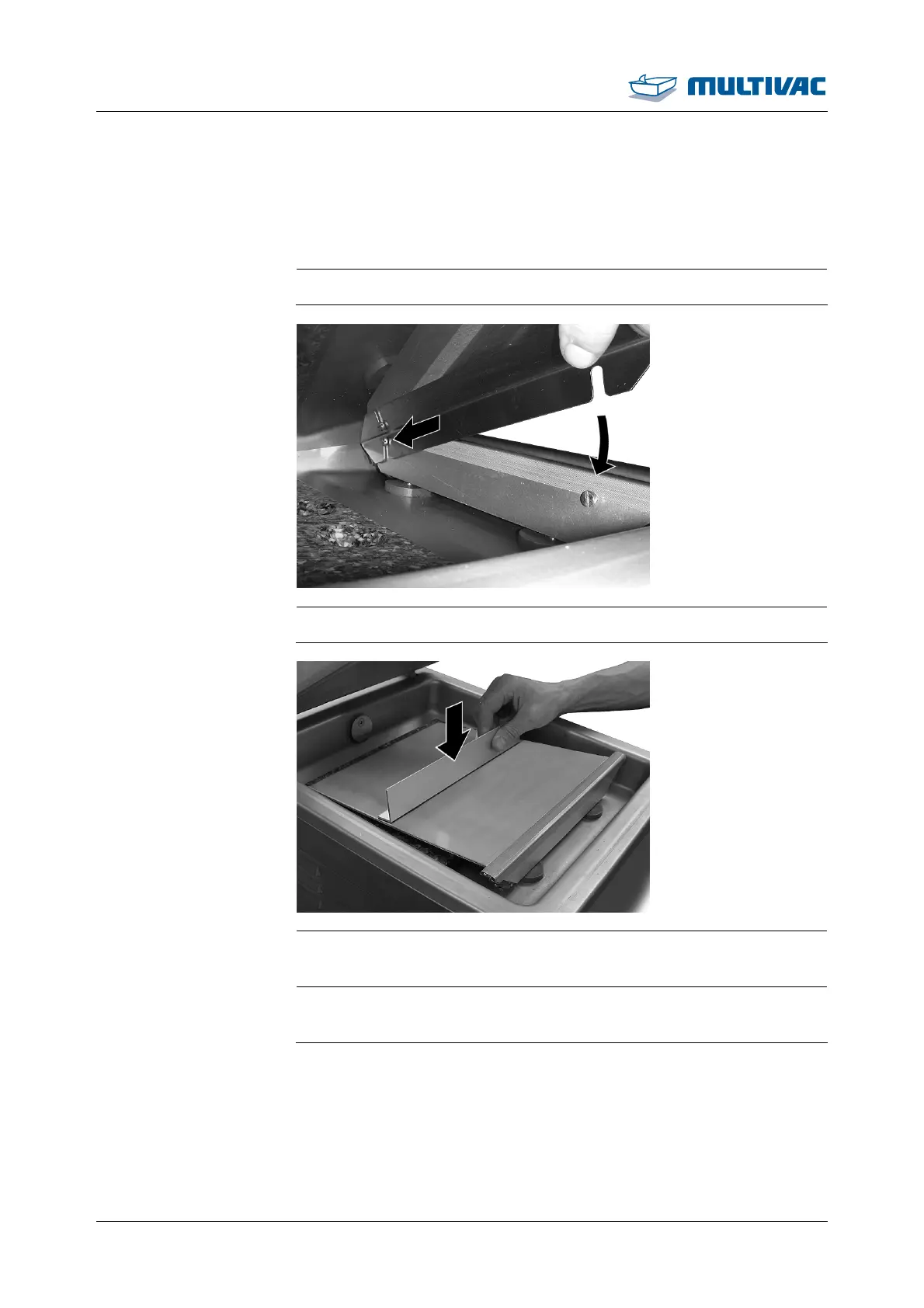
5.1 Insert and remove the diagonal insert
¾ If necessary, use diagonal inserts for the desired inclination.
¾ Hook the diagonal insert on the screws of the sealing bar.
¾ Install the support bracket on the required position on the diagonal
insert.
¾ If the diagonal insert is no longer needed, remove it, along with
the support bracket, from the chamber.



 To Next Page