Page16of41
IMC01 Banknote Counter User Manual
Version 1.06
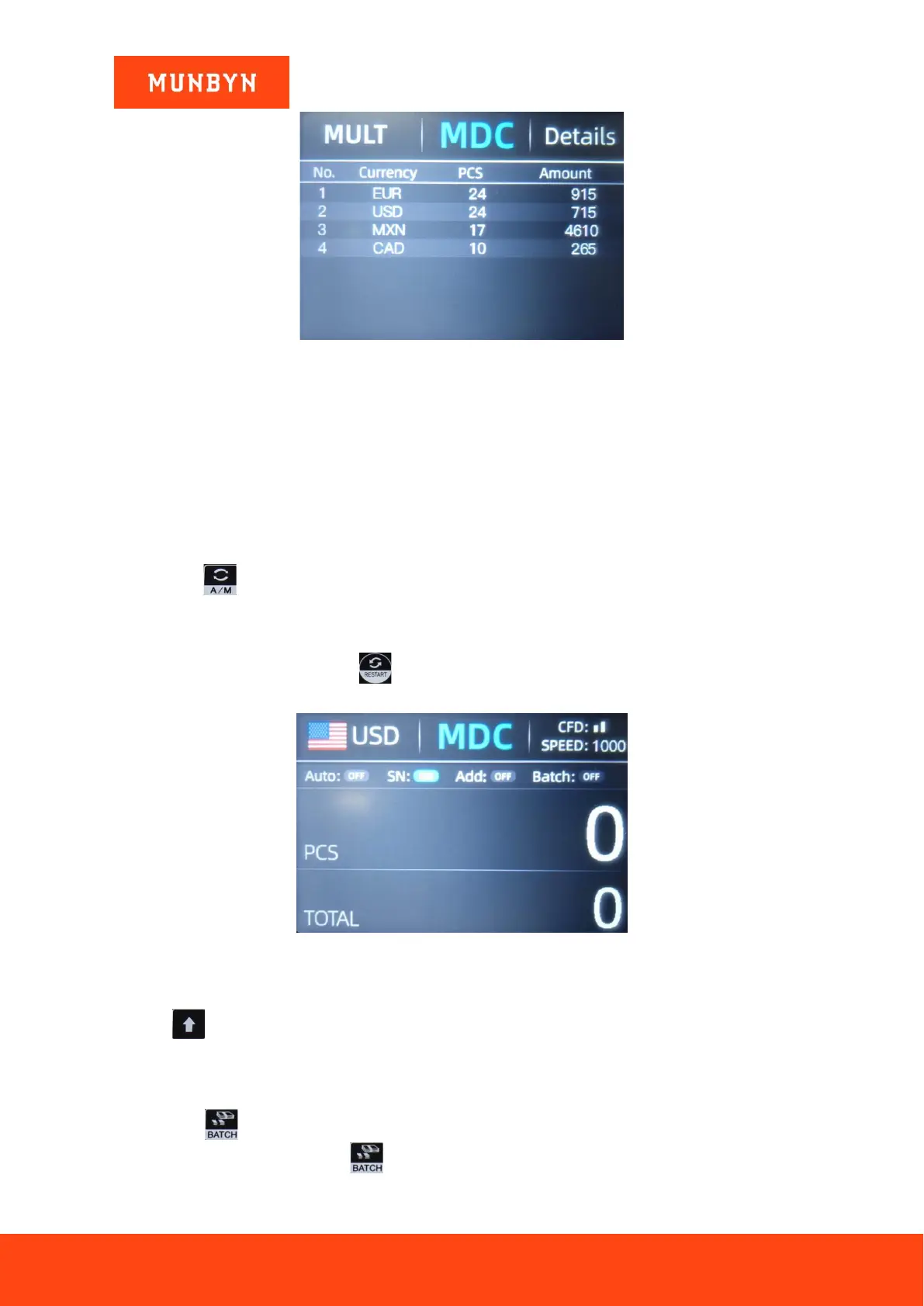
Figure 4-15 Multi-currency MDC Counting Result
4.2.4. Non-Volatile Memory for Currency Mode
The currency mode setting is non-volatile. For example, if you set multi-currency counting mode before power
down the IMC01, next time the IMC01 is in multi-currency counting mode after power on. It is very convenient
that you don’t need to reselect the currency every time you power on the IMC01.
4.3. Counting Function Options
4.3.1. Automatic Banknote Counting
Press the key to enable or disable the automatic banknote counting in the main interface.
The default setting of automatic counting is on. Every time the IMC01 resets, the setting will be reset to be on
state.
As shown in Figure 4-16, pressing the key is needed every time when you put banknotes in the hopper to
start counting.
Figure 4-16 Auto Banknote Detecting Off
4.3.2. SN Reading
The key is used to enable or disable the SN reading function in the main interface. The default setting of
SN reading is on. Every time the IMC01 resets, the setting is reset to be on state.
4.3.3. Batch Setting
Press the key to select the batch number in the banknote counting interface, the screen display is shown
in Figure 4-17. By pressing the key of the control panel, the batch number will be cyclically switched
according to 100-50-0 sequence.



 To Next Page