Page32of41
IMC01 Banknote Counter User Manual
Version 1.06
Figure 7-8 Lower Sensors
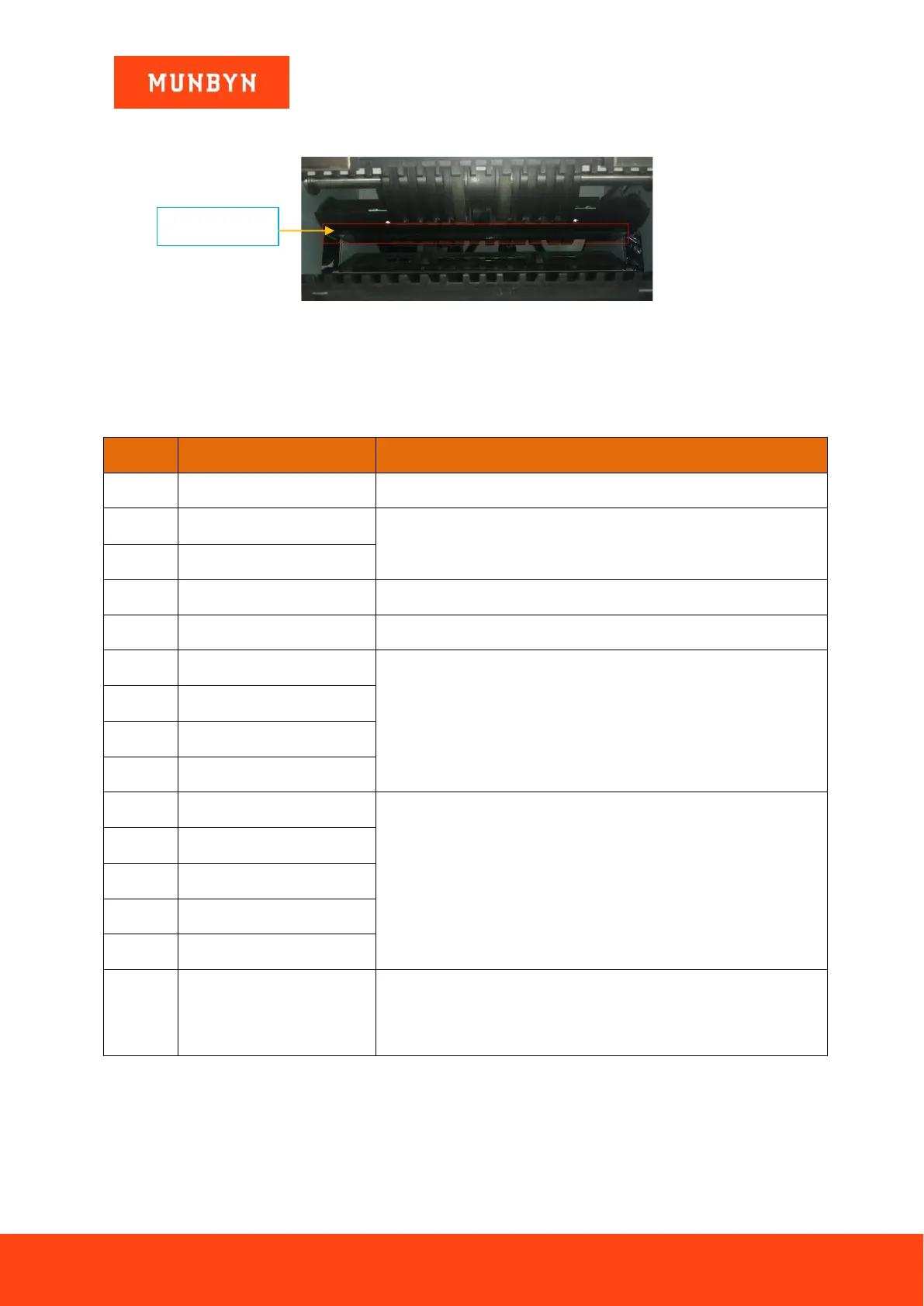
4) Clean the upper CIS with cleaning cloth.
Figure 7-9 Upper CIS Sensor
Note: For the CIS sensors, it is recommended to used cleaning cloth to clean them.
7.2. Error Code
Table 7-1 Error Codes
Handling Method (Recommendation)
Remove the banknote, clean the UV sensor
If the errors occur frequently, adjust the screw toward the anti-clockwise to
decrease the feeding gap.
Clean the CIS sensor, and calibrate the CIS
Remove the banknote, clean the CIS sensor;
Perform the CIS sensor calibration;
Collect the data of the banknote.
Orientation Recognition Error
Remove the banknote, clean or replace the MG sensors
Remove the banknote, clean the CIS sensor;
Perform the CIS calibration;
Collect data of the banknote.
In the process of using the IMC01, the IMC01 may show abnormal state and display the error codes on the
screen. The description of the error codes and the related handling method is shown in table 7-1.
7.3. Bill Jam
If the bills are stuck inside the machine, please turn off the machine and rotate the banknote processing wheel by
the direction of the following figure to take the jammed bills.



 To Next Page