Page13of41
IMC01 Banknote Counter User Manual
Version 1.06
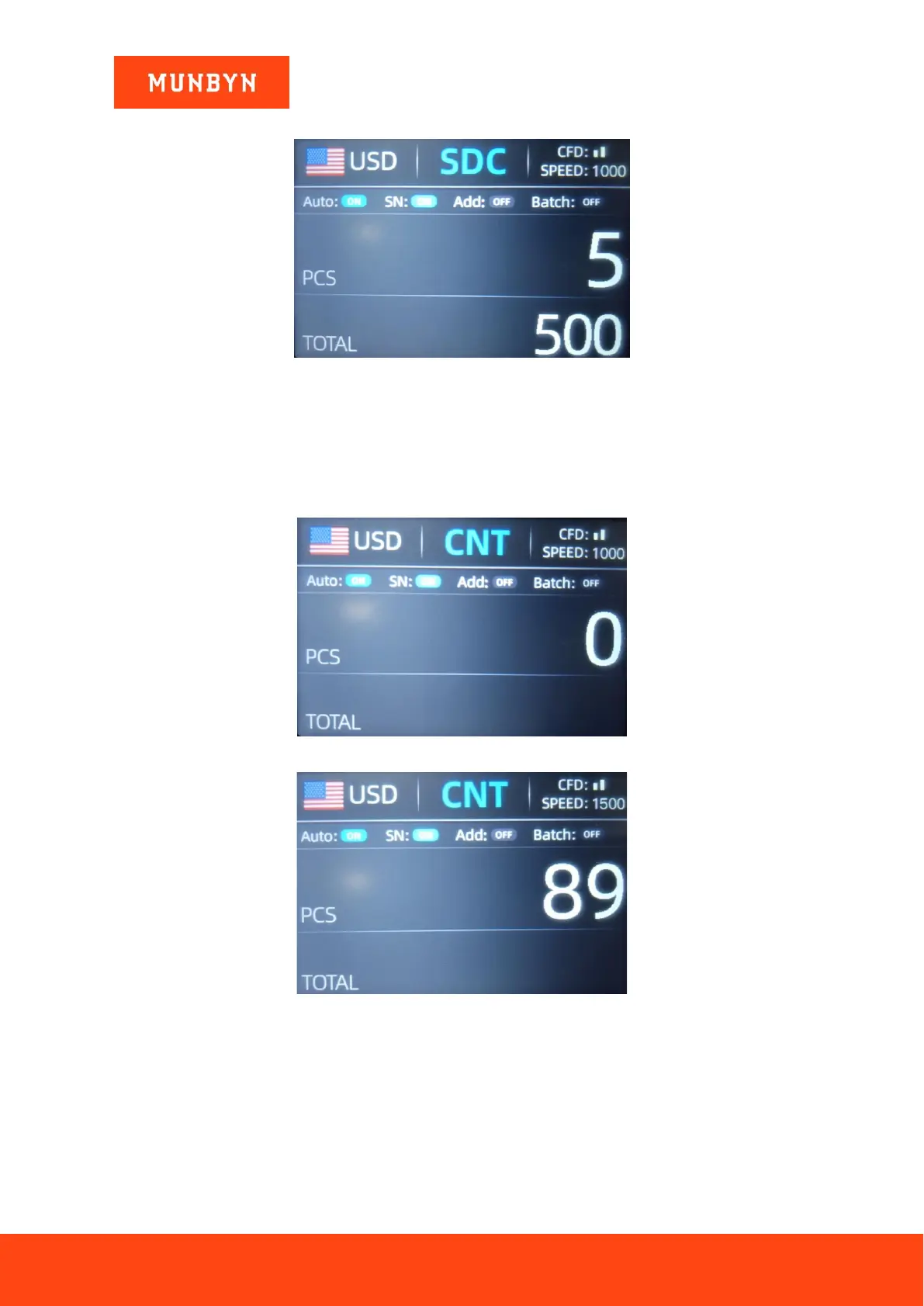
Figure 4-5 Initial Interface of SDC Mode
Figure 4-6 Interface after SDC Counting
You can use this function to sort the mixed bill manually.
4.2.1.3. CNT Mode
As shown in Figure 4-7, the IMC01 is in CNT mode. This mode does not limit the currency, and only count the
number of banknotes. It only works with double note detection function and no other counterfeit detection
function. In this mode, the IMC01 has 4 counting speed (800/1000/1200/1500 pcs/min) options.
Figure 4-7 Initial Interface of CNT Mode
Figure 4-8 Interface after CNT Counting
Note: In the MDC and SDC mode, the IMC has the functions of image acquisition, magnetic detection,
ultraviolet detection and double note detection. While in the CNT mode, there is only a double note detection
function.
4.2.2. Automatic Recognition Mode
In the process of counting banknotes, the IMC01 uses the first banknote passing through the sensor as the
judgment rule to recognize the banknotes of all denominations of the same currency. When banknotes of other
currencies are recognized, the machine will alarm and stop. At this time, banknotes from other currencies need



 To Next Page