Page21of41
IMC01 Banknote Counter User Manual
Version 1.06
5.0. Menu Setting
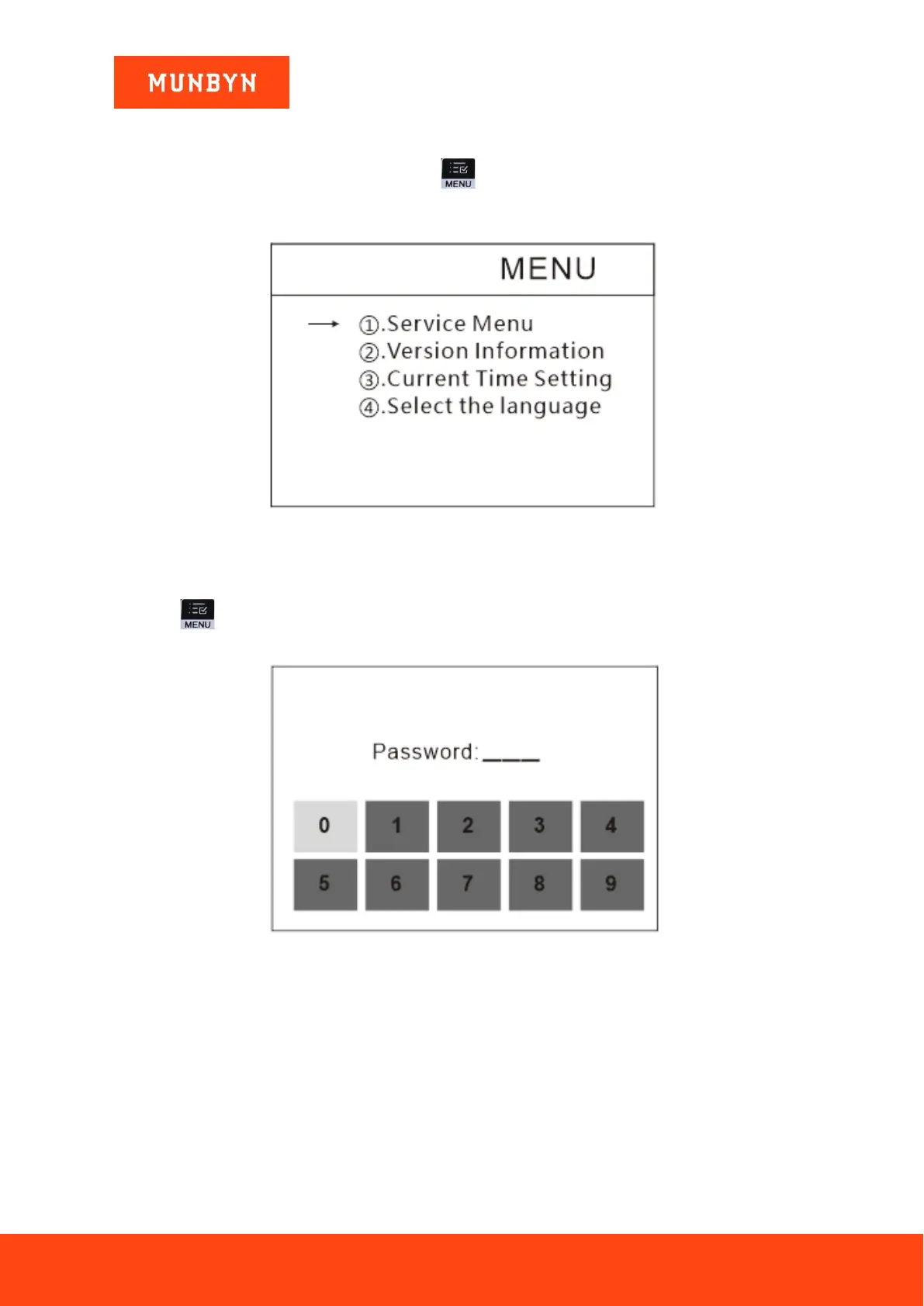
To enter the menu interface by long pressing the key until a beep sound, as shown in the following
figure.
Figure 5-1 Menu Interface
5.1. Service Menu
Press the key to enter service menu, you will be requested to input a password with the following
interface. The default password is 9999.
Figure 5-2 Password Interface
After input the password, the interface showed in Figure 5-3 will be displayed. Use the cursor to select with
sub-menu you want to enter, and press MENU button to confirm, and press ESC button to quit.



 To Next Page