14
Here we introduce you to the screens that will be displayed when you press the following
keys:
•<Mode>
•<Login>
•<Basic / Advanced View>
Ready screens
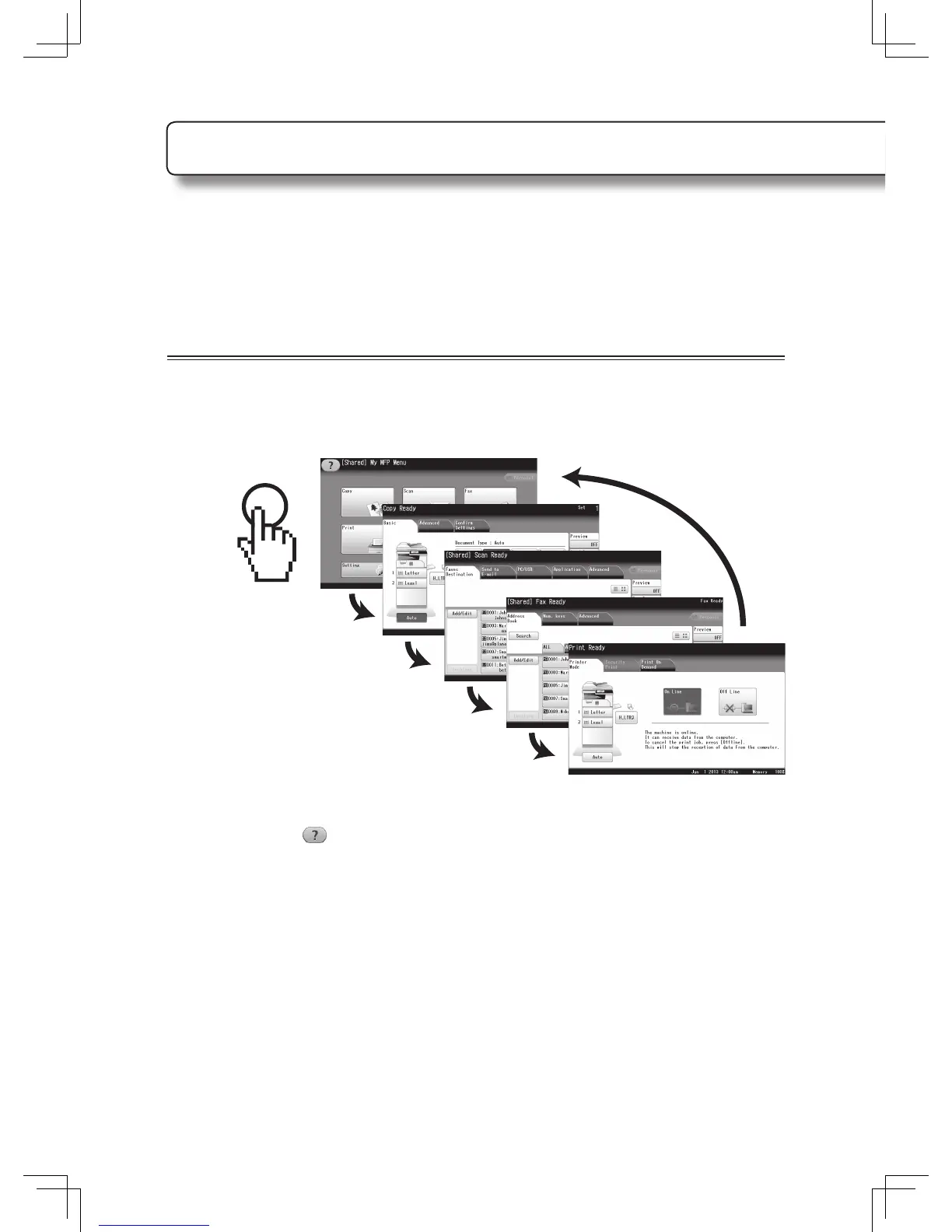
You can switch the machine between the copy ready screen, scan ready screen, fax ready
screen, print ready screen, and My MFP Menu by pressing <Mode>.
If you press and hold the <Mode> button for a few seconds and hear two beeps, the screen
will return to the My MFP Menu screen.
About the help screen
When you see icon on the screen, you can read a short explanation of that screen by
pressing the icon.
About the display screens












 To Next Page