38
Prerequisite
To use Offi ceBridge, the following requirements must be met:
• The machine is connected to a network.
• There is a web browser application installed on the computer from which you
access the machine.
1
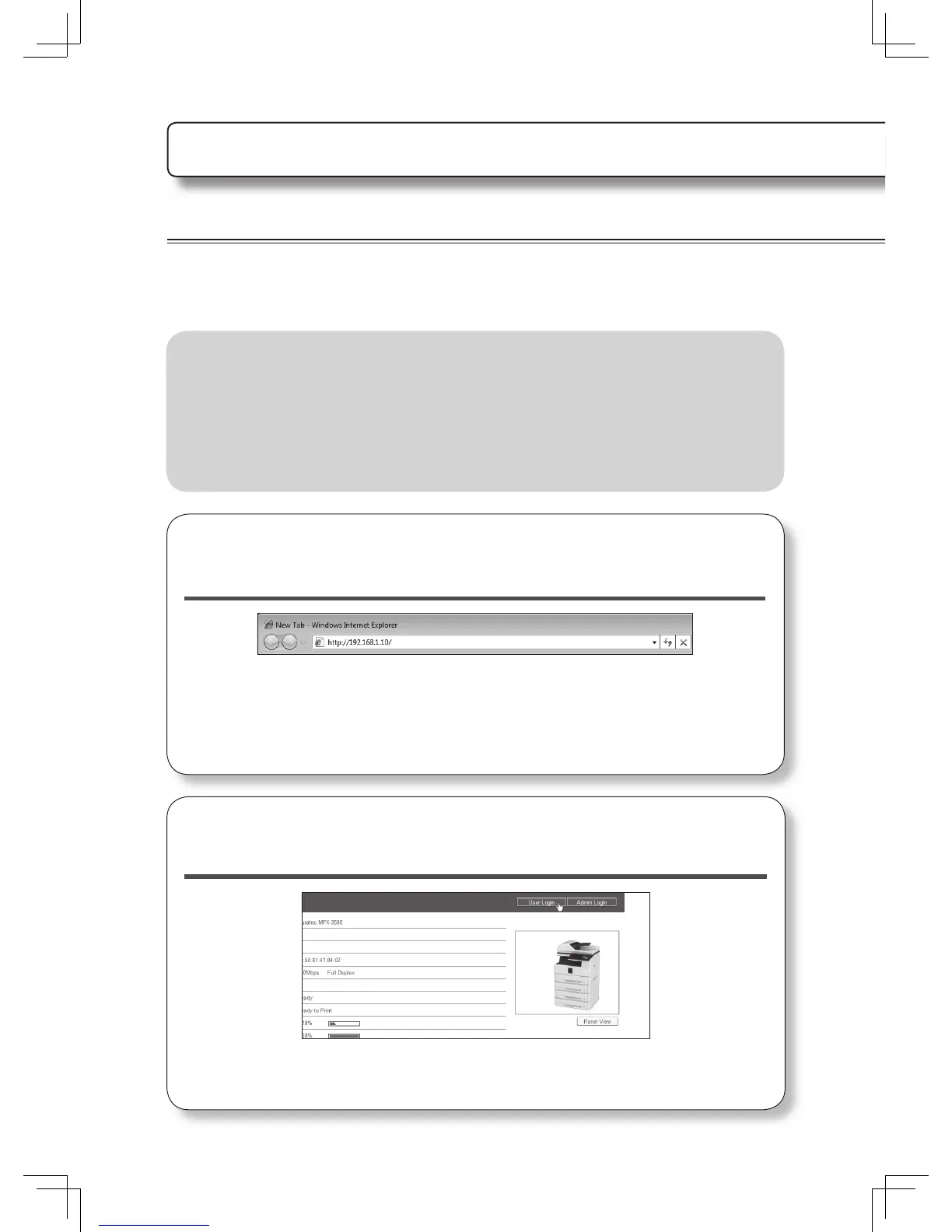
On the web browser, enter the machine IP address
and press the enter key.
• We are using Internet Explorer for this example.
• If a shortcut to Offi ceBridge has been created on the desktop, double-click it.
2
Click [User Login].
Using Offi ceBridge
Accessing Offi ceBridge
When the machine is connected to the network, you can operate it using the web browser
on your computer.
See the Offi ceBridge Guide for more information.












 To Next Page