16
1
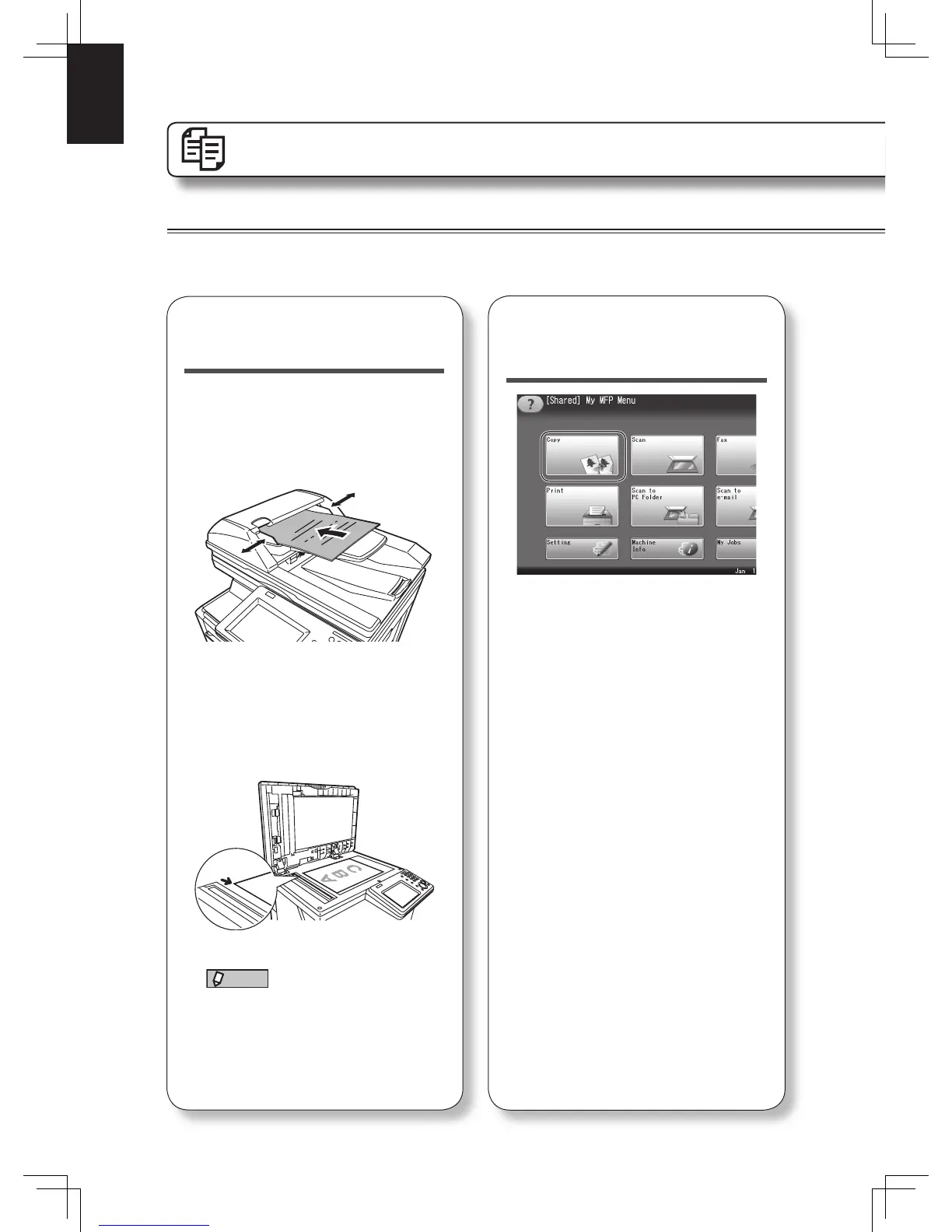
Set the document.
In the automatic document
feeder
Set the document face up.
Align the document guides to the
document width.
On the document glass
Open the platen cover.
Set the document face down aligned
with the back left corner.
Close the platen cover.
NOTE
When you set a document on the
document glass, be sure that there
are no documents in the automatic
document feeder.
Operation
Copy
Basic operation
See the Copier Guide for more information.
2
Switch the machine
to the copy mode.
Press [Copy] from the My MFP menu
screen. Or, press <Mode> repeatedly
until the copy ready screen is
displayed.












 To Next Page