30
Prerequisite
To print from the computer, the following requirements must be met:
• The machine has been connected to the network using a LAN cable or directly to
a computer using a USB cable.
• A printer driver has been installed on the computer. For details on installing the
drivers, see chapter 1, “Installing the driver” in the Printer Guide.
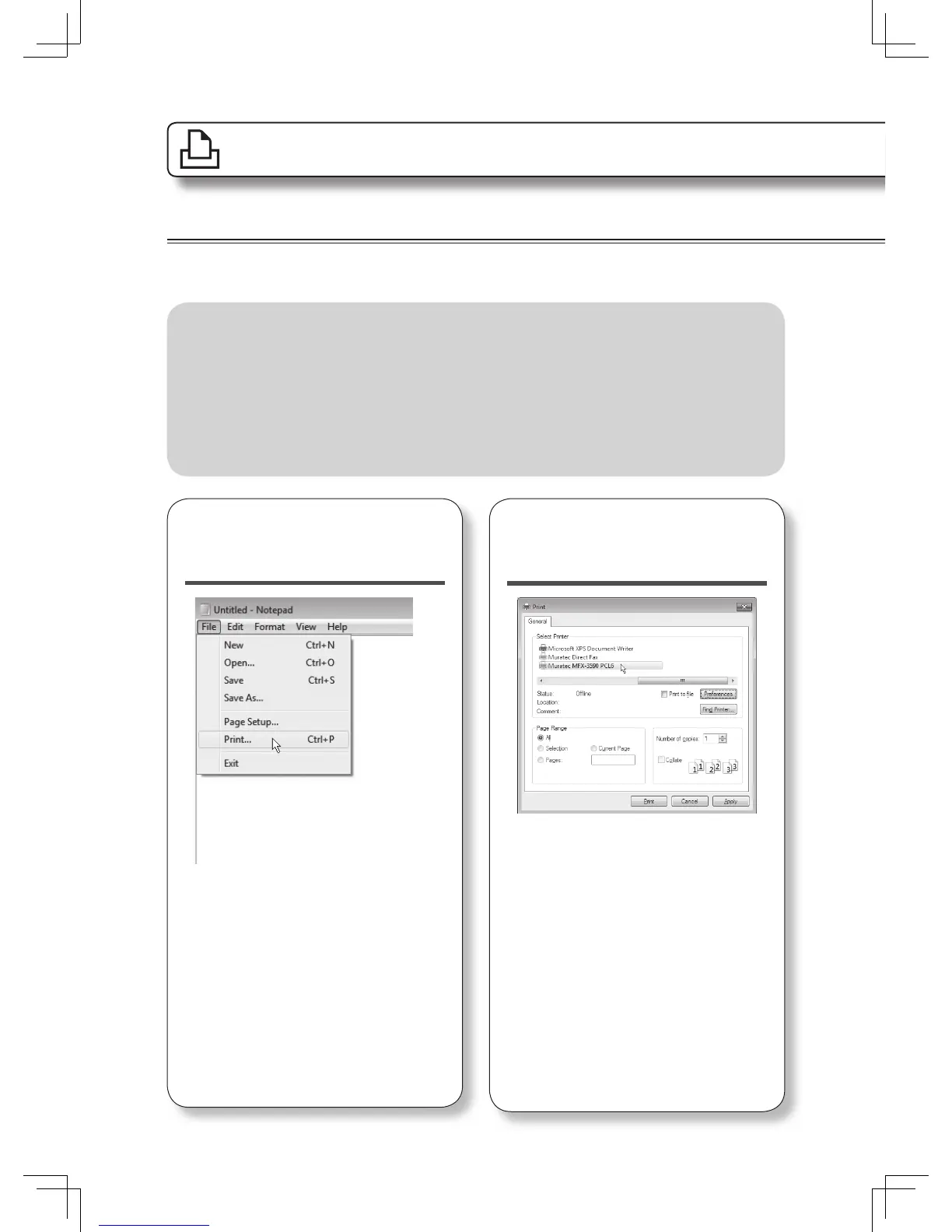
1
Select “Print” from
the menu.
According to the application software
you are using, the command name may
be something other than “Print”.
2
Select the Muratec
printer driver.
Click [Preferences] to change the
settings as needed.
Print
Basic operation
See the Printer Guide for more information.












 To Next Page