34
Using the basic view
Copy
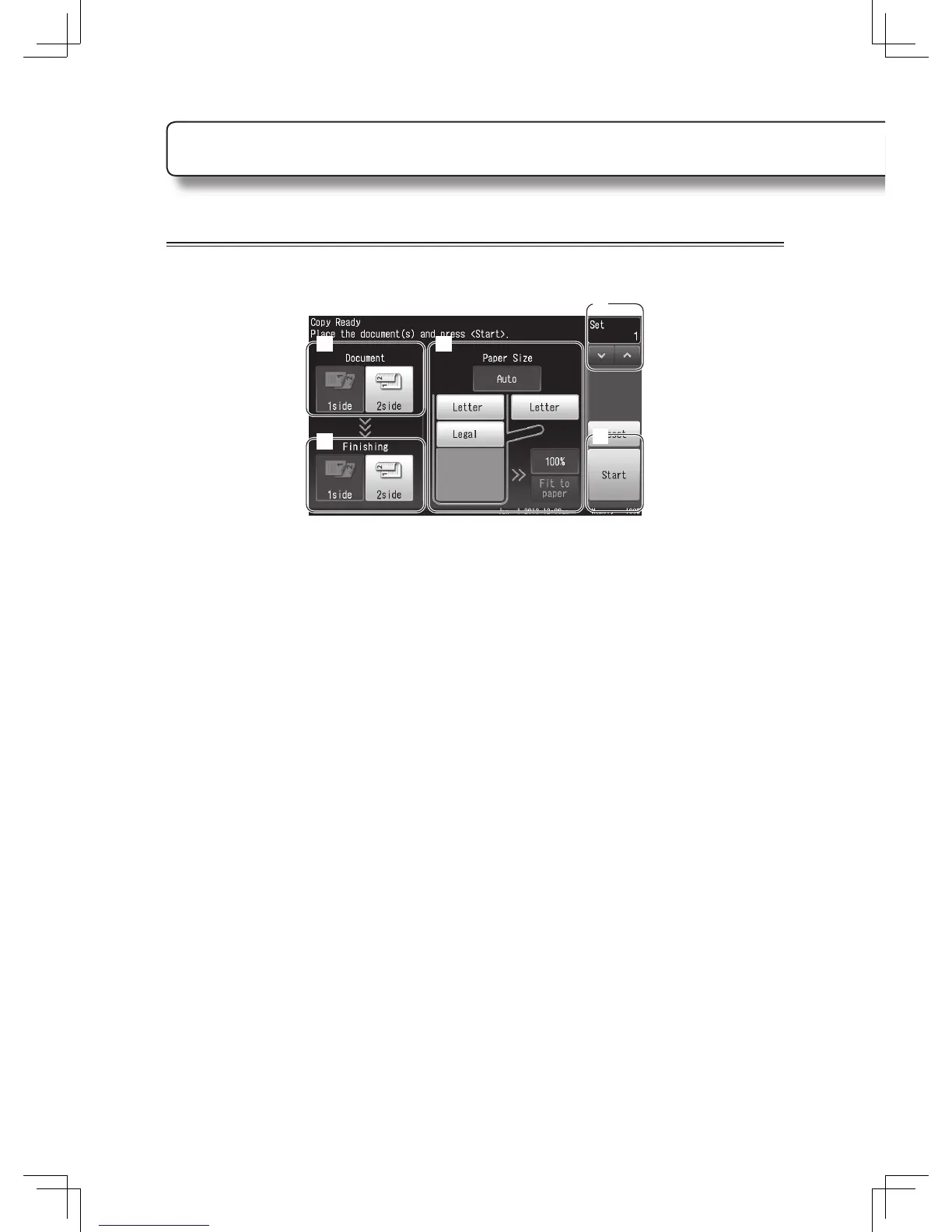
Press <Basic / Advanced View> on the copy ready screen.
2 4
6
5
3
1
Set the document.
2
Select the document type.
3
Select the fi nishing type.
4
Select the paper to use.
• Select either [Auto] or change the paper source.
• When you select a paper source other than [Auto], you can select the zoom ratio from [100%]
or [Fit to paper].
5
Set the number of copies.
You can either enter the number using the numeric keys or by pressing [
<
] and [
>
].
6
Press [Start] or <Start>.












 To Next Page