Scan
Press <Basic / Advanced View> on the scan ready screen.
2
NOTE
The destination should be registered in address book, in advance. For details, see
“Registering e-mail and fax destinations” (page 40).
1
Set the document.
2
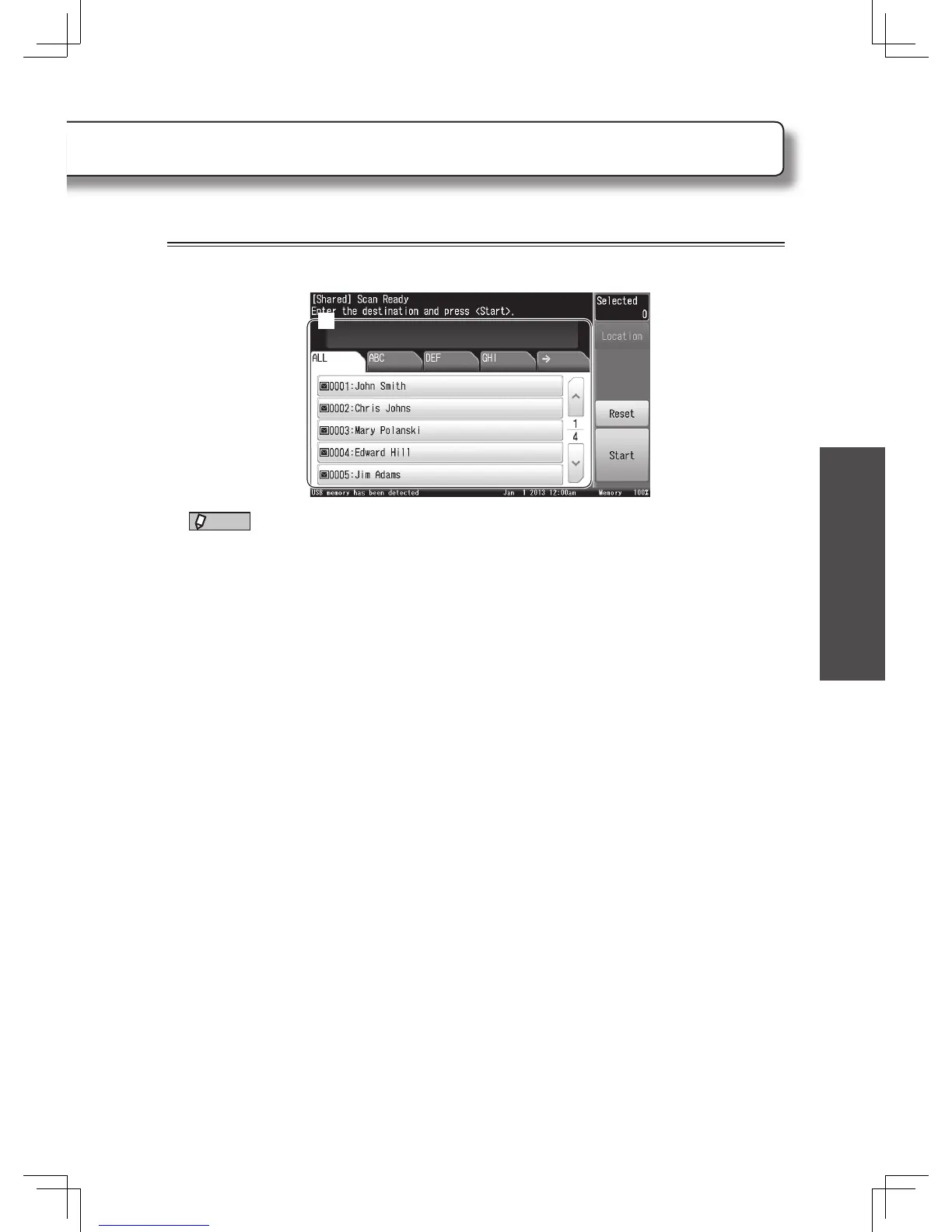
Select the destination.
When you have loaded the document in the automatic document feeder, the procedure is
complete and the transmission will begin.
3
Set the next document and press [Next Doc].
• Repeat this step to scan all pages of the document.
• When you have loaded all of the pages, go to the next step.
4
Press [Complete].
Transmission begins.
About broadcast
When the broadcast feature is enabled, you can select multiple destinations. You can
select multiple destination by selecting them, review the selected addresses by pressing
[Location], and press <Start> to start the transmission.
To enable broadcast, press [Setting] from My MFP Menu
[Management]
[User
Install]
[Broadcast]
[ON]
[Enter]. When the administrator’s password is required
when pressing [Management], press [Admin Password] and enter the password then
press [Enter].












 To Next Page