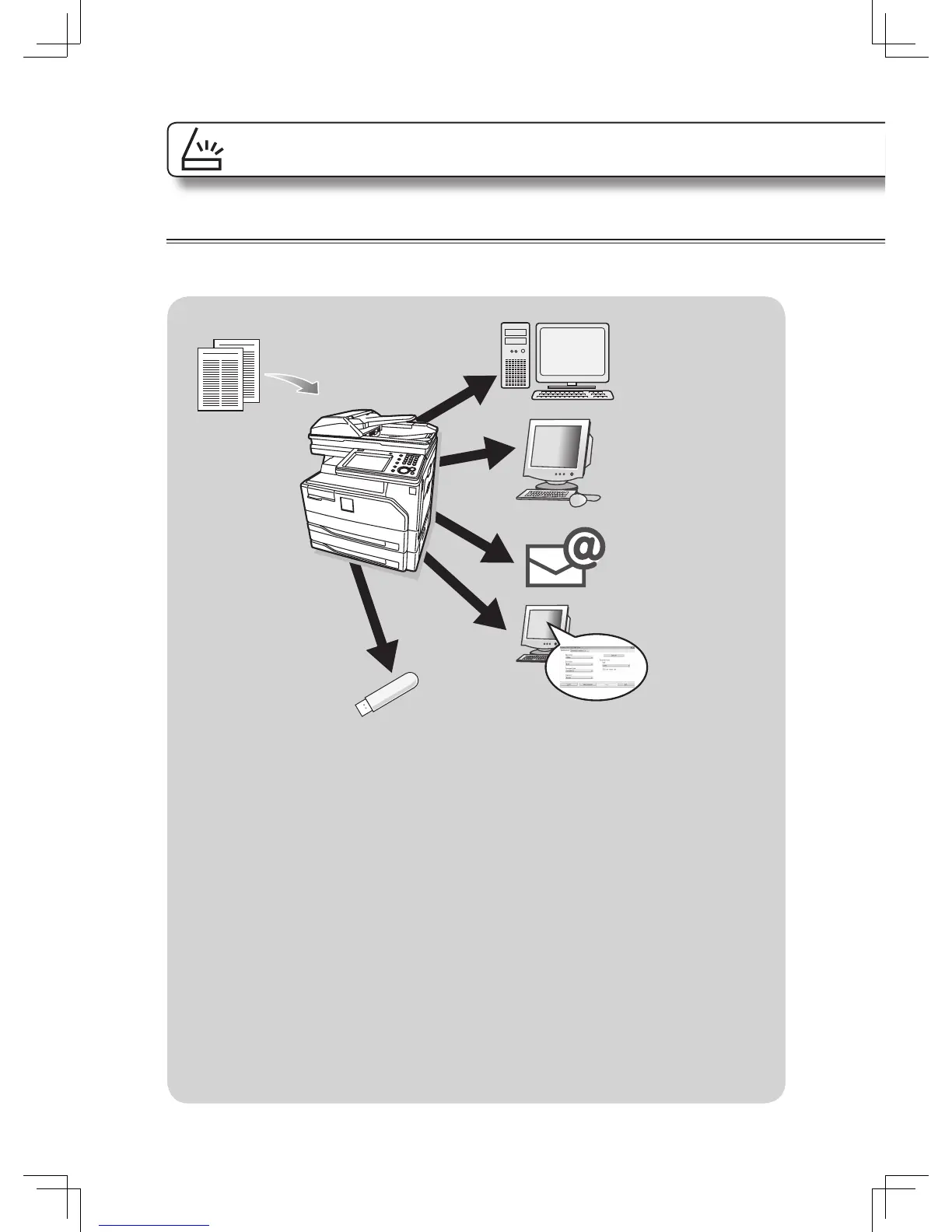
FTP server
e-mail
Prerequisite
To use the machine as a scanner the following requirements must be met:
• The machine must be connected to the network using a LAN cable or directly to a
computer using a USB cable
• The machine has been assigned an e-mail address (to use the “scan to e-mail”
function)
• Shared folders have been registered to the machine (to use the “scan to folder”
function)
• FTP server information has been registered to the machine (to use the “scan to
FTP” function)
• The TWAIN driver has been installed on the computer (to scan using the TWAIN
driver)
Scan








 To Next Page