58
How to read PDF manuals
The following manuals are included on the CD and can be viewed on your computer.
• Administrator’s Guide
• Copier Guide
• Scanner and Fax Guide
• Printer Guide
• Offi ceBridge Guide
1
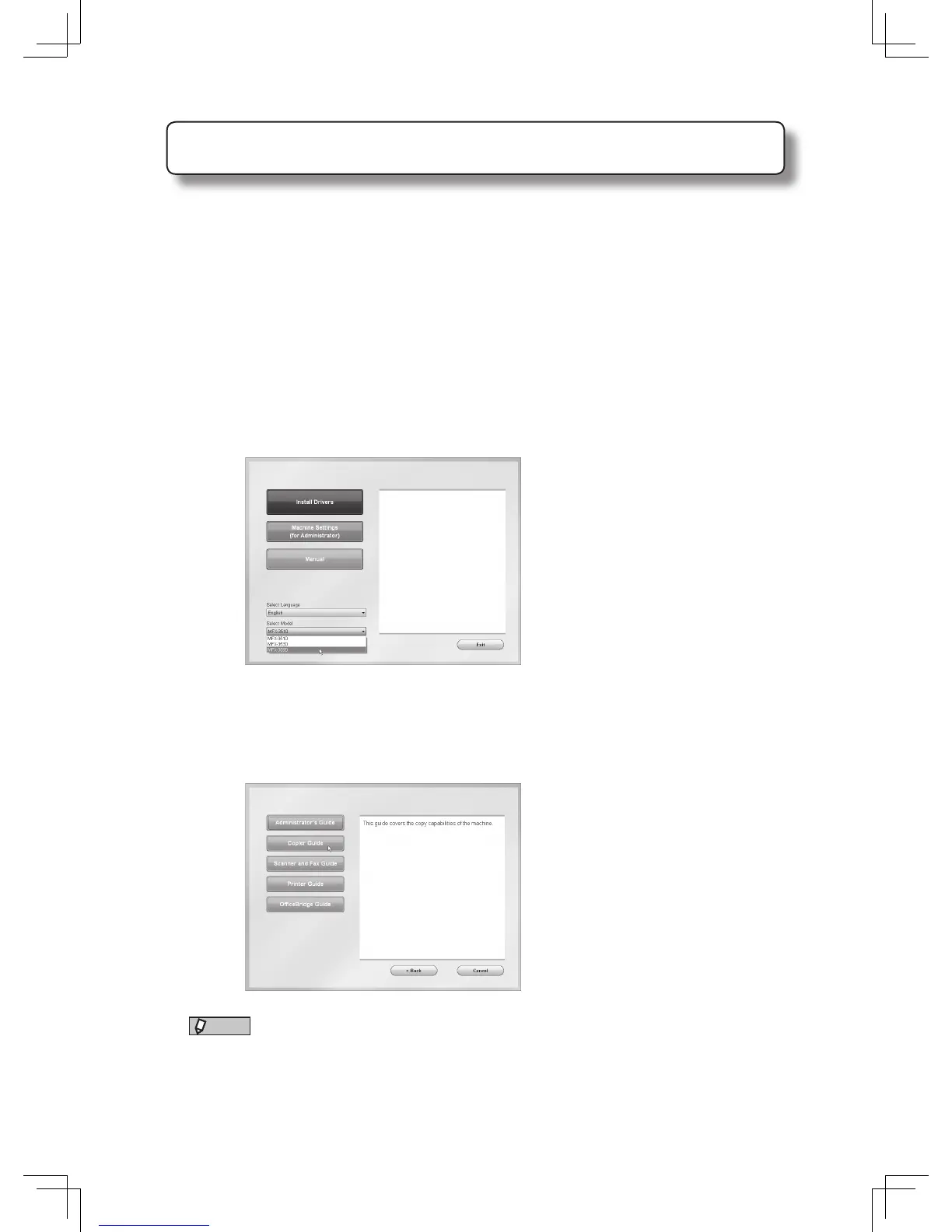
Insert the installation disk into the CD drive of the computer.
• The installer will start automatically.
• If the installation screen is not displayed, double-click the “InstMenu.exe” fi le on the disk.
• When the “User Account Control” screen is displayed, enter an administrator password or
provide confi rmation.
2
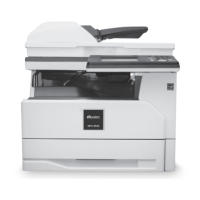
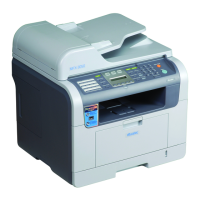
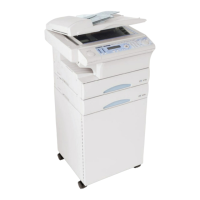
Select your machine model.
3
Click [Manual].
Select the language if needed.
4
Click on the manual you would like to view.
NOTE
In order to access or print PDF manuals your computer needs to have Adobe Acrobat
Reader installed. You can download it for free from the Adobe website - www.adobe.
com.








 To Next Page