32
Canceling a print job
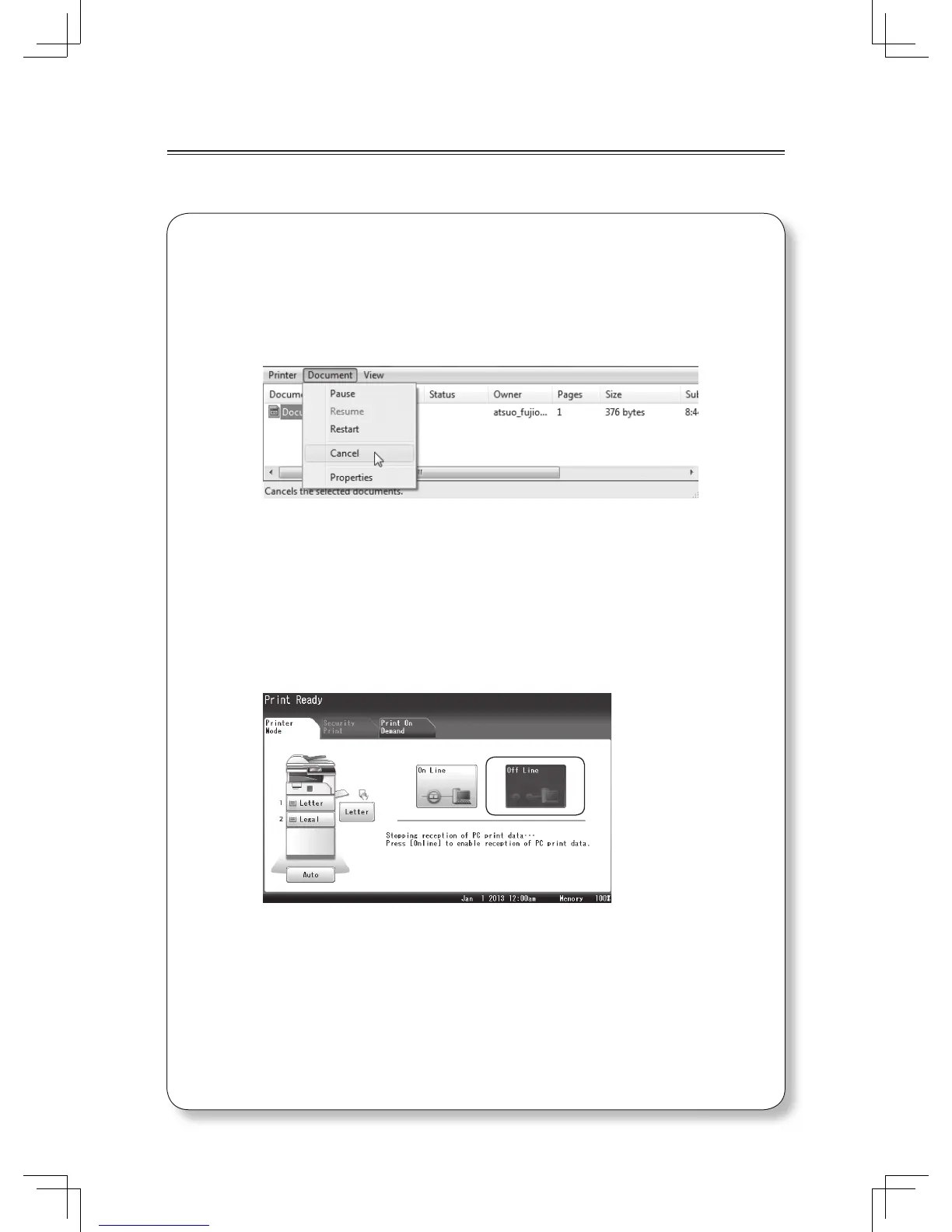
When canceling a print job, fi rst try to cancel it on the computer. If you cannot cancel
printing on the computer, cancel it on the machine.
Canceling printing on the computer
1
Double click the printer icon on the computer.
2
Right click on the print job you wish to cancel, and click
[Cancel].
Canceling printing on the machine
1
Press [Print] from the My MFP menu screen.
Or, press <Mode> repeatedly until the print ready screen is
displayed.
2
Press [Off Line].
3
Select the fi le to cancel.
4
Press [Yes].












 To Next Page