3
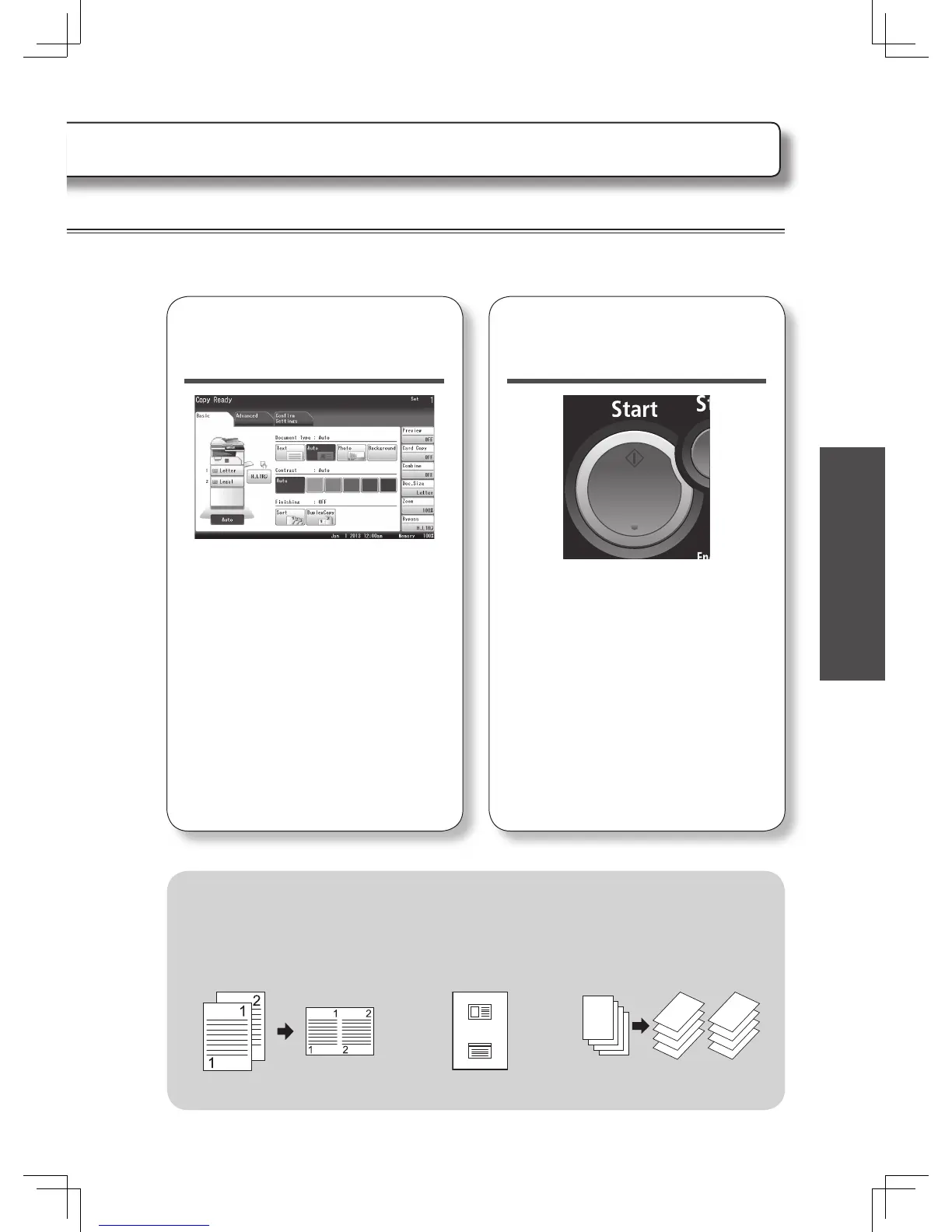
Change the settings
if needed.
• To make two or more copies enter the
desired number of copies using the
numeric keys.
• You can select Document Type and
Contrast on the screen.
• Press [Sort] or [DuplexCopy]
and change the settings, or press
[Advanced] to set other advanced
settings.
4
Press <Start>.
Press <Stop> to stop the copy job.
Advanced settings
Here are a few examples of useful copy settings.
See the Copier Guide for more information.
• Combined copy
• Card copy •Sorting
4
3
2
1
3
4
1
2
3
4
1
2








 To Next Page