1
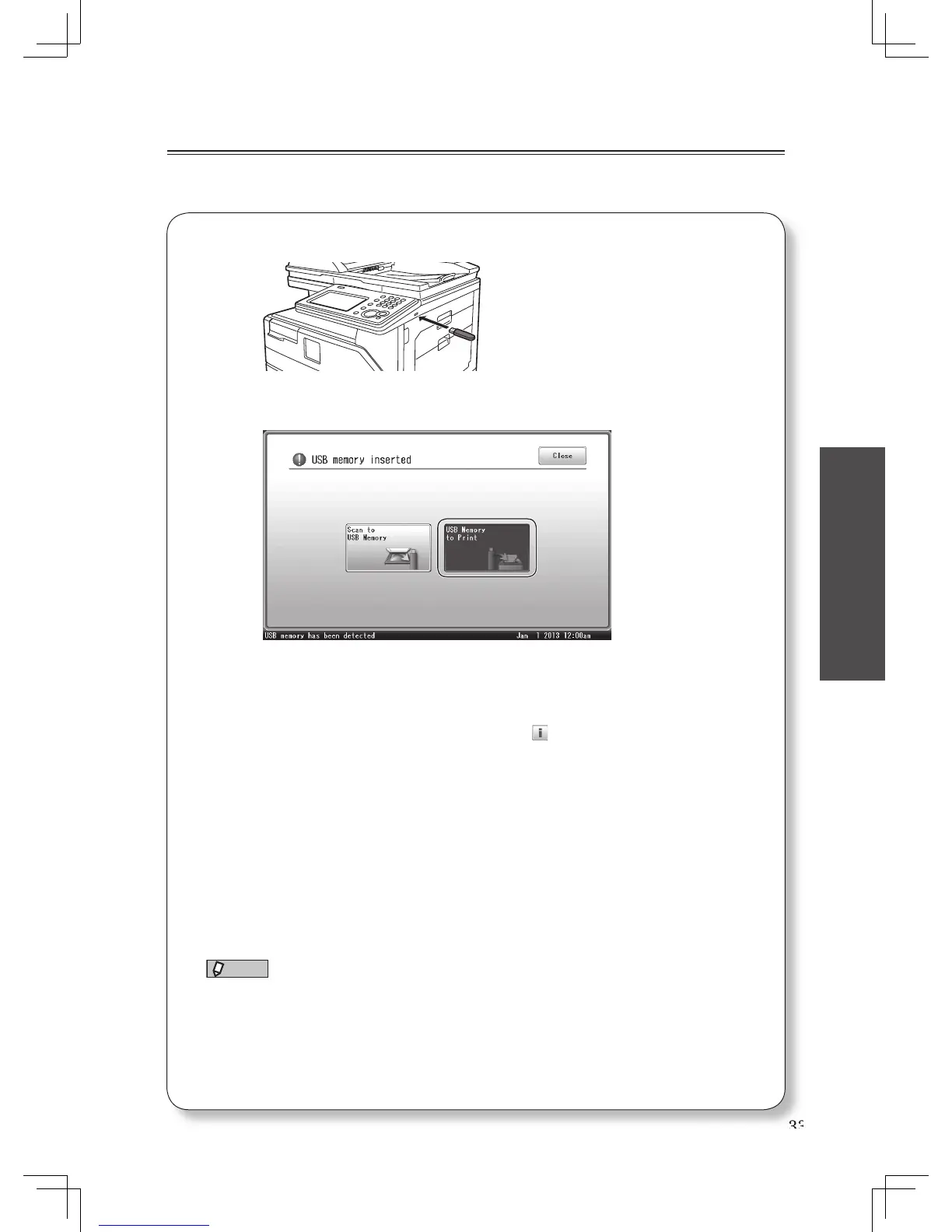
Connect the USB memory device to the machine.
2
Select [USB Memory to Print].
3
Press [Browse].
• Press [Root] to return to the list of root folders.
• Press [Back] to go one screen back.
• To review the document properties, press the
icon located next to the fi le name.
4
Select the fi le to print, and press [Enter].
You cannot select multiple fi les at the same time.
5
Press [Print] or <Start>.
You can set the number of sets, paper source, sorting or enter the PDF password on the
screen. For details, see chapter 4, “Printing documents saved in USB memory” in the
Printer Guide.
6
When printing is fi nished, disconnect the USB memory
device.
NOTE
For details on printable documents, see chapter 4, “Printing documents saved in
USB memory” in the Printer Guide.












 To Next Page