Using Offi ceBridge
Accessing Offi ceBridge
When the machine is connected to the network, you can operate it using the web browser
on your computer.
See the Offi ceBridge Guide for more information.
3
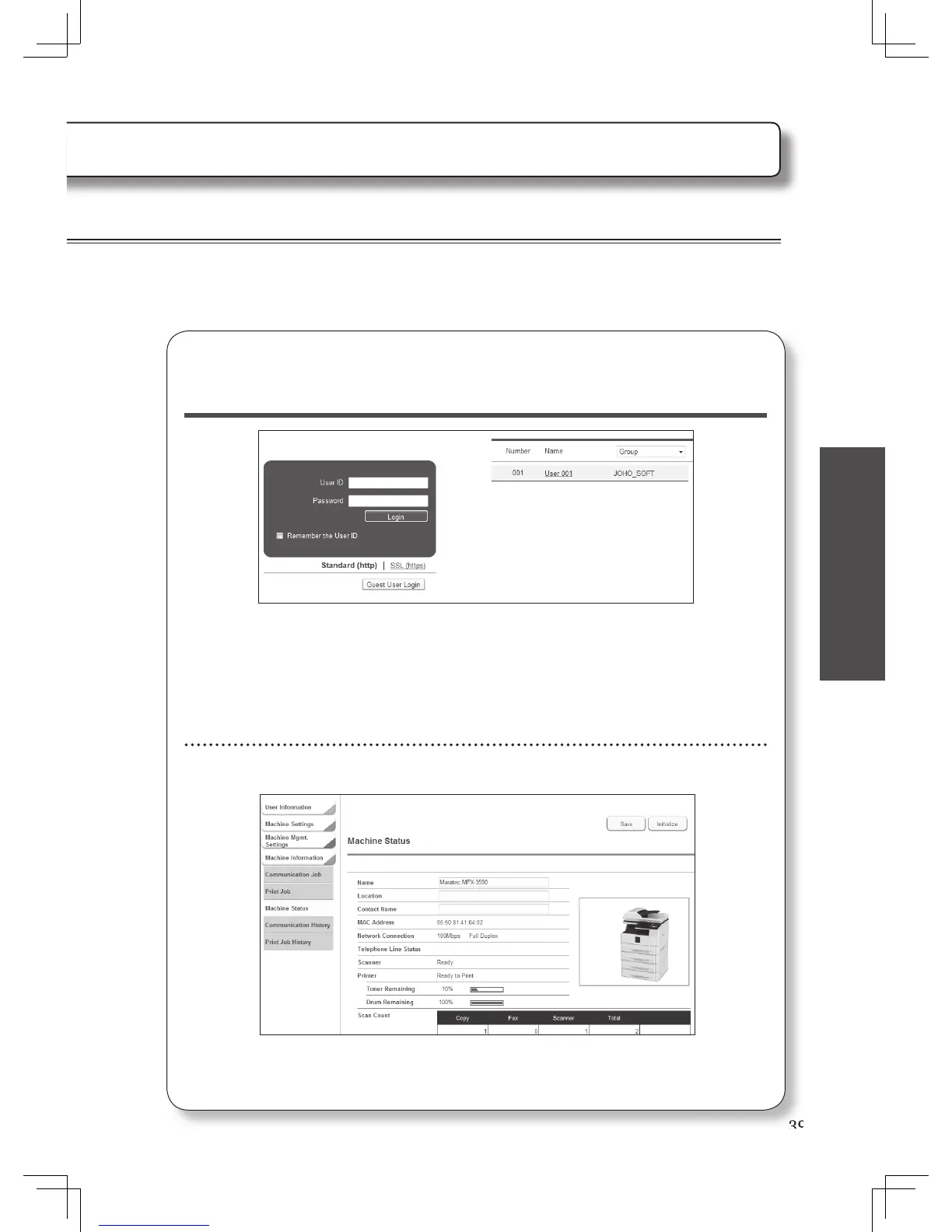
Enter the user ID, and password and click [Login].
• If a user has not been registered, this step is not necessary.
• To access Offi ceBridge as a guest, click [Guest User Login].
• To log in using SSL, click [SSL(https)] and then enter the user ID and password.
• When the user list is displayed on the right, you can enter the user ID by selecting your
user name on the list.
Now you can access the machine using Offi ceBridge.












 To Next Page