26
4
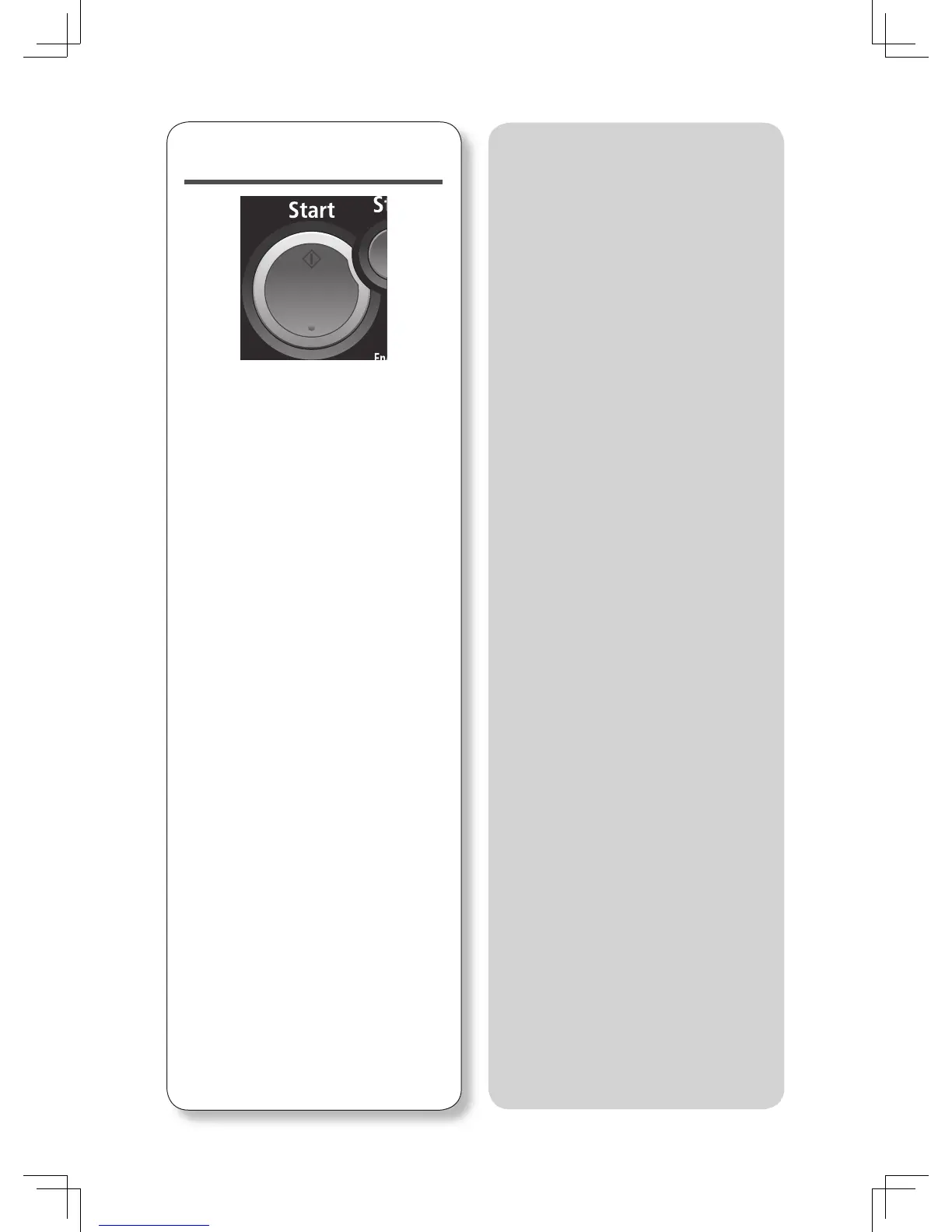
Press <Start>.
• This step is not necessary when you
have selected the destination from
the address book.
• If the document was set on the
document glass, “Set next document.”
will be displayed once the scan has
been completed. Press [Tx Start] to
complete the operation, or set the
next document on the document glass
and press [Next Doc].
How to select multiple
destinations...
To select multiple destinations in the
address book, set “Broadcast” to ON
before specifying the destinations.
To specify destinations using the
numeric keys, the “Broadcast” setting
will be turned ON automatically once
you enter a destination.
How to confi rm destinations...
If you have selected multiple
destinations, you can confi rm the
destinations in the “Location” column.
When you press [Location], you can
select and delete destinations.
How to receive a fax...
As a default setting your machine will
automatically receive faxes.








 To Next Page