36 Pausing/Restarting printing
Pausing/Restarting printing
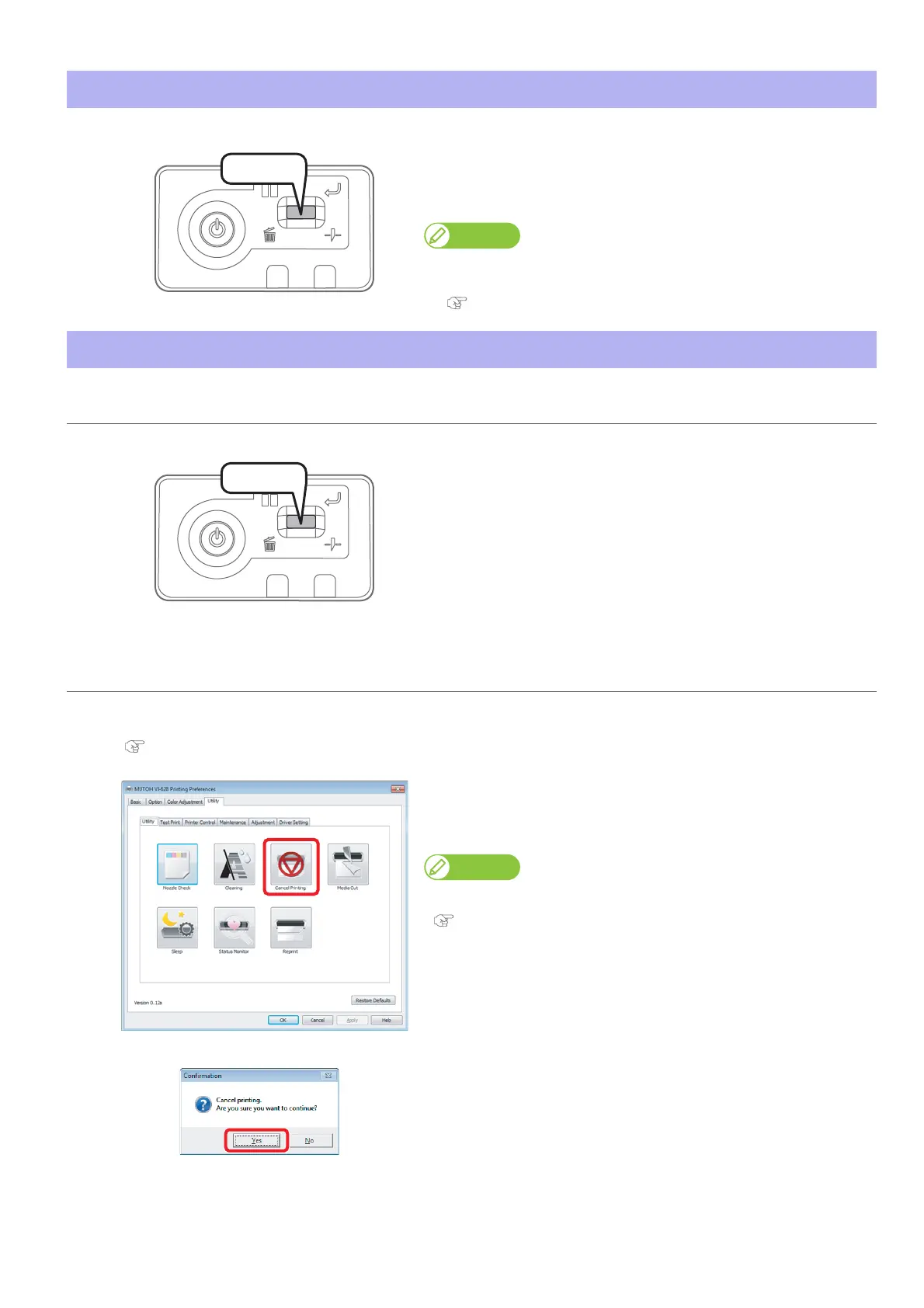
During printing, short press the operation key on the operation panel.
• The printing pauses.
• Press the operation key again to restart the printing.
Note
• In this operation, printing data sent to the product are not deleted.
• Please see the followings when canceling printing and deleting data.
"Canceling printing" on page 36
Canceling printing
Canceling printing from the operation panel
Press and hold the operation key on the operation panel for 2 seconds
or more during printing.
• The printing is canceled (it cannot be restarted).
• The printing data sent to the product are deleted.
Canceling printing from printer driver/MSM
[1]
Display the Printing Preferences screen of printer driver during printing.
"Displaying the Printing Preferences screen of printer driver" on page 10
[2]
Click [Cancel Printing] in the [Utility] tab under the [Utility] tab.
• The remote panel of MSM launches.
• The [Confirmation] window opens.
MSM can be launched directly.
"Launching MSM" on page 11
[3]
Click [Yes].
• The printing is canceled.
Press!
Press!















 To Next Page