54 When cartridge is nearly out of ink
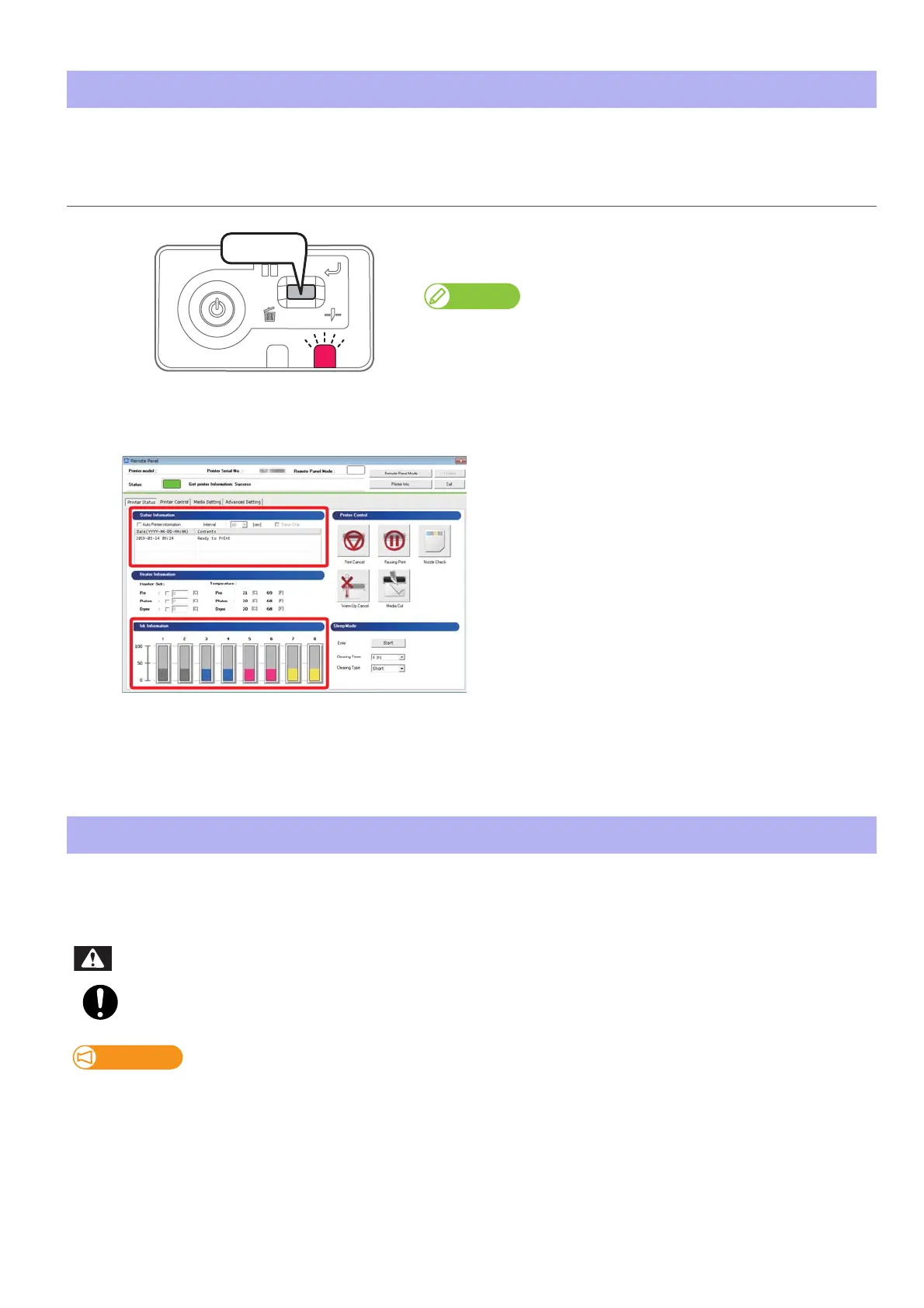
When the ink level becomes low, the error LED on the operation panel flashes with beep sounds.
When a cartridge is out of ink, the error LED on the operation panel flashes with beep sounds.
The printer pauses printing. After replacing with the new ink cartridge, it resume printing.
When cartridge is nearly out of ink
Procedure
[1]
Short press the operation key on the operation panel.
•The buzzer stops.
Note
Sleep mode continues after stopping the buzzer.
[2]
Check the ink cartridge that needs to be replaced.
• Check [Status Information] also.
[3]
Prepare an ink cartridge to replace.
Replacing ink cartridge
Leave ink cartridges away from fire or high temperature objects.
It may cause fire.
Important!
• Do not replace ink cartridge when the power of this product is OFF.
Ink level cannot be detected correctly.
• If ink cartridge is moved from cold to warm place, leave it at least three hours.
WARNING















 To Next Page