Correcting paper feed 27
For the following cases, please conduct this adjustment.
• Using this product for the first time.
• Changing a media type.
For any other cases, please proceed to "Nozzle check and cleaning" on page 32.
A ruler is used for this adjustment. Please prepare a commercially available ruler.
Correcting paper feed
When the following defects are found in print results, they may improve by conducting a paper feed correction.
• Images are overlapping.
• There are white lines in images.
Paper feed correction steps
1. Initial adjustment
[1]
Display the Printing Preferences screen of printer driver.
"Displaying the Printing Preferences screen of printer driver" on page 10
[2]
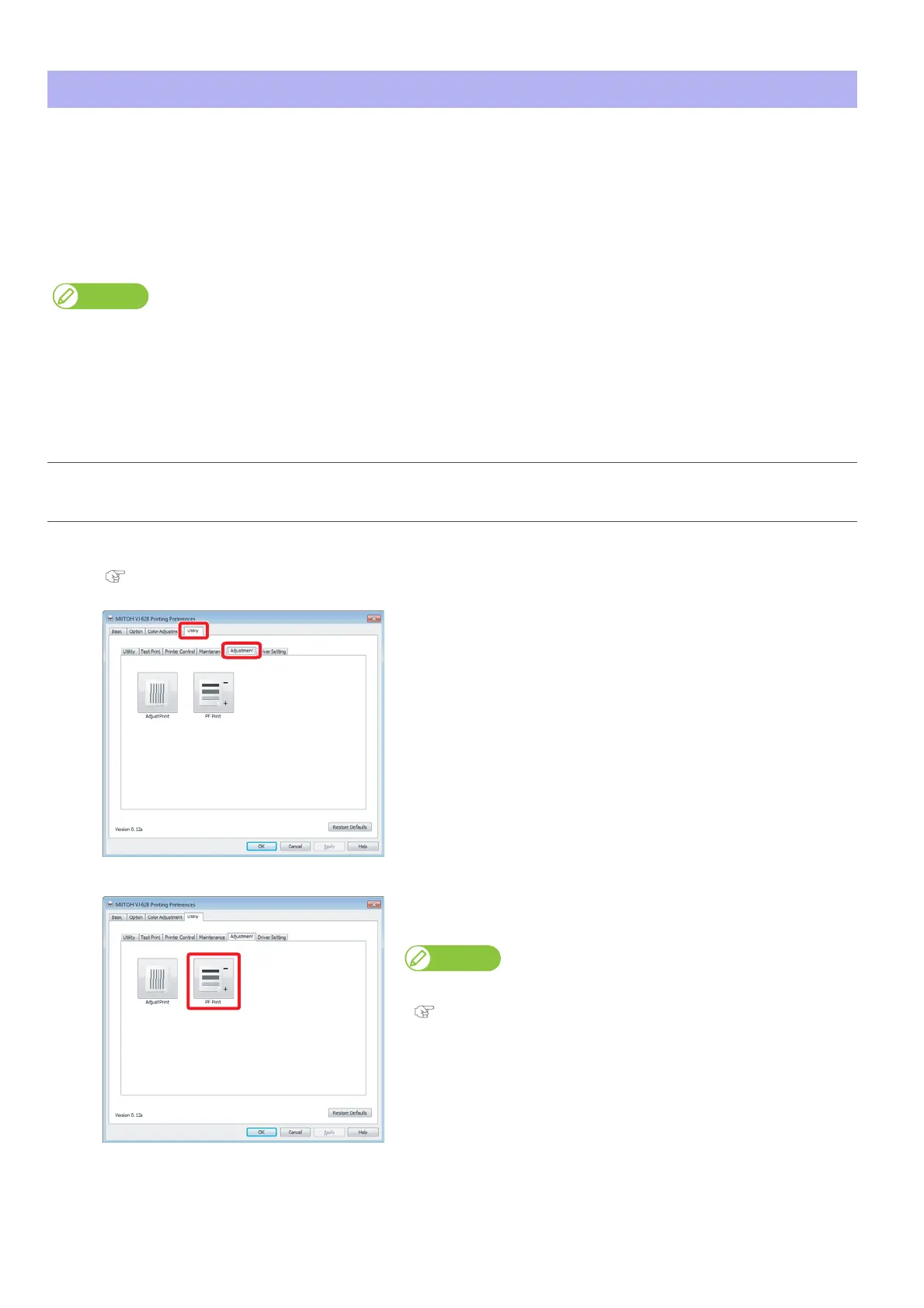
Click the [Adjustment] tab under the [Utility] tab.
[3]
Click [PF Print].
• The remote panel of MSM launches.
MSM can be launched directly.
"Launching MSM" on page 11















 To Next Page