Setting auto cut 45
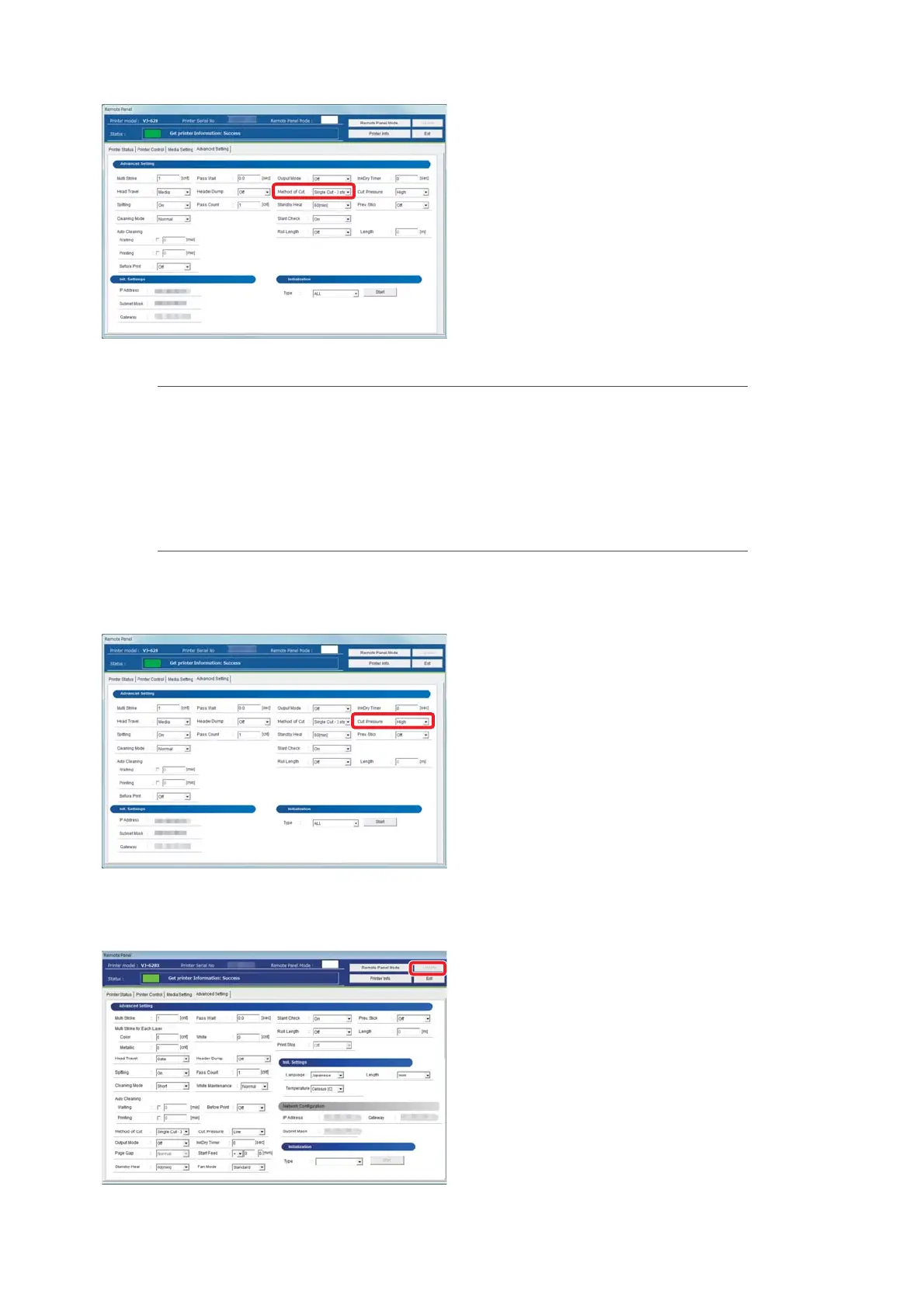
There are following modes in the [Method of Cut] menu.
[4]
Select a cut method from the [Method of Cut] menu.
Single Cut - 2 steps Cut with fewer steps than “Single Cut - 3 steps”.
Suitable for media with narrow width.
Single Cut - 3 steps By default, this cut method is used.
Double Cut - 2 steps Set when unable to cut with “Single Cut - 2 steps”.
Suitable for media with narrow width.
Double Cut - 3 steps Set when unable to cut with “Single Cut - 3 steps”.
[5]
Select [High] or [Low] for cut strength in the [Cut Pressure] menu.
•[Low] is used for thin media.
[6]
Click [Update].
• The setting is reflected on the product.















 To Next Page