Head cleaning 59
[3]
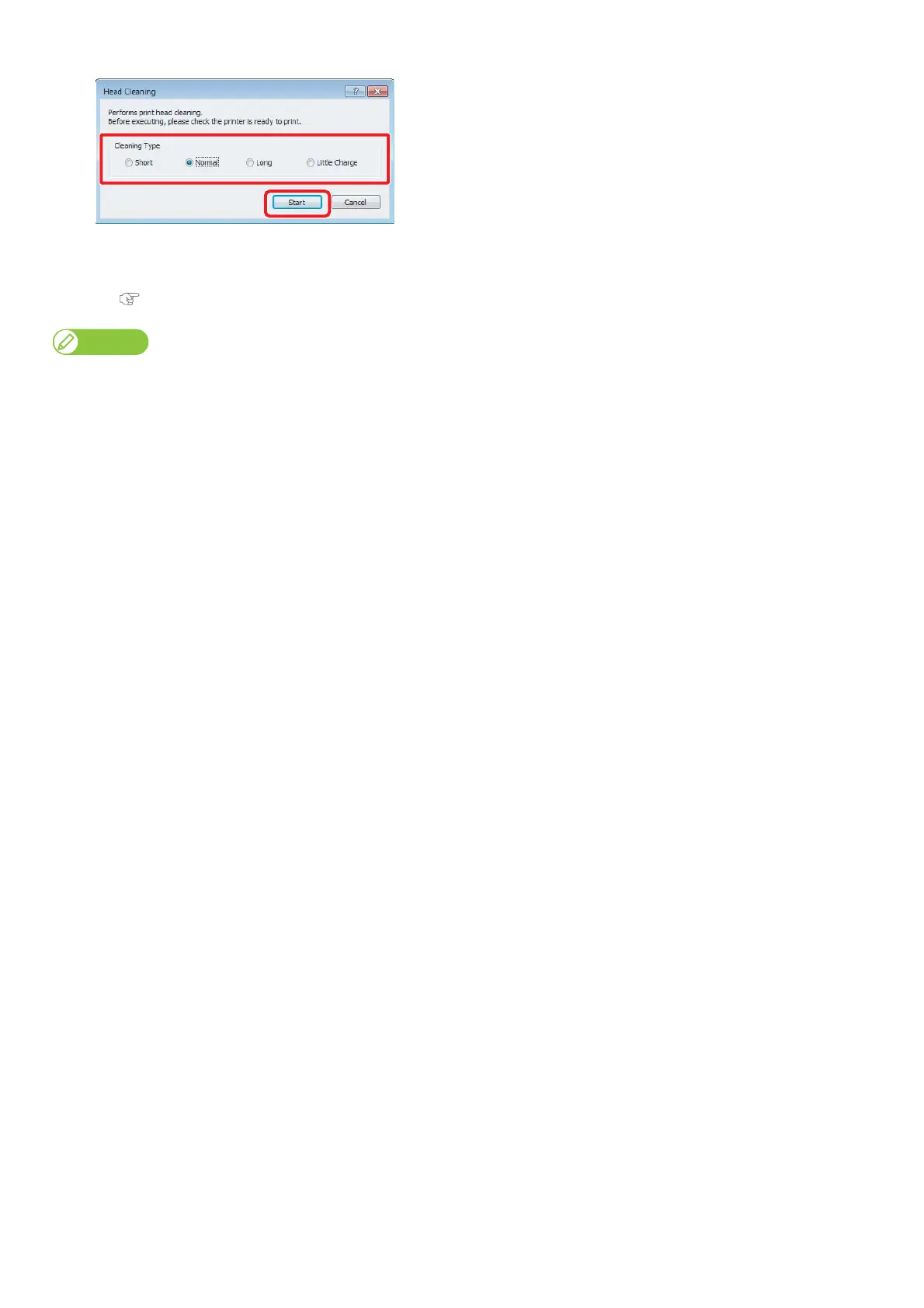
Select a mode of cleaning and click [Start].
• Cleaning starts.
[4]
Conduct Nozzle Check.
• If nozzle clogging still remains, repeat cleaning and nozzle check.
"Steps for head cleaning" on page 58
• When nozzle clogging remains even after repeating normal cleaning several times, conduct Long cleaning.
• When nozzle clogging remains even after repeating Long cleaning several times, conduct
"Cleaning of cleaning wiper" on page 60
or
"Cleaning of print head circumference" on page 62.
• Yet, when nozzle clogging remains, conduct “Little Charge”.















 To Next Page